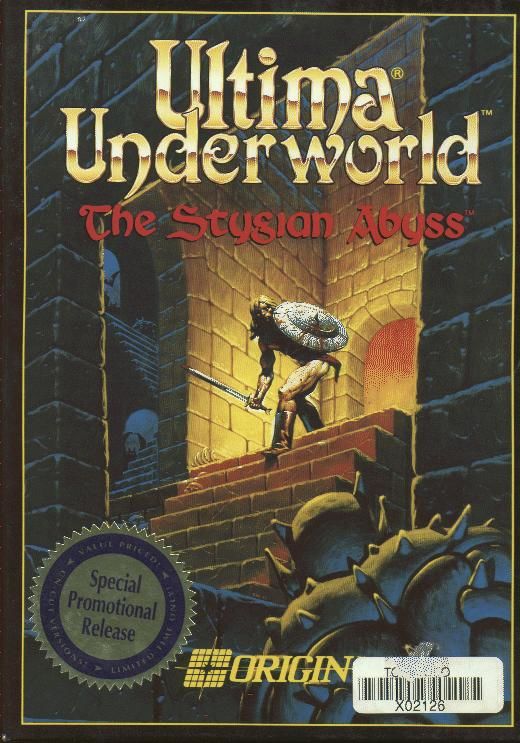
 Ultima Underworld: The Stygian Abyss
Released: March 1992
Published by: Origin Systems
Developed by: Blue Sky Productions
Author(s): Paul Neurath, Richard Garriott, Jonathan Arnold, Doug Church, John Maiara, Dan Schmidt, Carlos Smith, John Miles (Miles Sound System), Carol Angell, Douglas Wike, David Govett, George Alistair Sanger, Randy Buck

Introduction
Ultima Underworld: The Stygian Abyss is a fantasy role playing game released in 1992 by Origin Systems, Inc. The game is set after Ultima VI, in the world of Britannia, with our hero Avatar being sent into a great cave system known as The Stygian Abyss to find Baron Almric's daughter, Ariel, who has been taken by the wizard Tyball, into the Abyss.
Game intro (Sound Blaster audio)
Ultima Underworld is considered by many to be one of the very first truly 3D games, and certainly the first 3D role playing game.
The game was released in 1992 only in the US, and followed in Europe in 1993.
System Requirements
| System Requirements | 386 or 486 CPU, 2 MB of RAM (EMS) Graphics support: VGA only (320 x 200 resolution) Audio support: PC speaker, Ad Lib, Sound Blaster, Sound Blaster Pro, Roland MT-32/LAPC-I Peripheral support: |
|---|---|
| Original Media | Four 3.5" DS/HD 1.44 MB floppy diskettes or five 5.25" DS/HD 1.2 MB floppy diskettes |
| Installed Size (MB) | 13 MB (with animated cut scenes) or 10 MB (with static cut scenes) |
From where can it be run?
The game must be installed to your hard disk.
Copy Protection
Ultima Underworld: The Sygian Abyss has no copy protection.
How to Setup
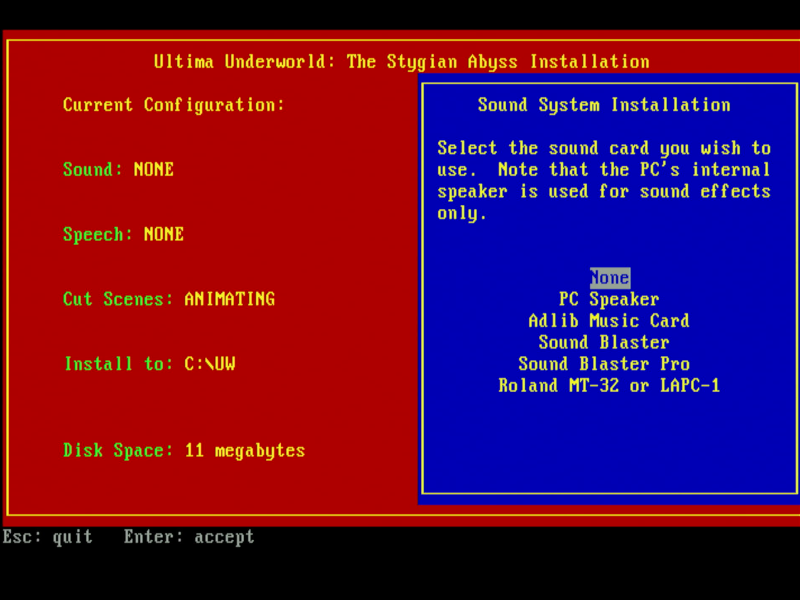
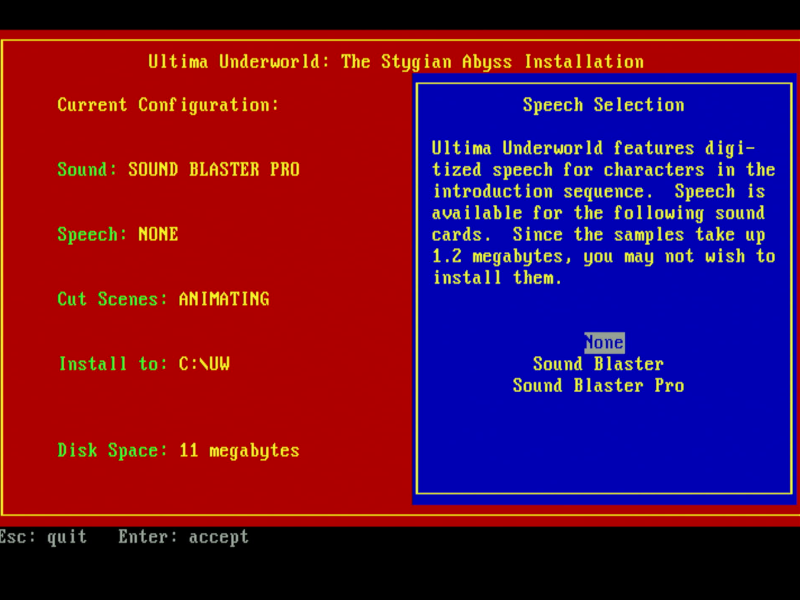
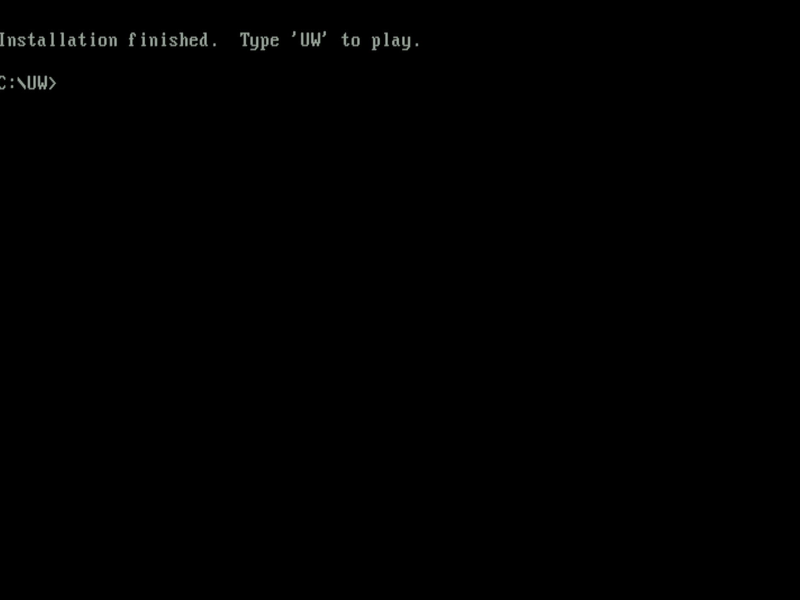
To install the game, insert disk 1 and run INSTALL.EXE.
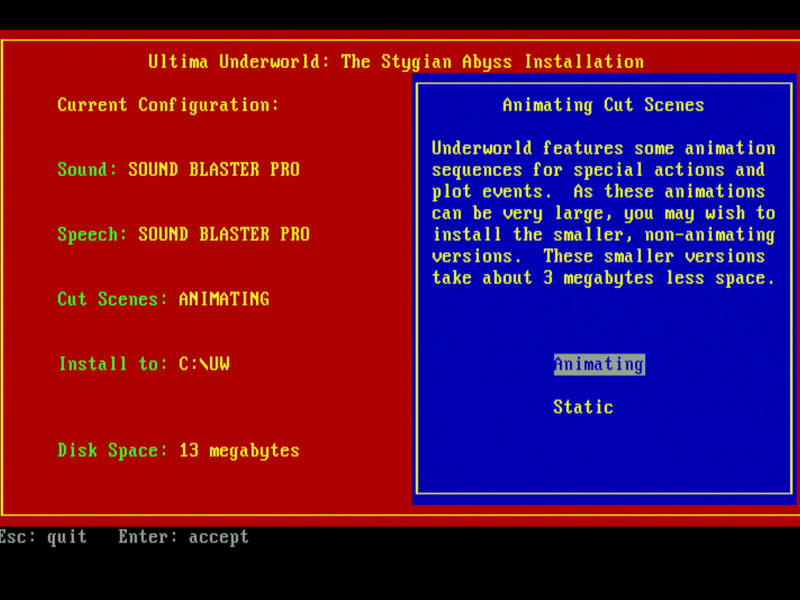
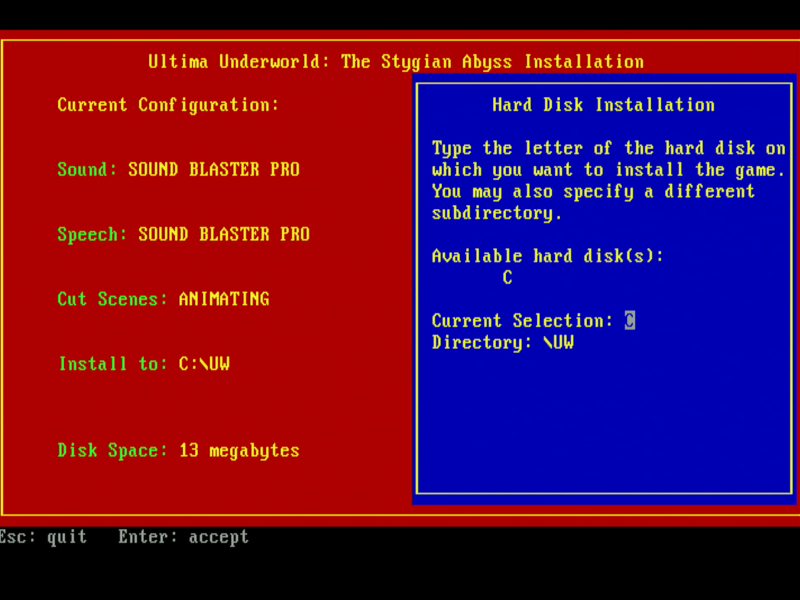
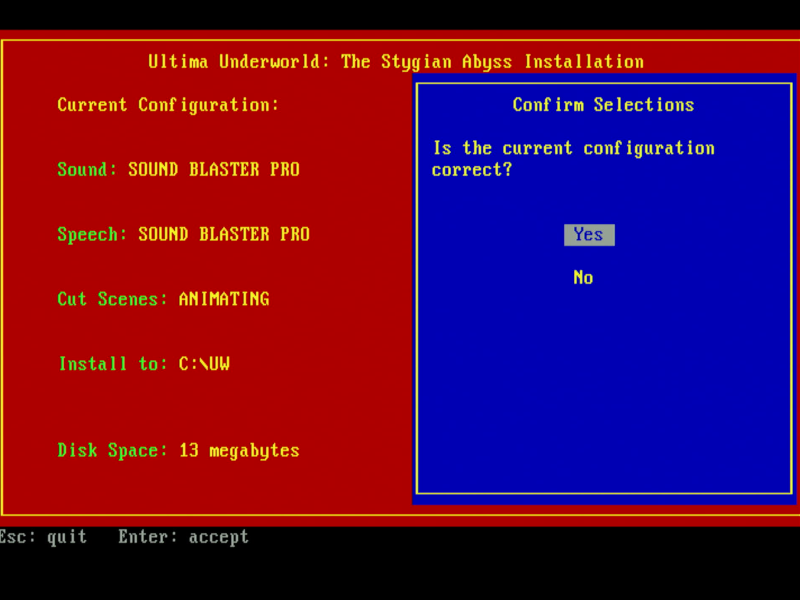
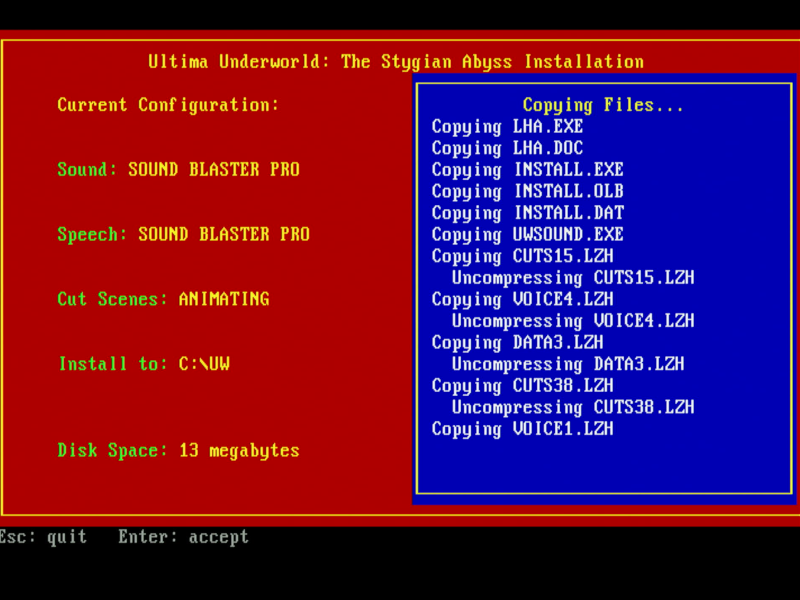
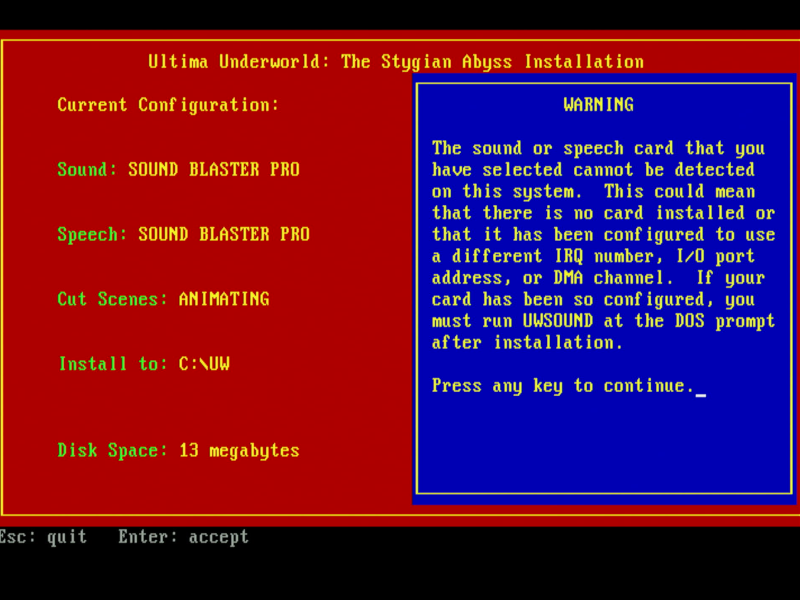
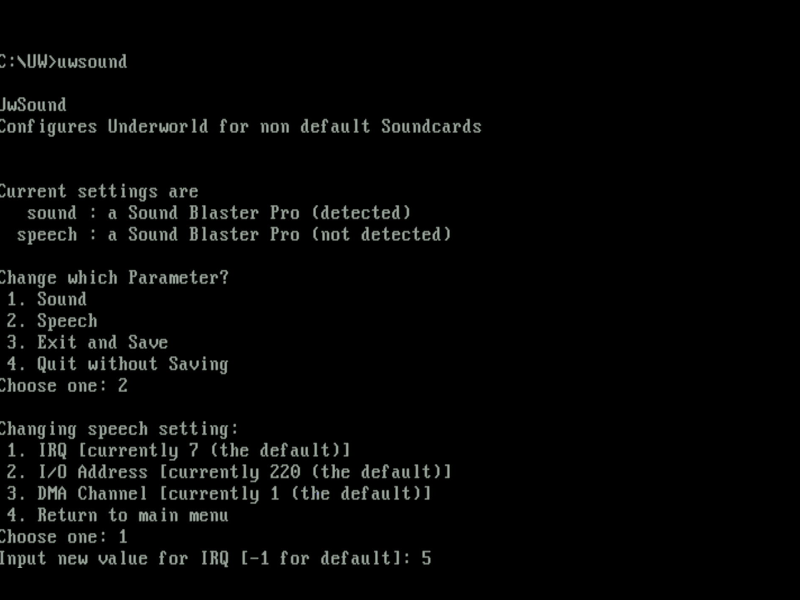
Running UWSOUND.EXE allows you to configure the base address, IRQ and DMA channel for your sound card:
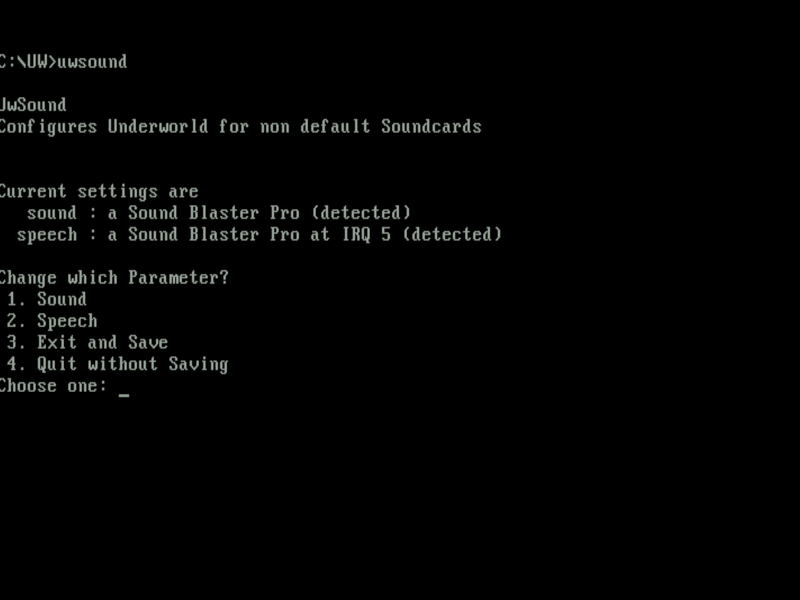
Any "(not detected)" is likely due to incorrect configuration. Be sure the IRQ and DMA channel are set here as per your sound card. Once you return to the main menu with the correct settings, both sound and speech should read "(detected)":
Run the game with UW.EXE, or to choose a different sound source run INSTALL.EXE again.
Problems
Symptom: I'm getting speech during the intro but no music.
Cause: Your sound configuration is incorrect, or you don't have sufficient base memory available (do you see a very brief message as the game first starts saying 'Sound system initialization failed' ? This implies the Miles Sound System couldn't start, most likely due to lack of conventional memory). The only message you should see is 'EMS allocated' before the game enters the graphics mode when first run.
Resolution: Check your settings by running UWSOUND.EXE and be sure the base address, IRQ and DMA channel match your sound card's setup. If that all appears correct, make sure you have 600 KB or more of conventional (base) memory free (run mem /c /p to check). The game uses EMS memory so also check you have 2 MB of EMS configured.
Symptom: The speech is far too loud compared to the music.
Resolution: Run your sound card's mixer utility, e.g. MIXERSET on later Sound Blaster cards, and lower 'Voice' to 40-50%.
Controls
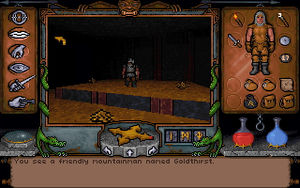
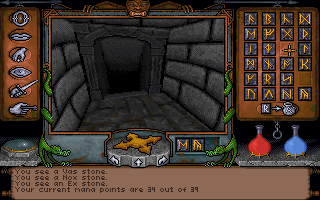
Navigate using the mouse to move the pointer. When your cursor is inside the view window, the arrow shows the direction in which you move if you press and hold down the left mouse button. The speed at which you move depends on how far the cursor is from the centre. If it changes to a cross you won't move at all.
The icons in the game are:
- Lips - talk
- Hand Grasping - get an object
- Eye - look
- Sword - toggle fight mode
- Hand holding key - use
There are also shortcuts to certain actions using the function keys.
To Quit the Game
Hit ESC to return to the main menu, then press ALT-X to return to the DOS prompt.
Supporting Documents
- Player's Guide (user manual)
- Fold-out map
- Reference Card
- Bag of runes
Additional Files, Drivers & Utilities
- General MIDI Patch - General MIDI patch for Ultima Underworld by SkyGracer aka Panzer Dragon (UDIC). Replaces the existing music files for Ultima Underworld with optimised GM files.
Save Games
Press 'O' while in the game to bring up the Options menu, then choose 'Save Game'.
There are four save game slots, and you can save at any time during gameplay. In the 'saves' directory there is a 'save0' but this is a temporary save slot used by the game and is not available for you to use in the game.
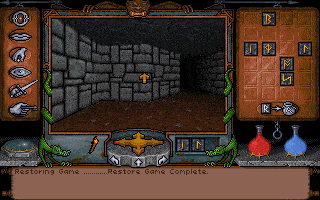
To restore a previously saved game you can either choose 'Journey Onward' from the main menu, or from within an existing game, press 'O' for options followed by 'Load Game' and choose the save slot to load.
When you die you will respawn at the location of the silver sapling. Be sure to pick up the seed very early on in the game and then replant it at frequent intervals as you progress so you respawn closer to where you died.
Versions of the game known to exist
To get the version currently running, while in a game, press ALT-F7. The version number will be shown in your message scroll.
| Version | Date | Comments |
|---|---|---|
| Demo | Early 1992 | Single floppy diskette. |
| F1.50S | Mar 1992 | Initial public release and the version found on the CD-ROM Collection version. |
| Patch vF1.87S | Sep 1993 | Official patch from Origin Systems. Update to UW.EXE. |
| Patch vF1.94S | ? | Version found on the CD-ROM Classics (gold box) version. |
Original Floppy Disk Contents
The floppy disks have a volume label of "UNDERWORLD1", "UNDERWORLD2", "UNDERWORLD3", etc. Here are each disk's contents:
Disk 1 of 5 (5.25" DS/HD (1.2 MB) floppy):
Directory of A:\ LHA EXE 34,283 07-20-91 2:13a |
|
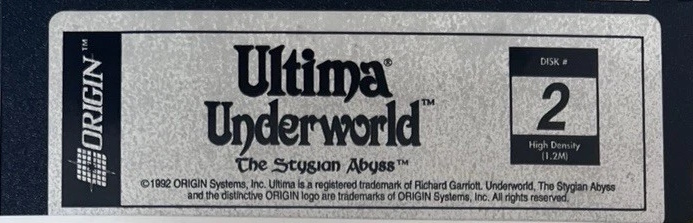
Disk 2 of 5 (5.25" DS/HD (1.2 MB) floppy):
Directory of A:\ |
 |
Disk 3 of 5 (5.25" DS/HD (1.2 MB) floppy):
Directory of A:\ CUTS37 LZH 222,401 03-09-92 8:51p |
 |
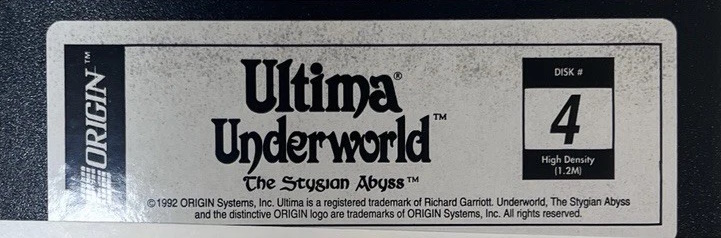
Disk 4 of 5 (5.25" DS/HD (1.2 MB) floppy):
Directory of A:\ SOUND1 LZH 104,794 03-09-92 8:54p |
 |
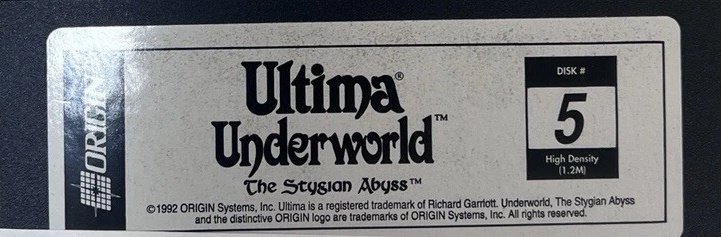
Disk 5 of 5 (5.25" DS/HD (1.2 MB) floppy):
Directory of A:\ CUTS11 LZH 51,766 03-09-92 8:49p |
 |
Installed Directory Contents
Once installed, the following directory structure exists in the game directory:
(Install with animated cutscenes chosen)
Directory of C:\UW |
Directory of D:\UW\DATA |