Let's Explore: Norton Utilities v7.00 - Part 3
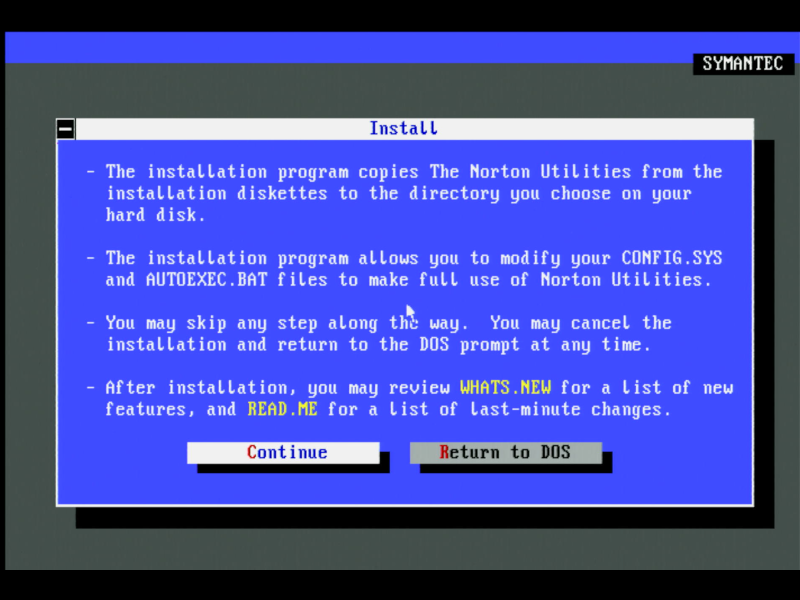
In Part 2 we installed the software and ran through all the Recovery tools included in Norton Utilities. In this part 3, we'll continue by checking out both the Security and Speed utilities.
Security Utilities
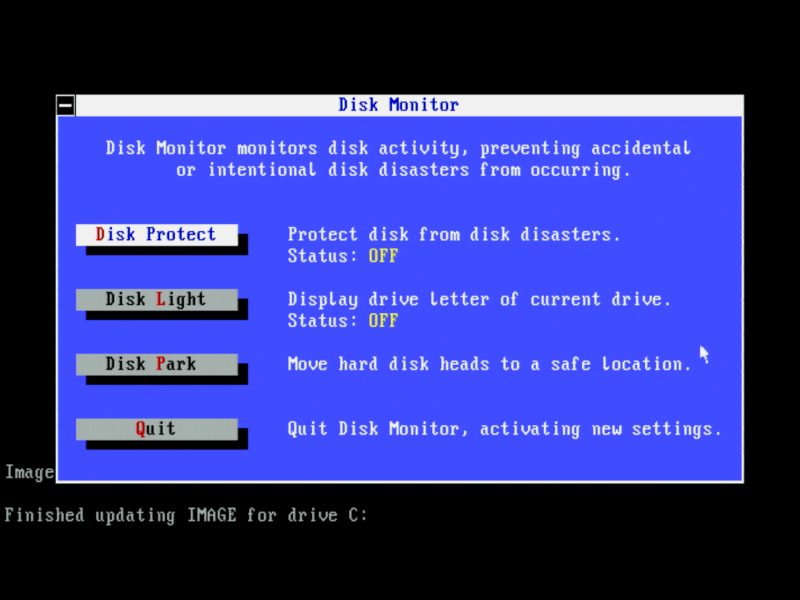
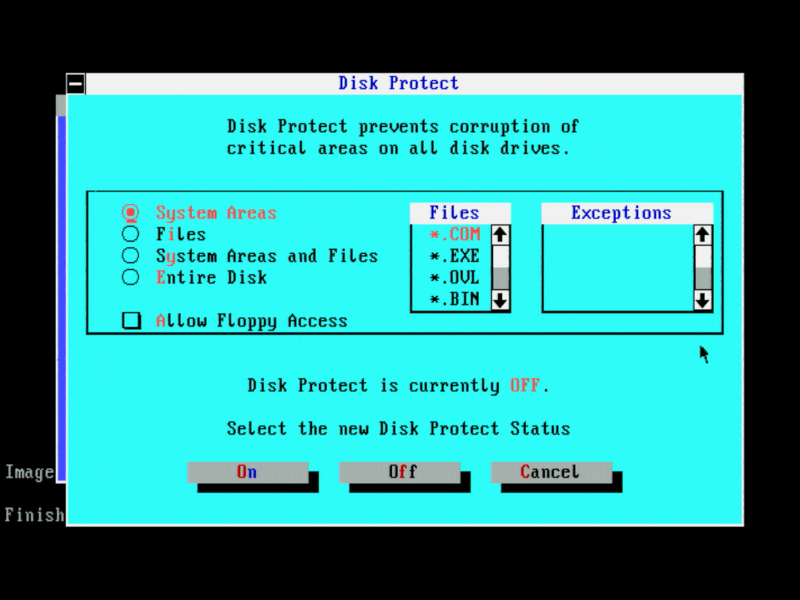
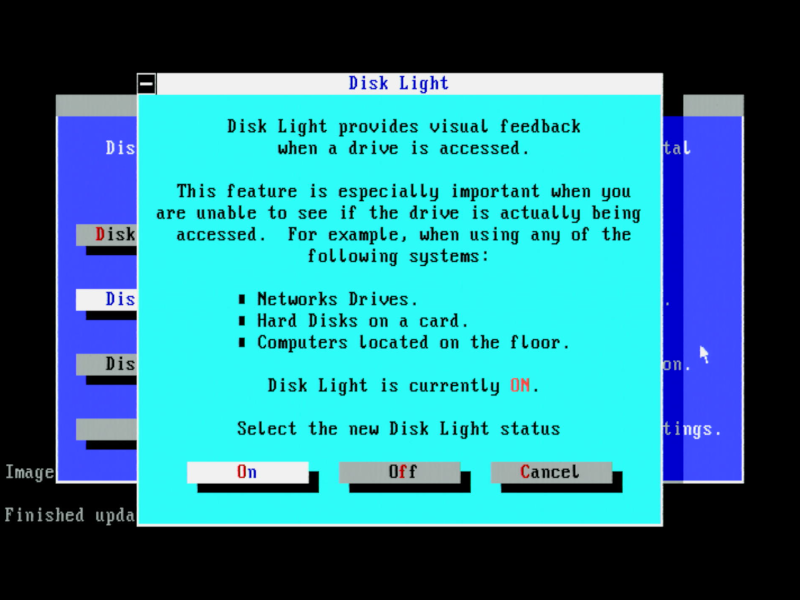
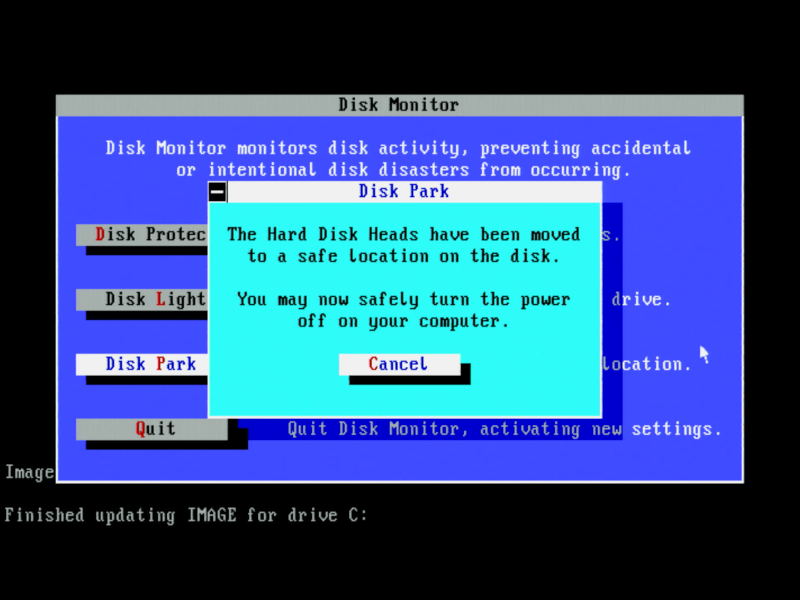
There are three utilities in the category of security: Disk Monitor, Diskreet, and WipeInfo. Disk Monitor has three uses: (1) to protect areas of a disk from being written to, (2) to see when disk accesses are occurring, and (3) park the hard drive heads.
Diskreet encrypts and password-protects files or entire drives. If you wish to encrypt an entire drive, Norton calls these "NDisks" - it creates a virtual drive that holds all these encrypted files. Note: A device driver (DISKREET.SYS) must be loaded on startup before the drive's contents can be seen.
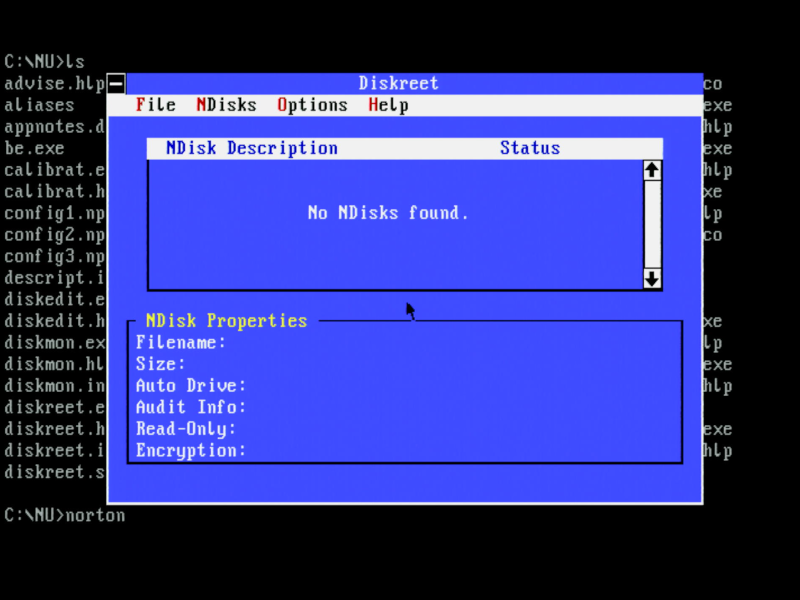
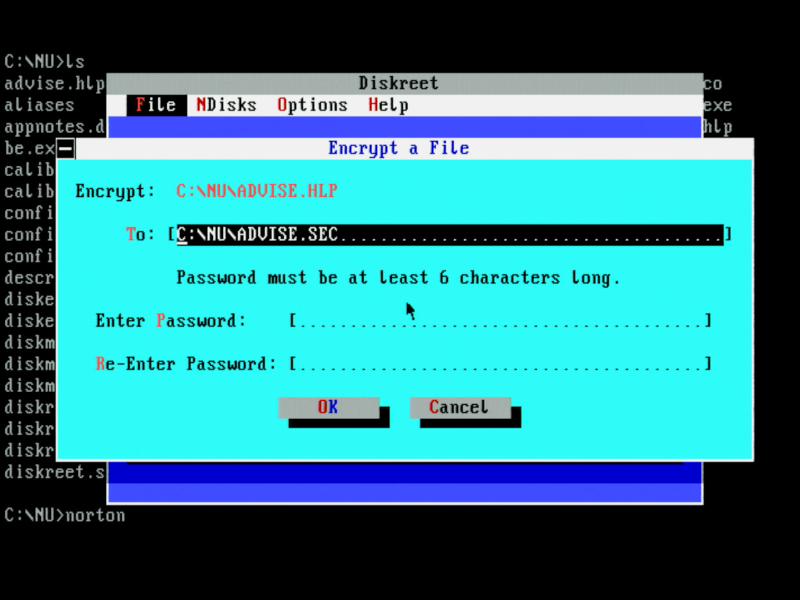
Norton Diskreet
Finally, WipeInfo protects confidential information by wiping files or entire drives. As I mentioned earlier, deleting a file doesn't actually remove its data from the disk surface. WipeInfo will do a number of write passes over the locations specified to ensure that data is 100% gone and not recoverable.
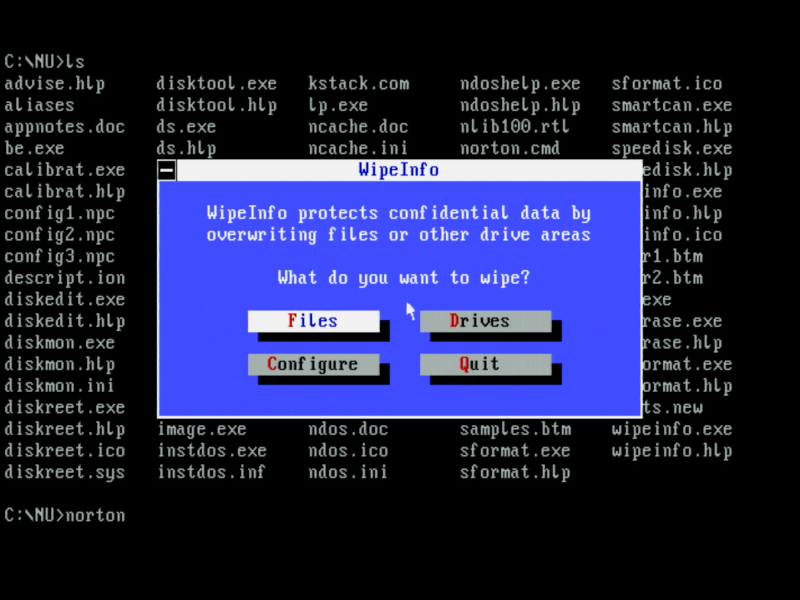
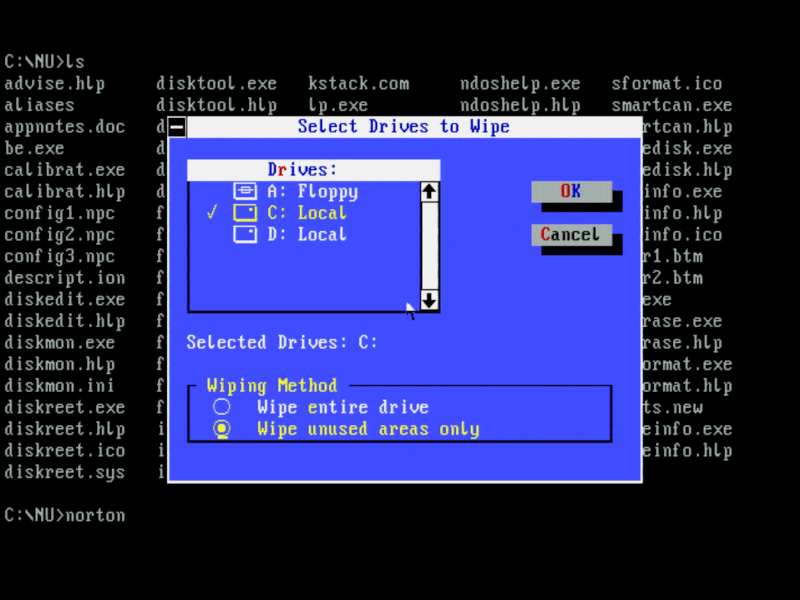
Speed Utilities
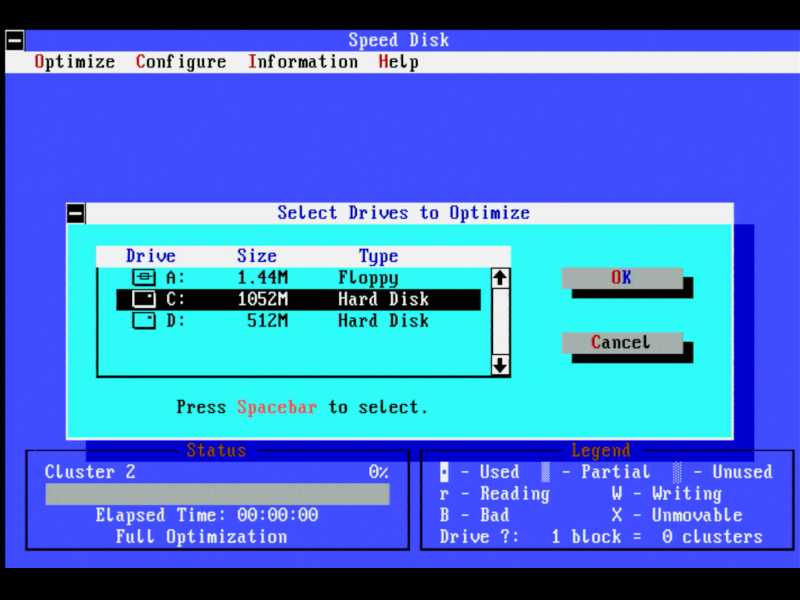
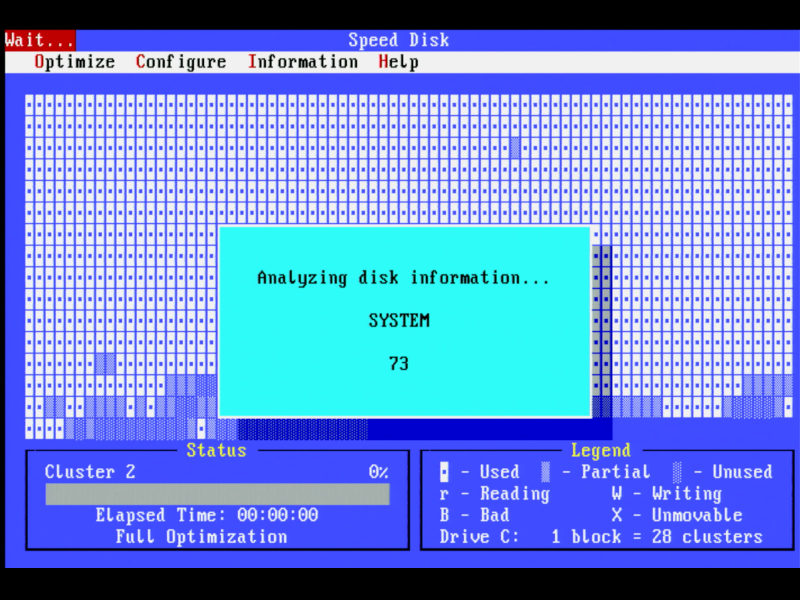
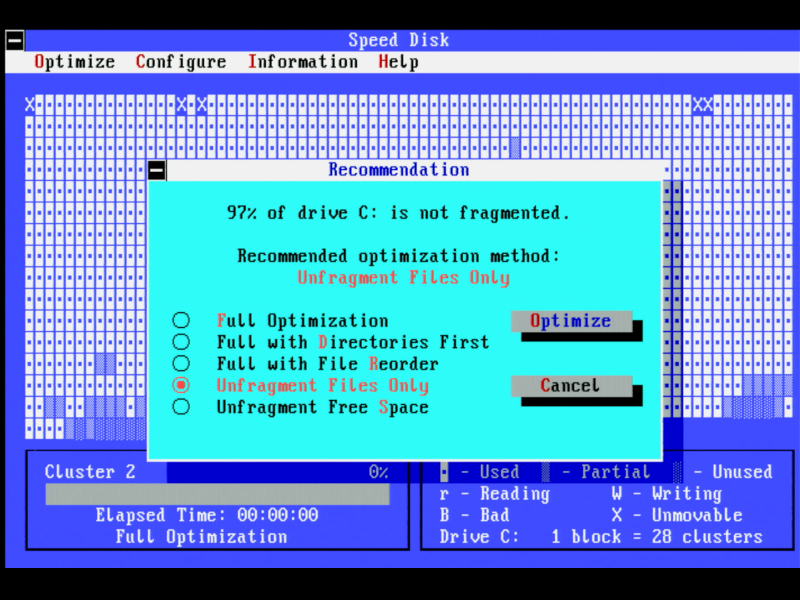
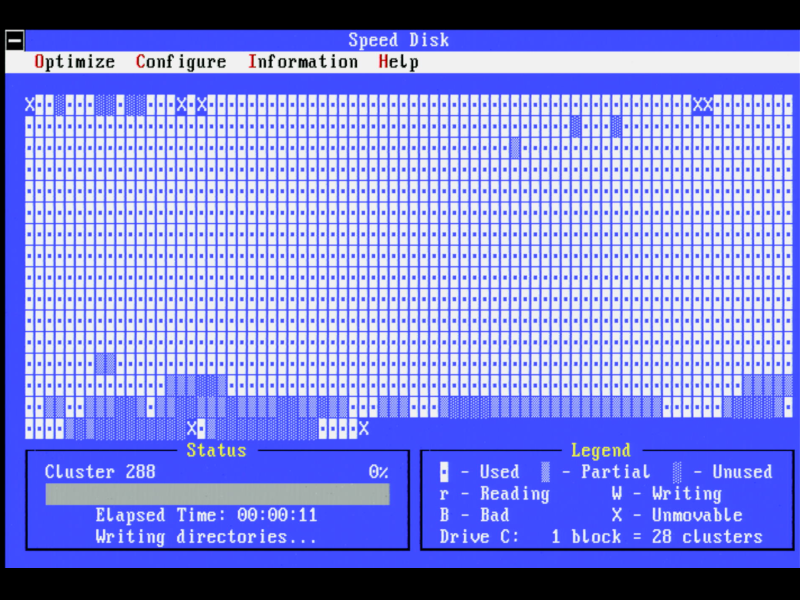
In the speed category we have Calibrate, Norton Cache, and Speed Disk. Calibrate optimises your drive, Norton Cache is similar to DOS's own SMARTDRV. It could make use of extended, expanded, or base memory, and had more options than SMARTDRV. Speed Disk is the disk deframentation utility, similar to DOS' DEFRAG, rearranging the location of files and directories to make them contiguous and leaving the empty area together at the end of the drive.
Tools
In the Tools category are the typically smaller utilities that you might use on the command line. These comprise of:
- File Attributes (FA) - Set or reset attributes
- File Date (FD) - Set or reset file dates and times
- File Size (FS) - View the size of files or directories
- File Locate (FL) - Fast file searches
- Text Search (TS) - Fast text searches
- Line Print (LP) - Easy text output to printers
- Batch Enhancer Plus (BE) - Liven up your batch files
- NDOS (NDOS) - An enhanced COMMAND.COM replacement
- Disk Duplicator (DUPDISK) - Single-pass floppy duplication
- File Find (FILEFIND) - Fast searches and modifications
- Change Directory (NCD) - Powerful directory tools
- Directory Sort (DS) - Sort files in a directory
- Norton Control Center - change the look and feel of DOS, the cursor shape, foreground/background colours, and video mode.
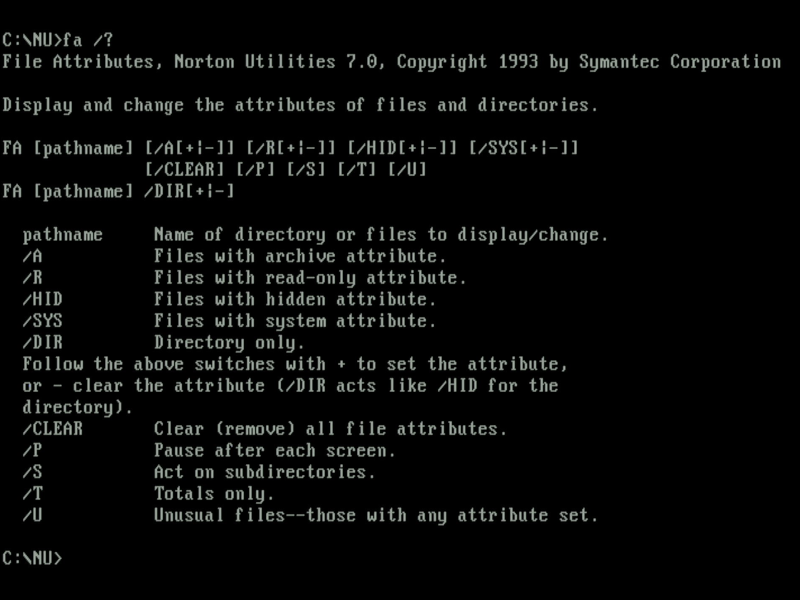
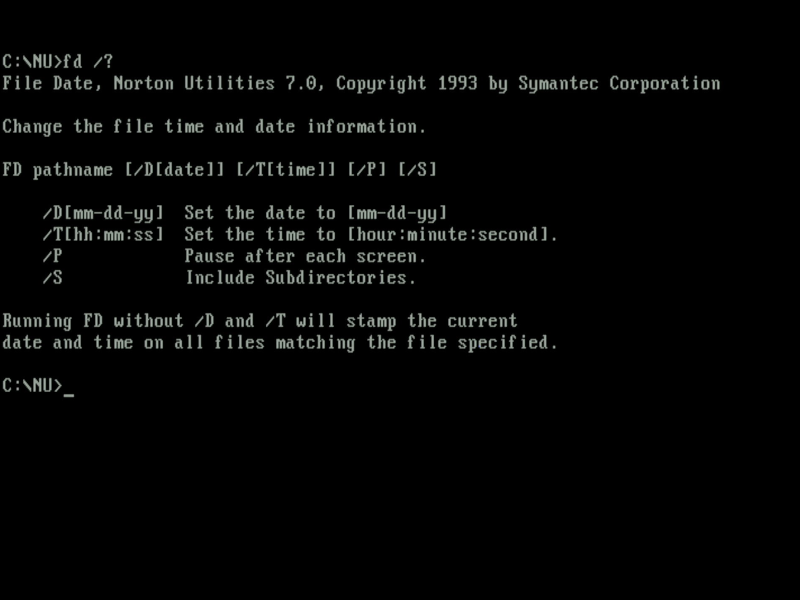
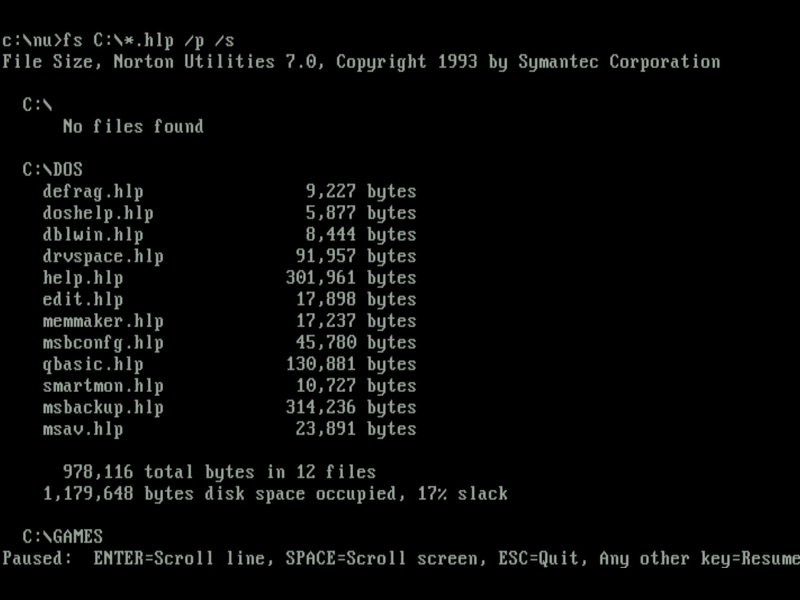
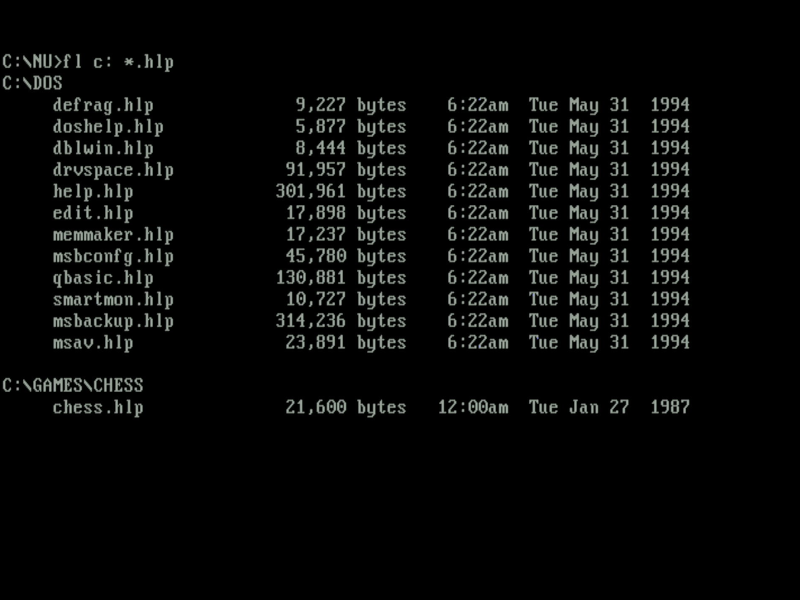
File Attributes, File Date, File Size, and File Locate
FA and FD are simple tools allowing you to view and change file attributes or their date/time stamps. FS calculates the total amount of space used by a group of files, and FL is a simpler version of Find File.
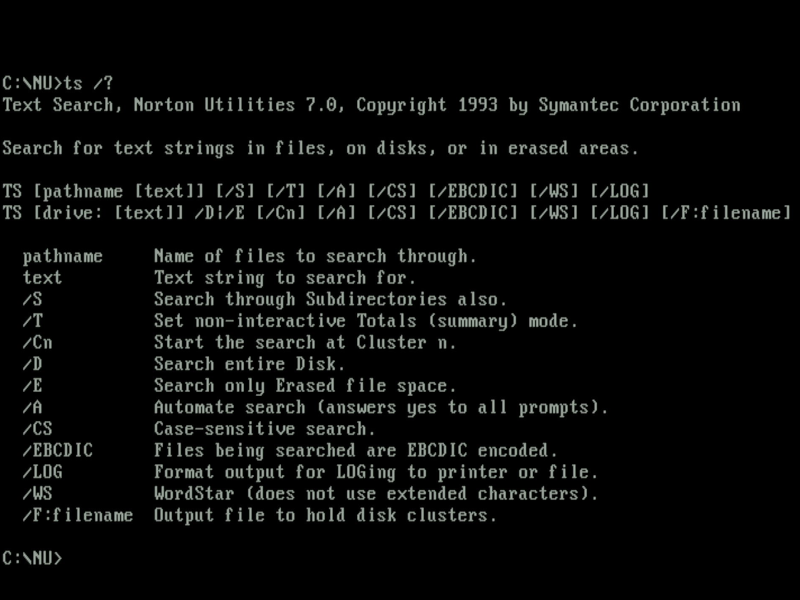
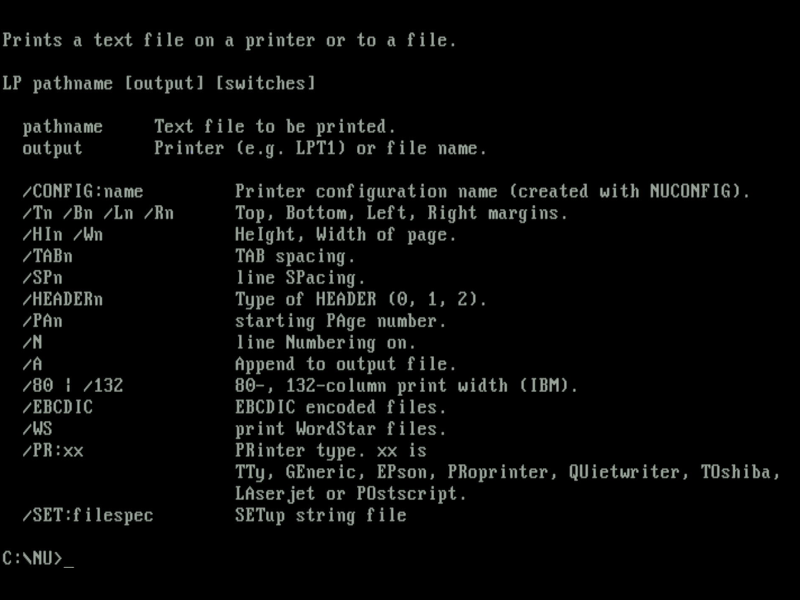
Text Search (TS) and Line Print (LP)
Text Search will search your drive or path including subdirectories for matching text in all files.
Line Print almost sounds like a pointless utility, since you can always redirect DOS output to your printer using redirection arguments, e.g. TYPE README.TXT > LPT1: But Line Print works in conjunction with the Printer Configuration you can set up in the main NORTON.EXE front end (or by running NUCONFIG separately). Once configured you have a more sophisticated level of printer support including the use of both normal and compressed characters, landscape/portrait mode, and compatibility with LaserJet and PostScript printers.
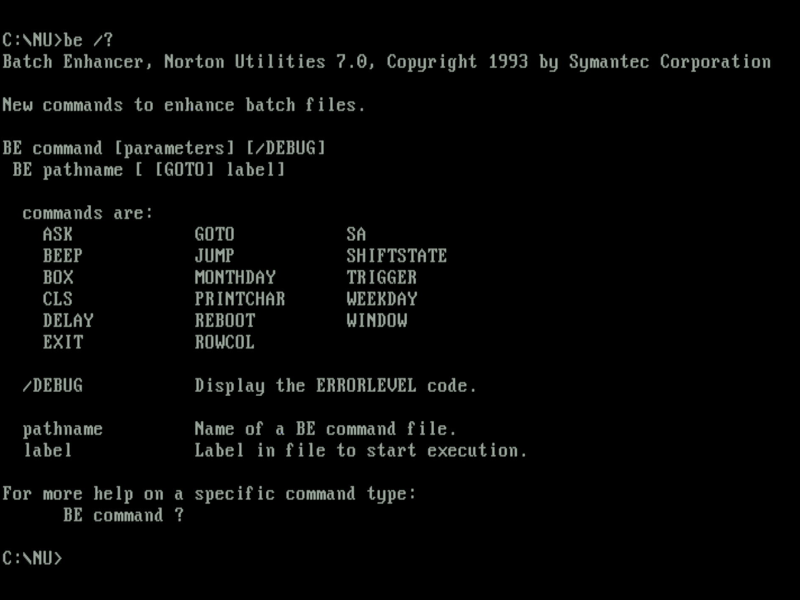
Batch Enhancer (BE)
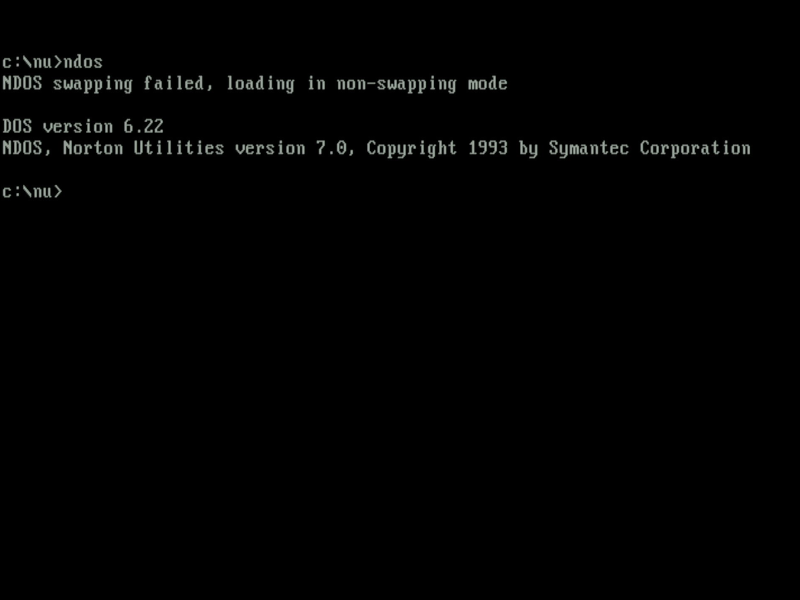
NDOS
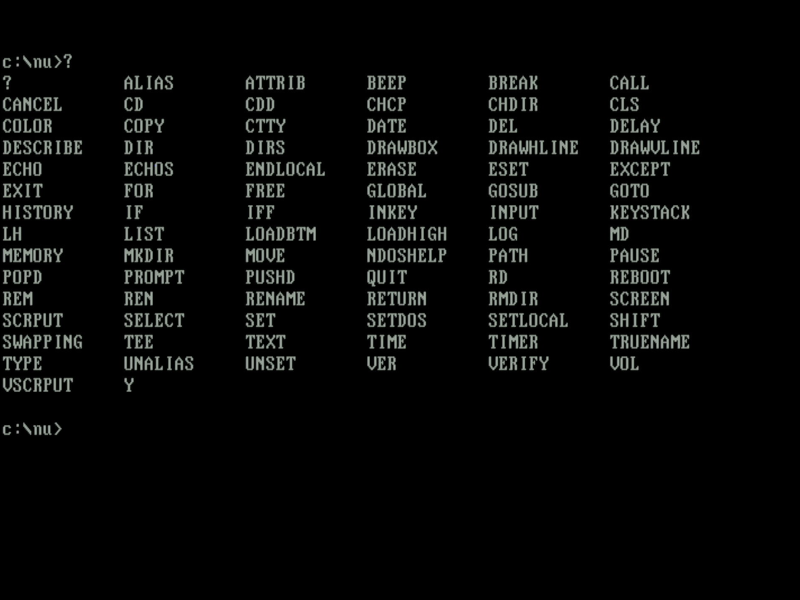
NDOS replaces your COMMAND.COM with many new additional features while remaining fully compatible with the DOS COMMAND.COM command interpreter.
If you ever used 4DOS back in the day, NDOS is a modified version of that tool.
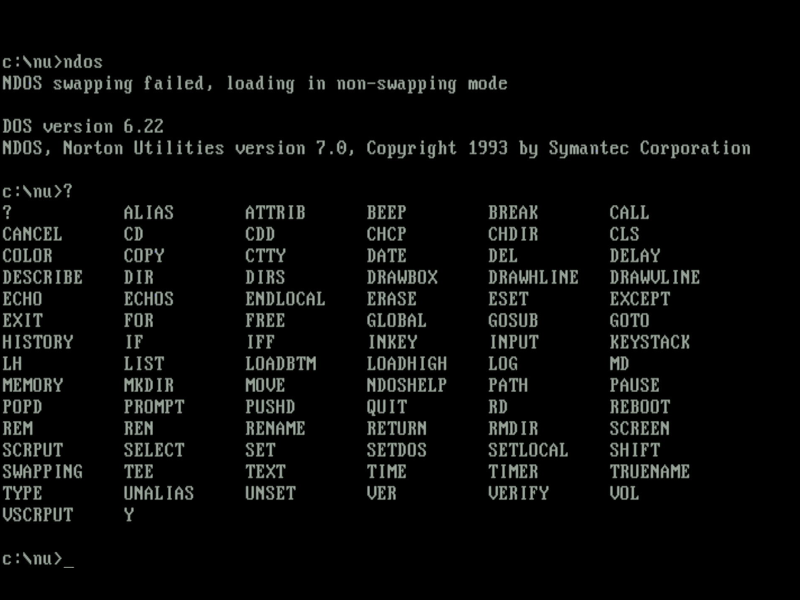
You can get a shortlist of commands just by running '?', or for a more complete DOS command help guide, run NDOSHLP. This provides documentation not only on the new commands in NDOS but also existing DOS commands. NDOS works in conjunction with the Batch Enhancer to provide a much more functional DOS and batch file system.
Disk Duplicator (DUPDISK) and File Find (FILEFIND)
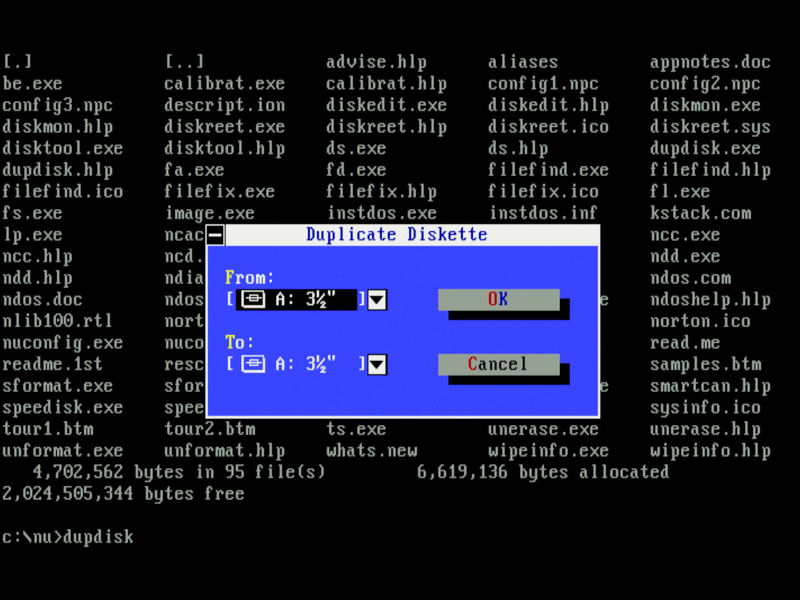
Disk Duplicator is similar to the DOS DISKCOPY command, but eliminates the need for multiple disk swaps, allowing just a single swap when copying an entire disk.
File Find provides a convenient way of finding files that match a given criteria, including filename, file attributes, or within its contents. As of version 7.0 this utility can also search for a hex string of values (previously only available in Disk Editor in version 6.0). It can also be used to search and replace any found strings.
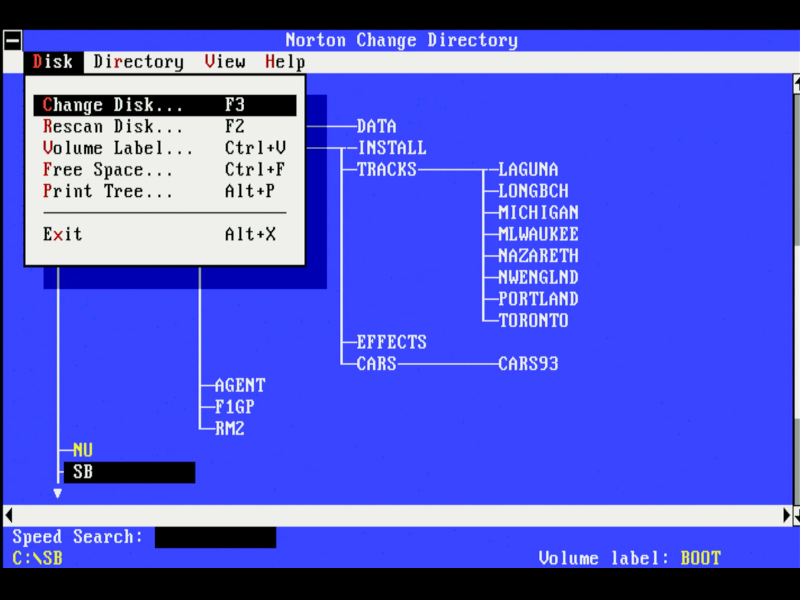
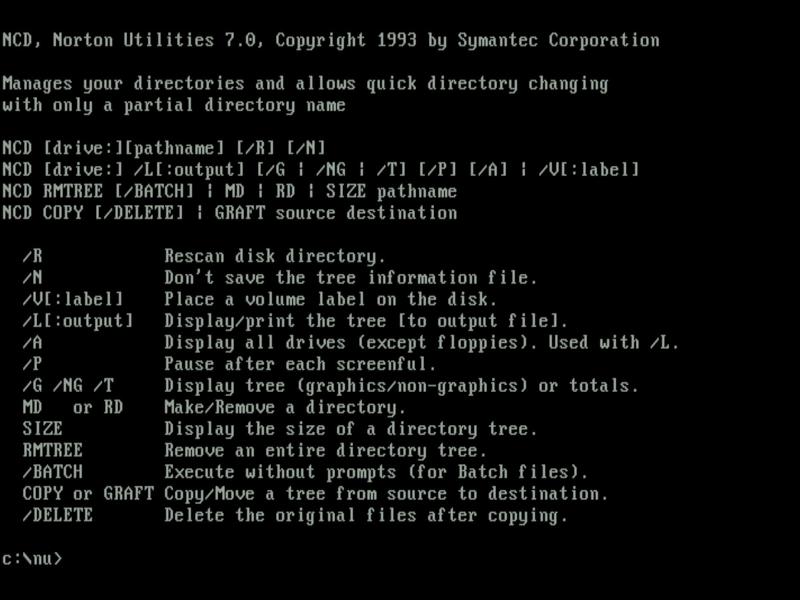
Norton Change Directory (NCD) in both UI mode and command-line mode
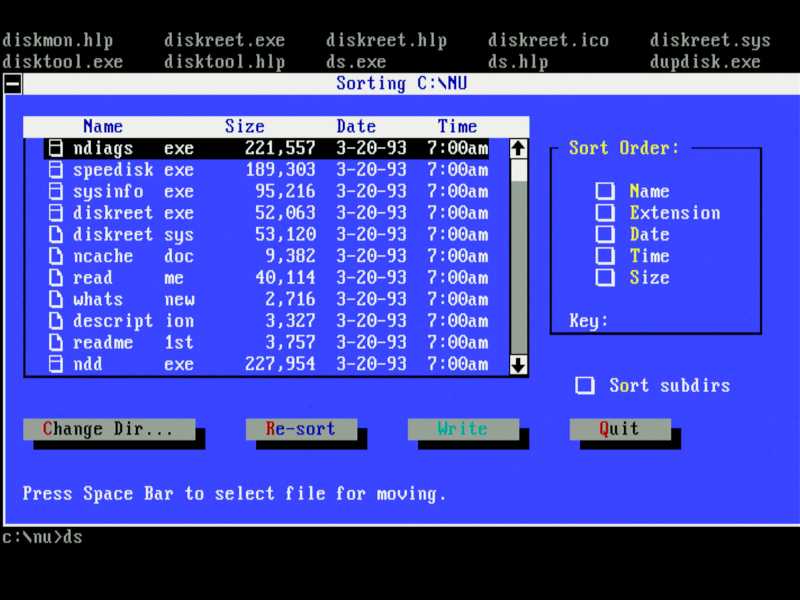
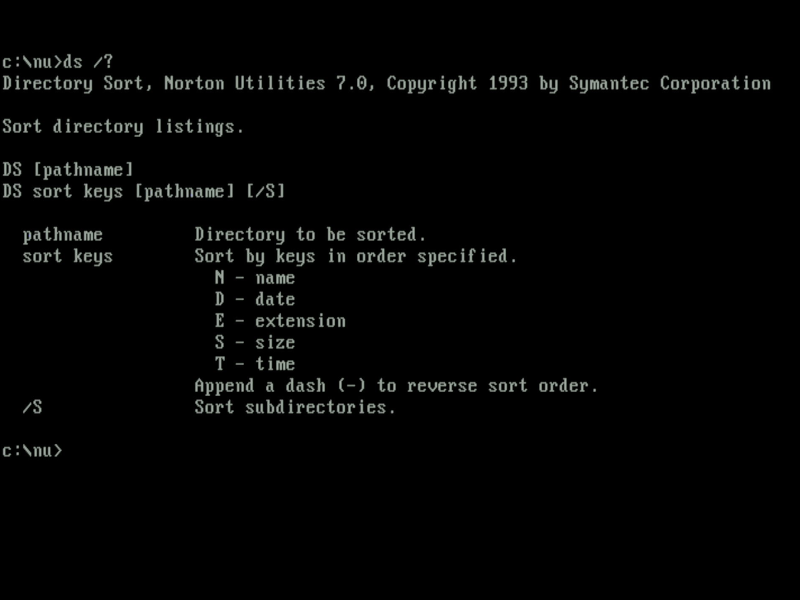
Directory Sort (DS) in both UI mode and command-line mode
Directory Sort allows you to sort the files in a directory quickly by filename, extension, date/time, or size. You can even sort files in a manually-configured order. Speed Disk also does directory sorting as part of its disk organisation process.
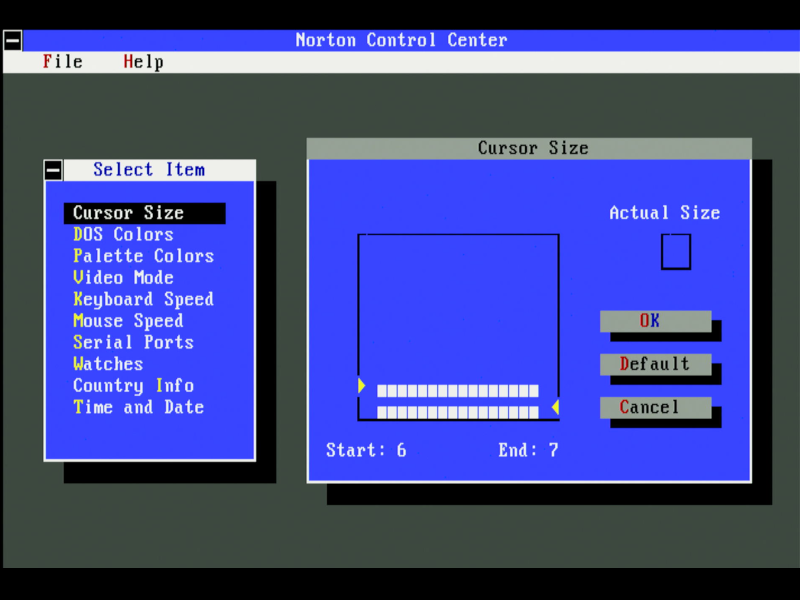
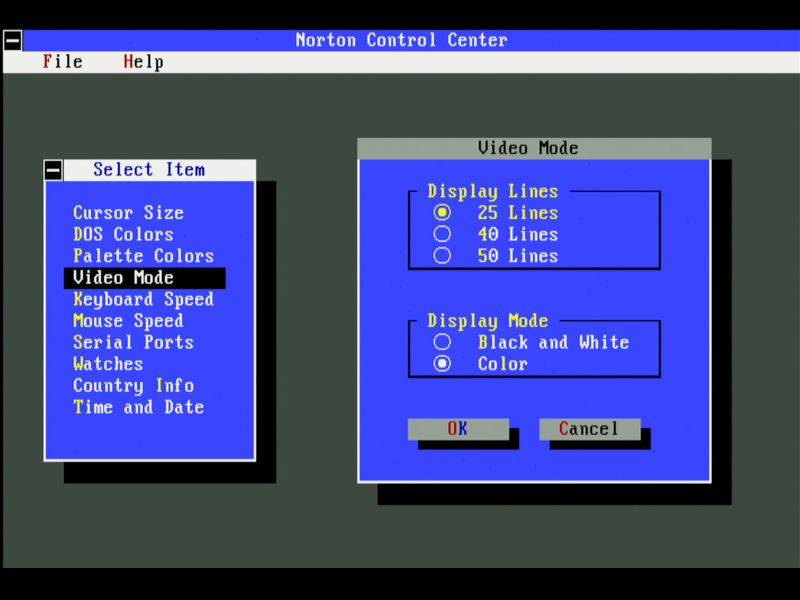
Norton Control Center allows you to change the DOS cursor, the colours, keyboard repeat speed, mouse speed, date/time/country settings, and more.
Using Norton Utilities Today
Almost all these utilities are still a useful addition for use on your retro PC today, but there are some things you may come across that don't work as well, especially if your hardware is several years ahead of when Norton Utilities 7.0 came out in 1993.
One I came across was with Norton Disk Doctor as it ran a check on my hard disk upon boot-up. I initially installed this on a compact flash card with a 4 GB FAT16 partition as C:. The cluster size it was formatted with was too large for NDD to be able to handle (it did warn me, however). I then installed it on a Samsung SpinPoint SV4012H, a 40 GB hard disk manufactured in 2002, configured with a single 2 GB partition as C:) - while this worked better, CALIBRAT failed despite there being no actual issue with the drive.
Conclusion
That brings us to an end of this article covering The Norton Utilities 7.00. It retained all the features that made the suite so popular while adding a fresh menu-driven user interface and huge enhancements at the time such as disk compression support (a big deal in 1993). Most of the bigger utilities can run in either UI mode or directly from the command line, which is great for automating the running of them, e.g. via your startup or another batch file.
I started using Norton Utilities around version 3.0 and continued to use it well beyond the DOS era, especially finding value in the bigger tools like Disk Doctor (from v4.5 Advanced Edition) and Disk Editor (from v5.0). So good were some of the tools that Microsoft even bought the rights to include them in later MS-DOS versions, such as Speed Disk becoming DEFRAG in MS-DOS 6.0.
It's still around today, which just shows the added value it can bring even to modern Windows environments.