Retro Review: Tseng Labs ET3000AX Part 2
1st March 2024
In part 1 I provided an overview of the physical hardware of this nice old VGA card from 1989. In part 2, I will run some base benchmarks on the card. Here's the Sigma Designs VGA H/16 card again:
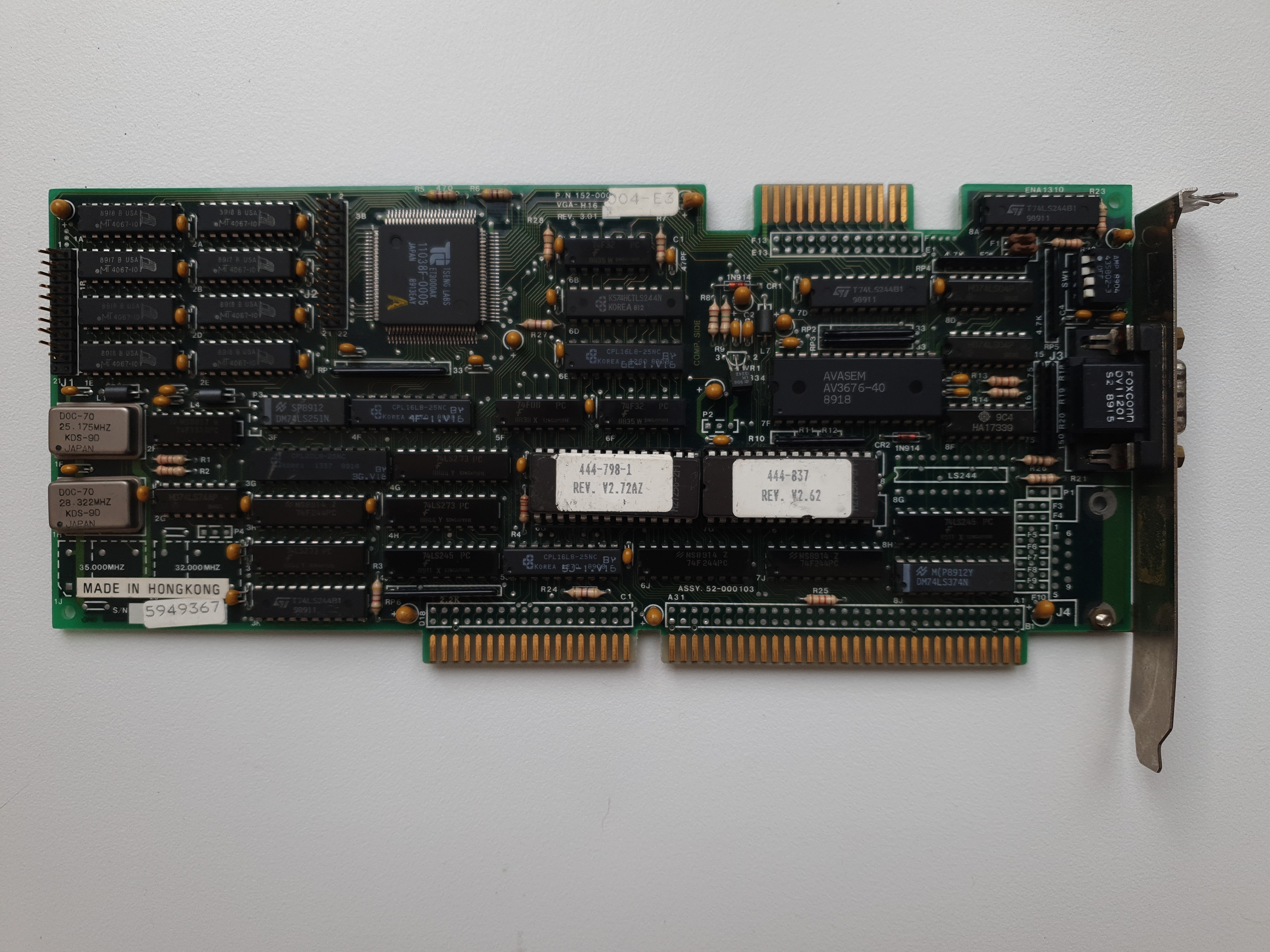
Sigma Designs VGA H/16 ET3000 card
Just like I did with the ET4000 retro review, my goal is to run benchmarks for this card on a machine that won't act as a bottleneck for it at all so we can get the best results from the card. I'm still temporarily running my PC Chips M919 motherboard but all other specs are the same. Here they are in full:
| Motherboard | PC Chips M919 with L2 cache (1998) |
| CPU | Intel Pentium MMX 200 MHz (1997) |
| Memory | 32 MB PC133 SDRAM |
| Hard Disk | 512 MB CompactFlash card via CF-to-IDE adapter |
| Floppy Drive | Gotek floppy emulator w/ FlashFloppy |
The only change I did make was to adjust the BIOS setting that set the AT Bus (ISA bus) clock from 7.16 MHz to CLK2/3 (there are no options for CLK2/2), so I will be checking the affect on this bus overclock as well.
For synthetic benchmark testing, I am using these utilities:
|
|
Starting with the ISA bus set to its default of 7.16 MHz, I installed UNIVBE v4.0 which provides us with VESA 1.2 compatibility, then ran the tests:
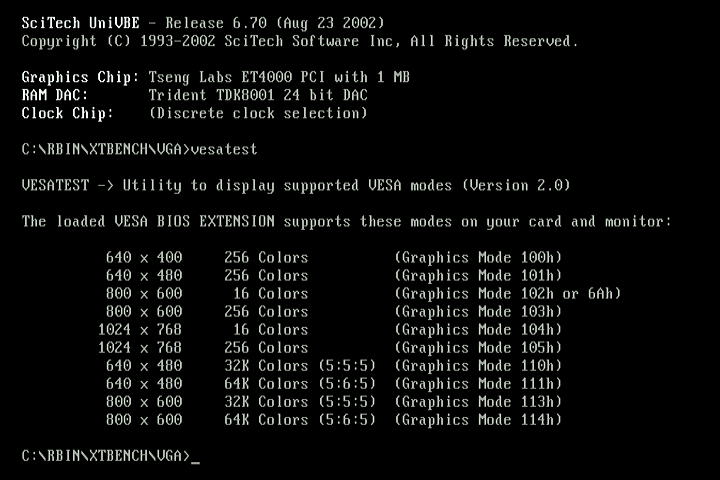
Please ignore the reporting of an ET4000 with TDK8001 RAMDAC here - I re-ran the UniVBE setup to correctly set it up for the ET3000 here.

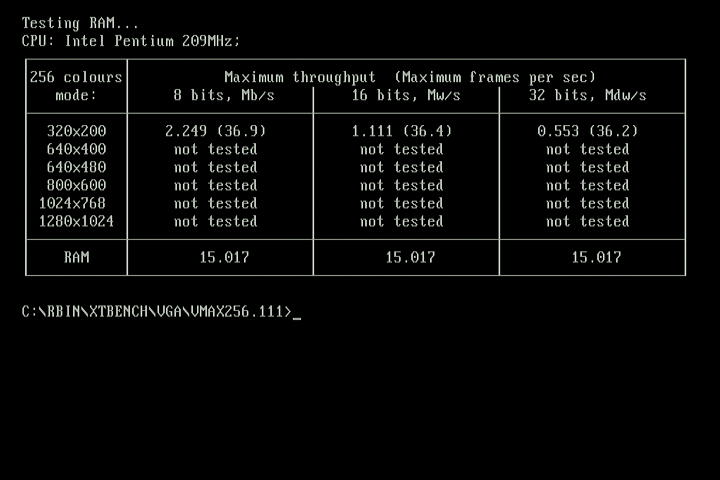

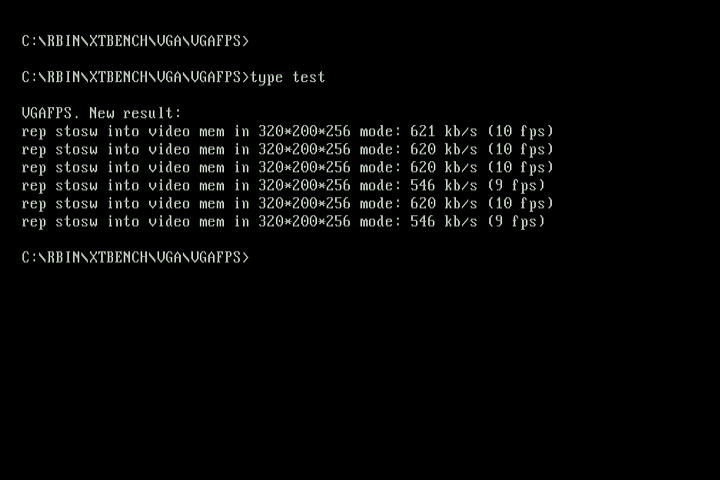
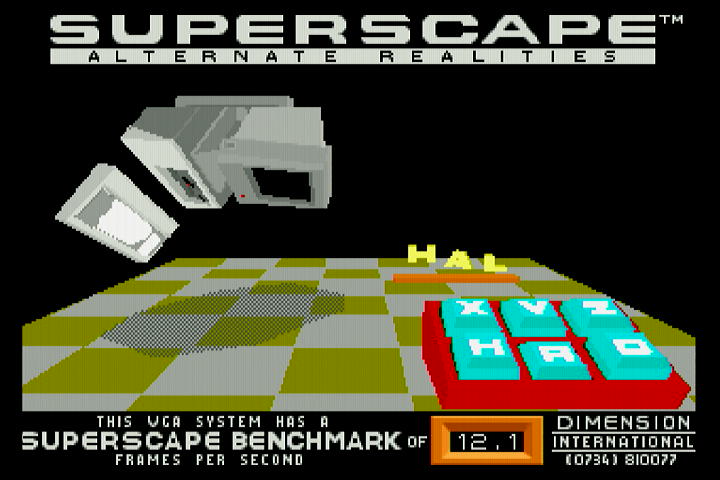
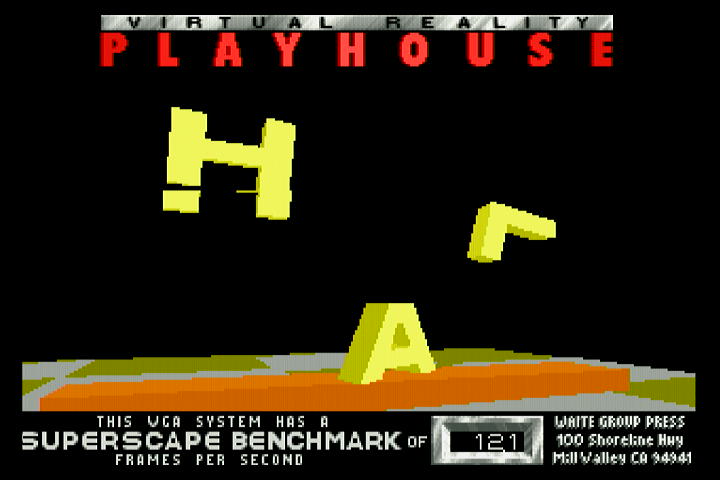
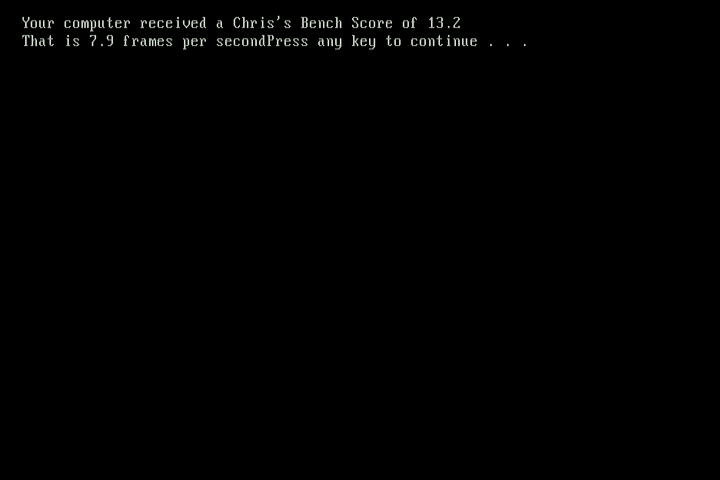
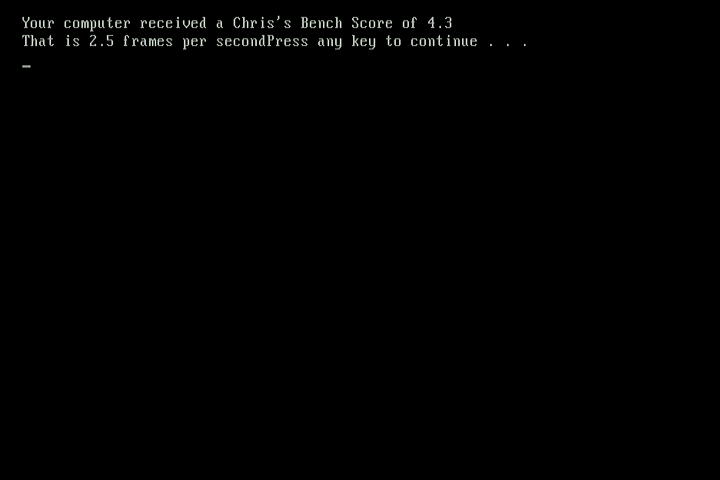
The odd synthetic test when running in a high resolution mode ran with a garbled display, but mostly were fine. The first Superscape test produced a slightly messed up intro screen on the lower half of the 'S', but the test itself ran without any glitches. The first of the 256-colour Chris' 3D bench tests runs in 640 x 480 mode, and that ran just fine, but the second which runs in 800 x 600 produced a garbled image during the test. This is understandable, given the lack of a crystal oscillator that would support that mode. PC Player benchmark produced a garbled mess on the screen.
Overclocking the ISA Bus
With the machine set to the fastest setting (caches-wise and the AT bus set to CLK2/3), I re-ran the same tests. This produced artifacts right from the start with the card outputting a red background - aside from this, it never stopped the card from actually running any of the tests, and any graphics modes looked good:
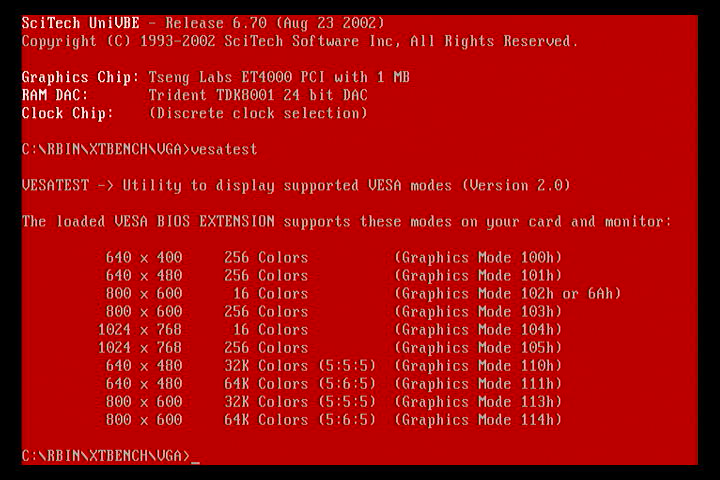
Again, ignore the incorrect chip/RAMDAC shown here - I re-ran UniVBE setup and it correctly identified the ET3000 we have here.
Here were the results:
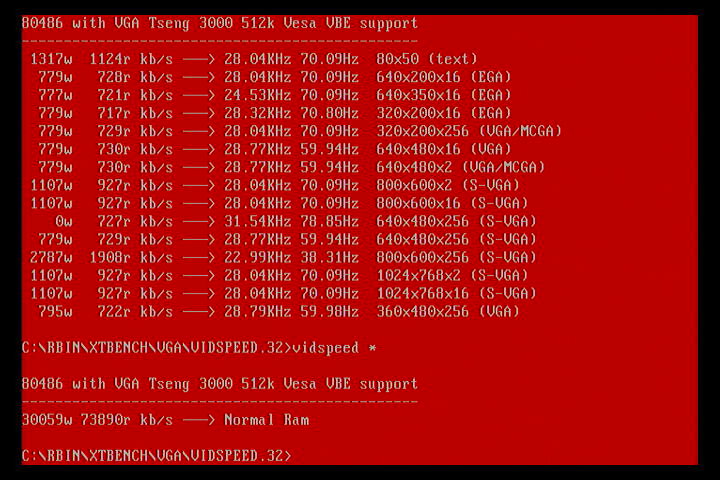
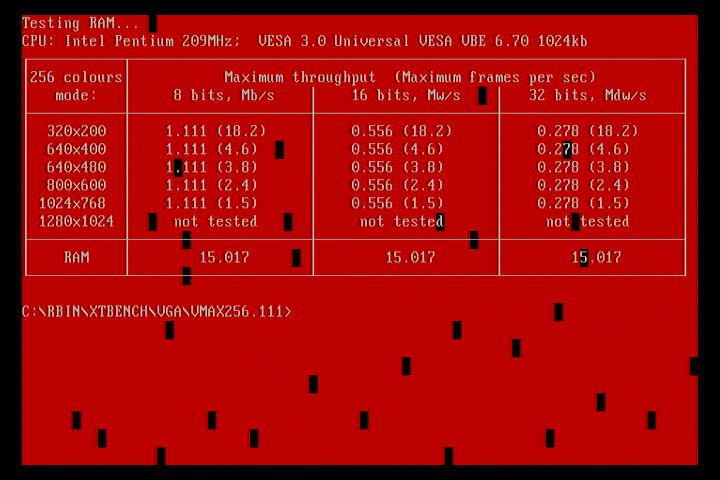
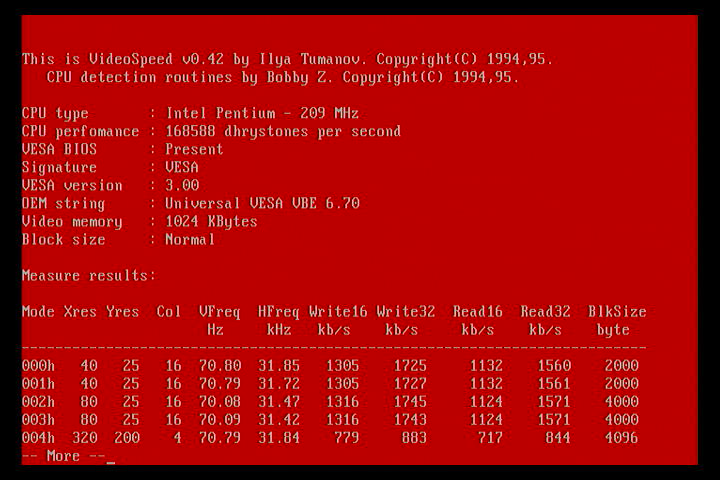


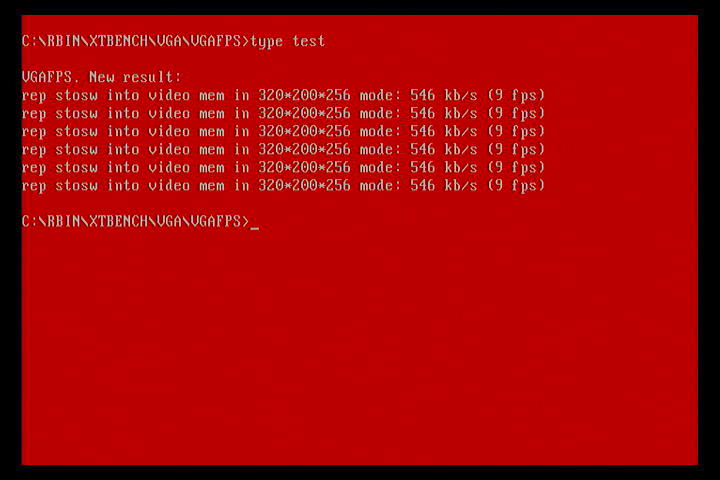
The card definitely struggles at an ISA bus clock of 11 MHz (CLK2/3)., but we'll press on:
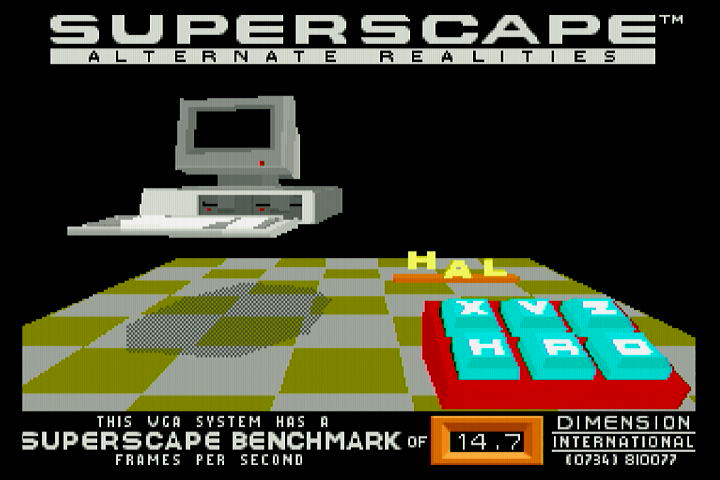
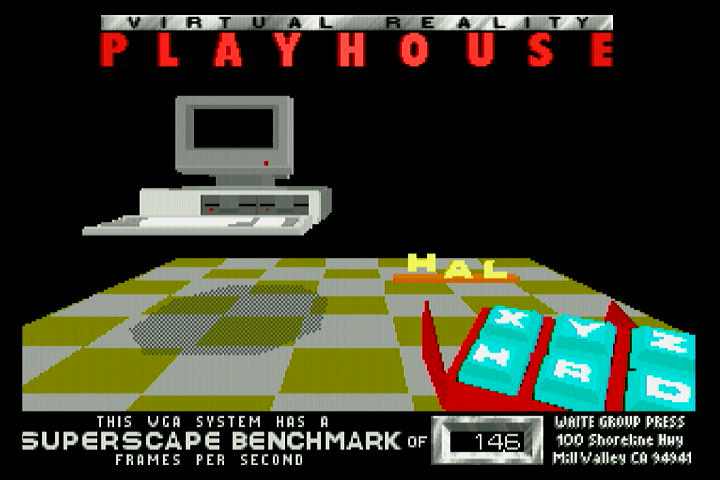
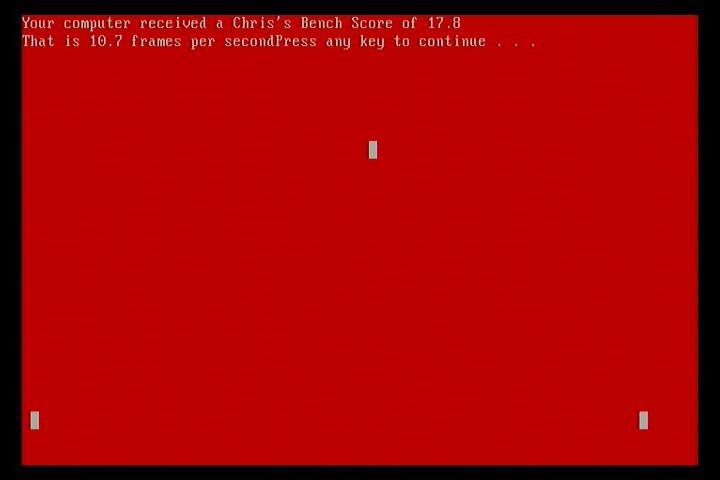
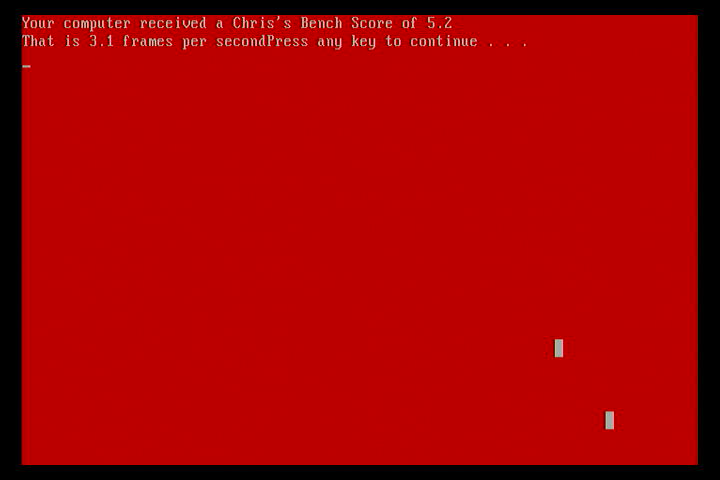
SuperScape never showed any additional artifacts during its tests (over and above that seen at 7.16 MHz), and PC Player benchmark of course failed to run with anything readable on-screen, just like before.
Here's a summary of those stats:
| AT Clock | Superscape 1.0 | Superscape 1.0c | Chris Bench (low) | Chris Bench (high) | PCP 320 | PCP 640 | Doom (low) | Doom (high) | Wolf3D |
|---|---|---|---|---|---|---|---|---|---|
| 7.16 MHz | 12.1 | 12.1 | 13.2 | 4.3 | - | - | 10.2 | 10.2 | |
| CLK2/3 (11 MHz) | 14.7 | 14.6 | 17.8 | 5.2 | - | - |
So on average we see a 50% improvement in our graphics performance by overclocking the ISA bus to the maximum of CLK2/3. Of course, not all motherboards (especially earlier ones) have this capability.
Disclaimer: Running your hardware beyond its design specifications is something you do at your own risk. I will not be held responsible for any loss or damage if you attempt to do so. This page is intended to be read as anecdotal, and is not intended to give advice or recommendations.
Overclocking the ET3000 wasn't something it liked, producing consistent artifacts in some tests, while others showed no signs of stress at all. The system never hung during these tests at 11 MHz.
Conclusion
So there we have it, an old ISA graphics card from 1989. Comparing this ET3000 chipset to its younger sibling, the ET4000, my benchmarks showed this ET3000 runs at about a third of the ET4000's throughput when the ISA bus was set to 7.16 MHz on both. It's not really a like-for-like comparison though, as my ET4000 had faster 80ns DRAMs compared to the 100ns ones on the ET3000 which can make a significant overall difference to a card's performance.
Something I didn't get around to doing was my usual CGA compatibility check, as well as exploring other emulation modes.
For now though, I do hope you enjoyed this review, and as always, let me know your experiences if you've used an ET3000.
ET3000 Drivers and Utilities
For a full list of Tseng Labs downloads, please click here.
Orchid ProDESIGNER Disks
A ZIP file containing the three original driver disks for Orchid ProDesigner VGA graphics card. Disk 1 contains GEM and AutoCAD 9/10 drivers, disk 2 contains Windows 1.x/286/386 drivers and Lotus 1-2-3 drivers, and disk 3 contains other utilities such as VMODE and FEDIT (Font Edit)
|
Windows 3.0/3.1 Pre-Release Driver Supports: 640x480, 800x600 and 1024x768. |
Windows 3.1 Driver Supported resolutions: 640x480, 800x600 and 1024x768. |
VESA 1.1 Driver
VESA v1.1 Super VGA BIOS Extension driver for video boards based on Tseng Labs ET3000 and ET4000 chips |
VESA 1.2 Driver
|