Let's Explore: Borland Paradox 4.0 - Part 1
20th May 2026
This is a new series which I'm calling 'Let's Explore...'. Original right? Unlike my retro reviews, this isn't a review per-se. Instead, the aim is to revisit old DOS applications and utilities, seeing what they offered, how they worked, and what is perhaps expected functionality that it couldn't do, and frankly... is it actually usable today?
In the first of these, I chose Borland Paradox 4.0, a hugely popular relational database product that dates back to 1985, but was sold by Borland from late 1986 after their acquisiton of the product's original creator, Ansa Software. In its DOS form, it competed directly with dBase, Clipper, and FoxPro 2.0 (and to some extent, Clarion, DataEase, DataFlex and R:Base).
Version 4.0 was almost the final version released for DOS, arriving in August 1992, three months before the first release of Microsoft Access, for the heady price tag of $795 or $199.95 if you had an earlier version and were upgrading. Borland also sold a 'LAN Pack' version which allowed for multiple concurrent users.
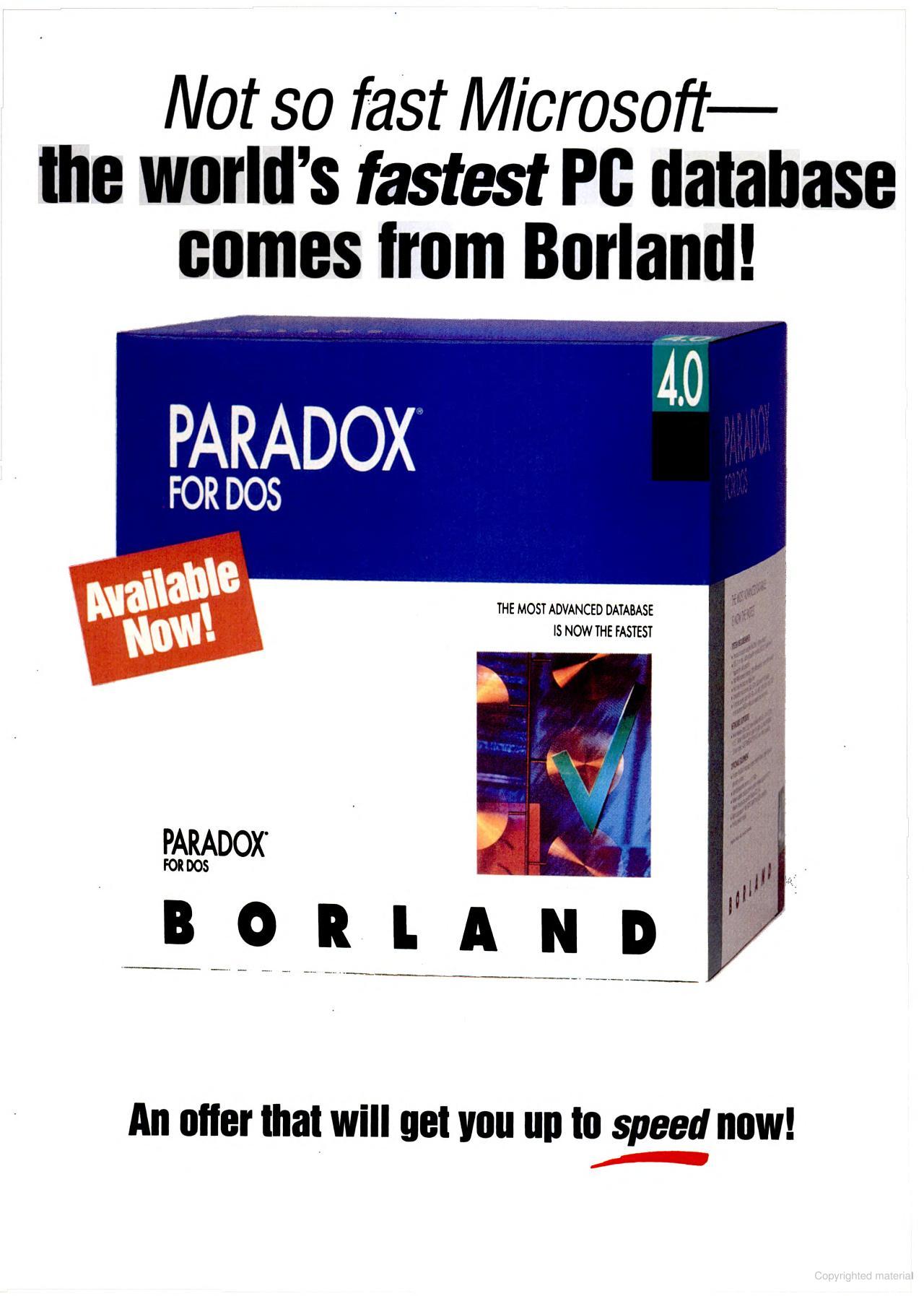
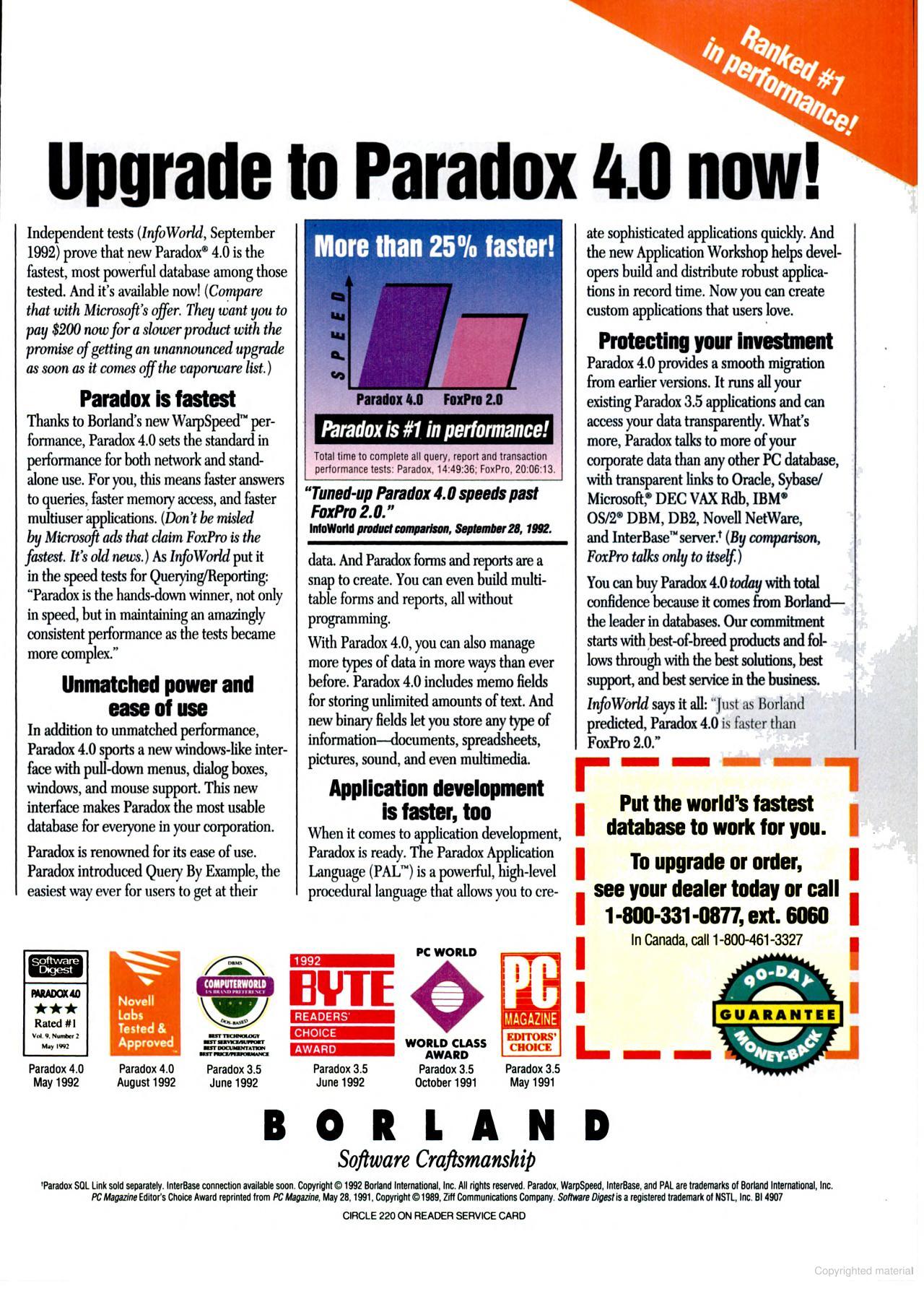
A two-page advertisement for Paradox 4.0 in November 1992 (click to enlarge)
Released at a time when serious PC applications were starting to move to Windows, Borland themselves had been actively working on Paradox 1.0 for Windows at the time Paradox 4.0 was being developed to get launched in early 1993. For software companies, this transition wasn't a simple one - developers had to learn brand new APIs and toolsets, Windows 3.0 wasn't the easiest to program for, and there was huge commercial risk if the product was rushed to market in a buggy form. One of Borland's competitors, Ashton-Tate, is a good example of this in the database world. Their move of the DOS-based dBase product to Windows was coming too little too late, and the company was about to fold before Borland rescued them, acquiring their professional database along with it.
Paradox had sold well and had a great reputation for its combination of power and ease of use, but not everybody was ready to jump on the Windows train - especially where their core applications were concerned. So Borland did the right thing here, and continued to develop fully for DOS alongside new Windows versions.
So what did you get in version 4.0 over the older versions? Version 3.0 had already given us Query By Example (QBE), Paradox Active Language (PAL), multi-user networking, and rudimentary access to external SQL data. Version 3.5 added multi-table forms and reports, and connection to external SQL servers was enhanced with Paradox SQL Link.
For version 4.0, Borland completely rewrote Paradox using their own Borland C++ programming language, so visually it got some nice new stuff and faster performance too. Here's a list of some of the main enhancements:
- Dropdown menus and 'windowing' capability with full mouse support.
- Better use of extended (XMS) memory using a DPMI memory manager (earlier versions used the outdated VCPI).
- New BLOB (Binary Large Object) data types in the form of 'Memo' and 'Binary', up to 256 MB in size. Memo for very large text and binary for things like graphics images or executable files.
- Built-in editor to view or edit memos, including cut and paste operation and searches.
- Support for secondary indexes (indices?).
- Now used the Borland Database Engine, or BDE, at its core.
- Preview a report's output in an on-screen window (previously reports had to be sent to the printer).
- PAL enhanced with more functions including the ability to manipulate the new dropdown menus, change window sizes, etc, and create dialog boxes that include radio buttons, check boxes, text edit fields, and slider controls.
- Improved performance (scripts were now pre-compiled before execution, caching and network algorithms were improved, and now only a single .LCK lock file per directory on a network, so disk accesses are minimised).
- Paradox 4.0 could now run as a 16-bit protected mode application under Windows in 386 Enhanced Mode.
That all sounds pretty good! In Part 2 let's get it installed and start to explore its features.