Retro Review: UMC VGA Card Part 2
29th June 2026
In Part 1 we explored this SVGA card from 1994. In part 2, I will run some base benchmarks on the card. Here's the card in question again:
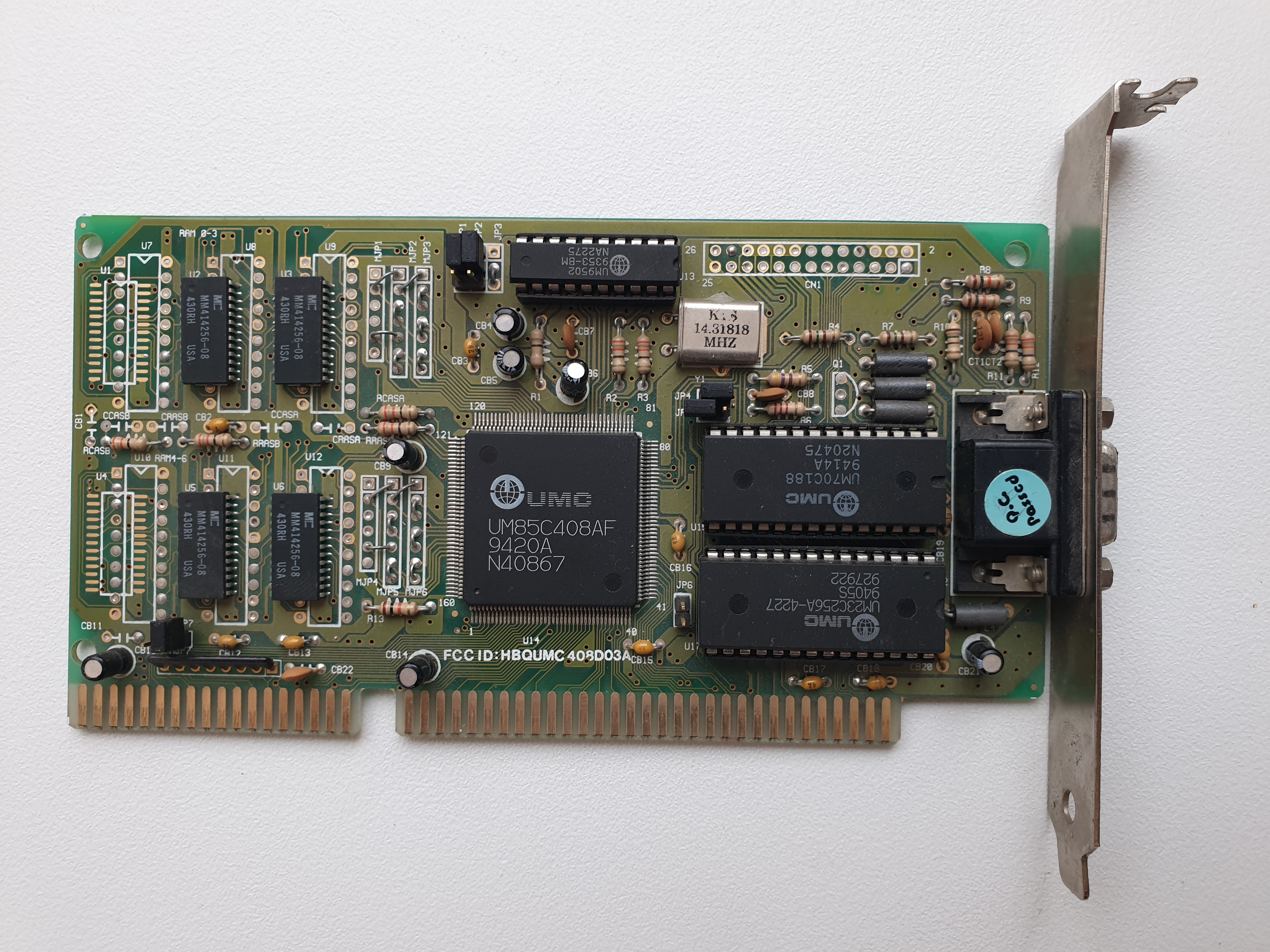
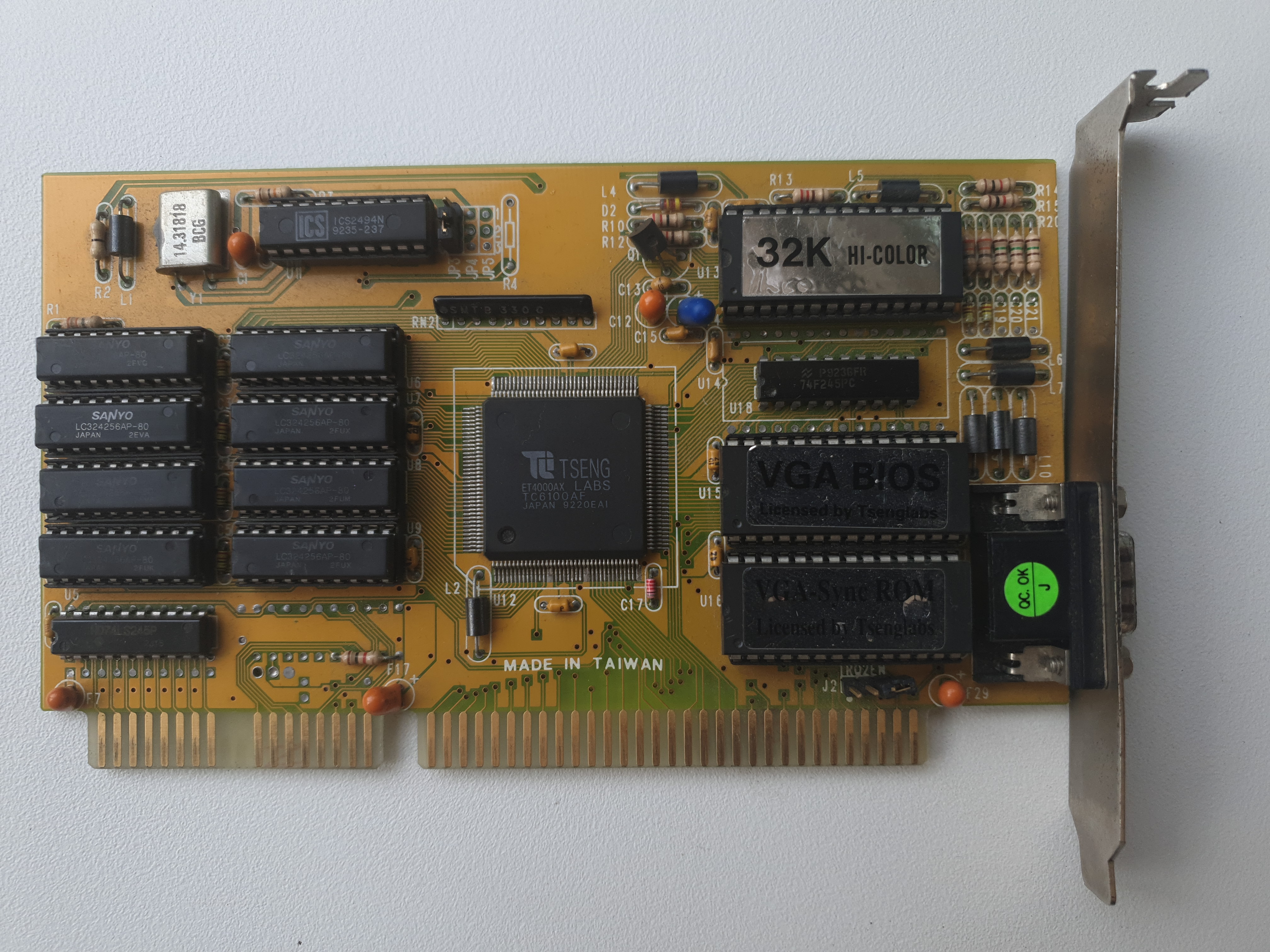
The UMC 16-bit ISA card from 1994
Because this is an ISA card I want to be certain throughout my benchmark tests that I am properly evaluating the card's best performance, i.e. no other bottlenecks from the host PC. In order to achieve this, I have installed it into my mid-range retro PC with these specs (I did a full 3-part article on this retro PC build):
| Motherboard | Gigabyte GA-5AX Super 7 Rev 4.1, 512 KB L2 cache (1998) |
| CPU | Intel Pentium MMX 166 MHz |
| Memory | 32 MB PC133 SDRAM |
| Hard Disk | 512 MB CompactFlash card (boots to MS-DOS 6.22) via CF-to-IDE adapter |
| Floppy Drive | Gotek floppy emulator w/ FlashFloppy |
The above system should ensure the card runs without impedance from the rest of the system, so my results ought to be the card's "absolute best". The Gigabyte GA-5AX has BIOS settings that allow me to adjust the AT Bus (ISA bus) clock from 7.16 MHz to CLK2/6, CLK2/5, CLK2/4, CLK2/3 to the fastest CLK2/2, so I will be checking the affect on this bus overclock as well.
Initial Testing
The card works! Not too shabby given that it's now 32 years old.
NSSI reported the video chipset as a Genoa 64/500 (using it's 'Method 1') and the RAMDAC as an AcuMOS ADAC.
There is no VESA support built into the BIOS.
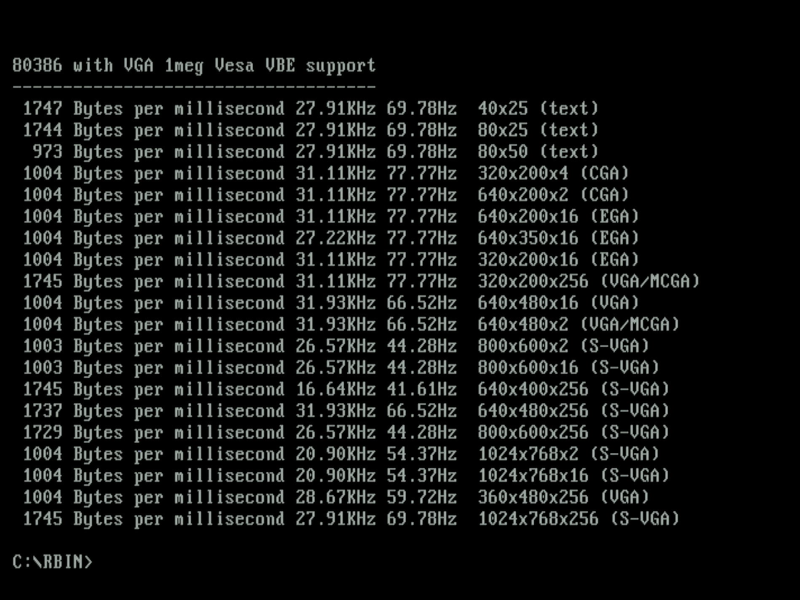
I ran vidspeed without a VESA driver loaded, just to see what modes it could identify that are 100% supported by the BIOS.
I then ran UniVBE Release 4.0 to add VESA VBE 1.2 extensions, which detected the chipset also as a Genoa SuperVGA (GVGA) and the RAMDAC as a TrueColor 24-bit DAC. It opens up these additional modes:
- Mode 100h (640 x 400 in 256 colours)
- Mode 101h (640 x 480 in 256 colours)
- Mode 102h or 6Ah (800 x 600 in 16 colours)
- Mode 103h (800 x 600 in 256 colours)
- Mode 104h (1024 x 768 in 16 colours)
Re-running vidspeed to get timings for the resolutions beyond standard VGA (for which a VESA driver is needed) as well as vspeed v0.42:
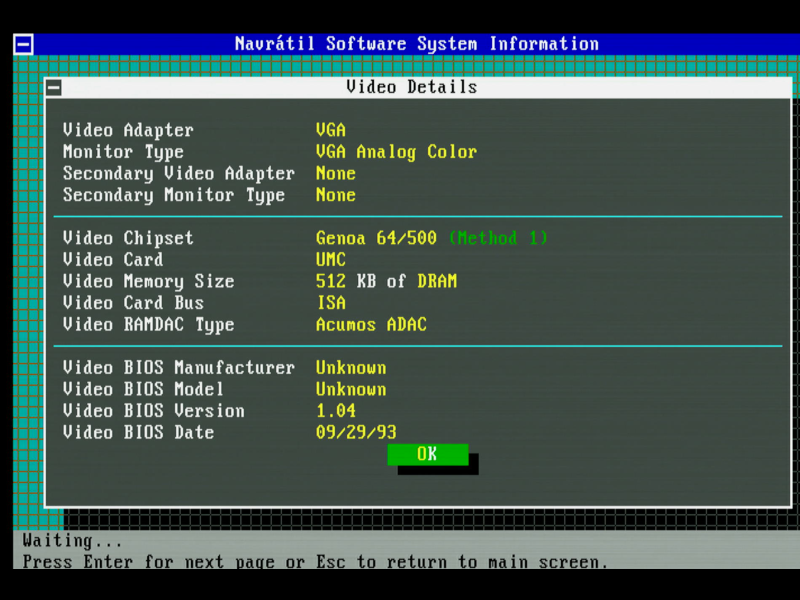
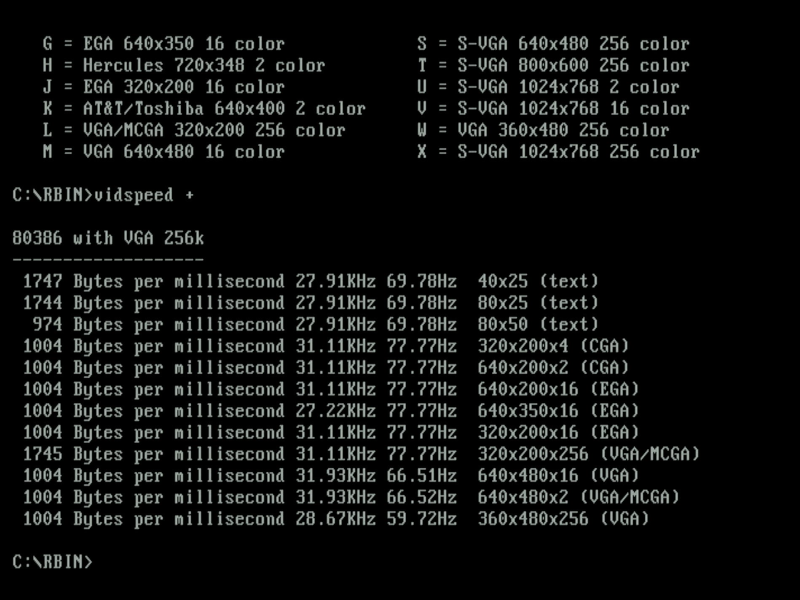
NSSI and vidspeed (all before UNIVBE was run) - timings with ISA bus set to 7.16 MHz
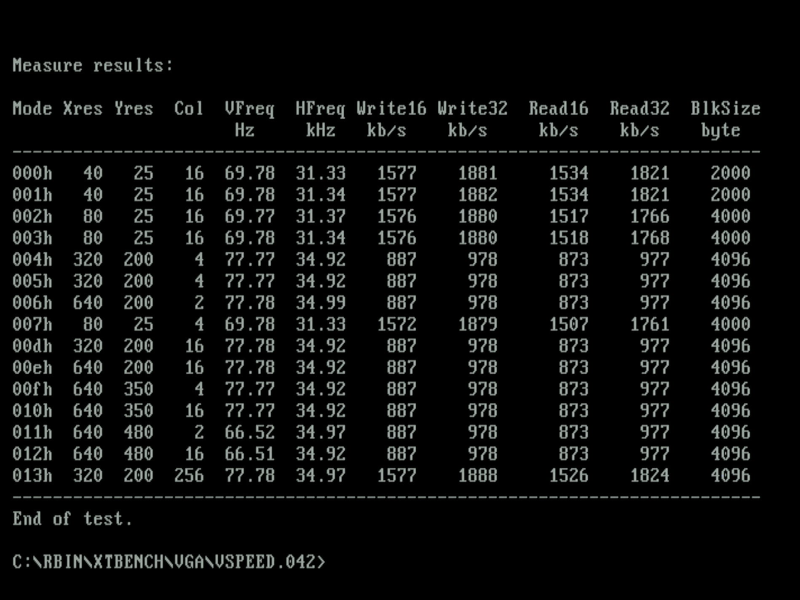
vidspeed and vspeed v0.42 (run after UNIVBE installed) - timings with ISA bus set to 7.16 MHz
Then I maxed out the ISA bus speed in the BIOS to CLK/2. This effectively means if the PCI bus is being driven at its normal 33 MHz, the ISA bus is being run at 33/2 = 16.5 MHz. Here are the same benchmarks run again:
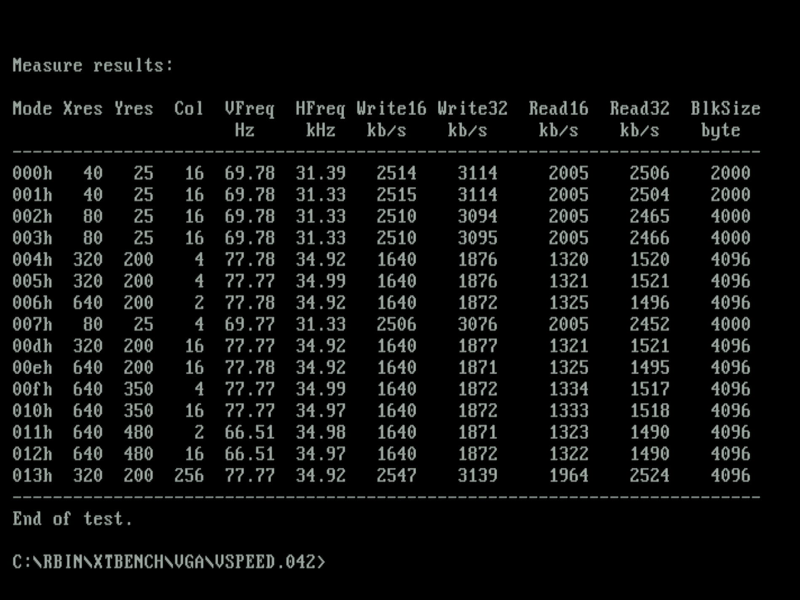
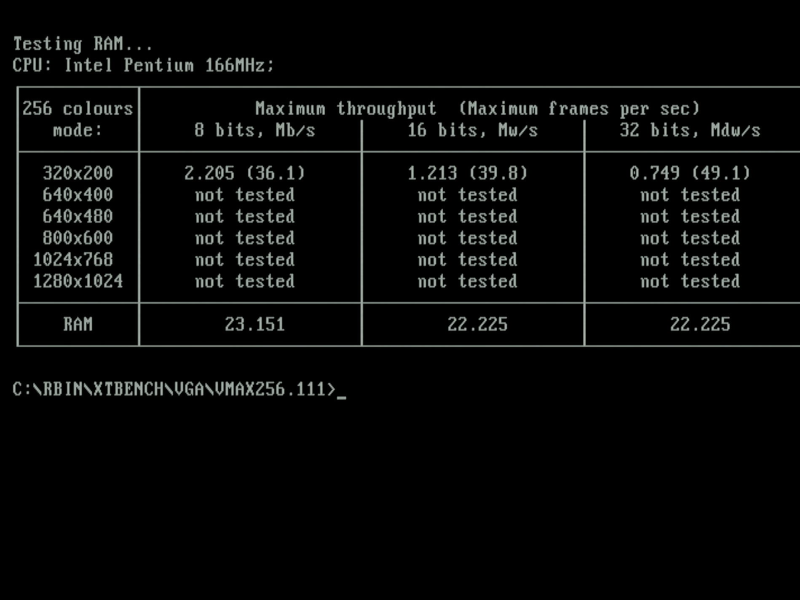
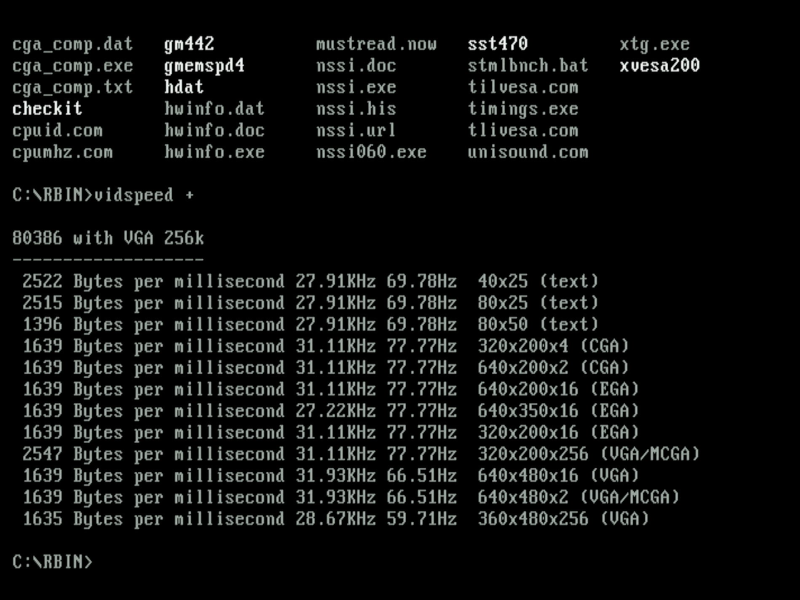
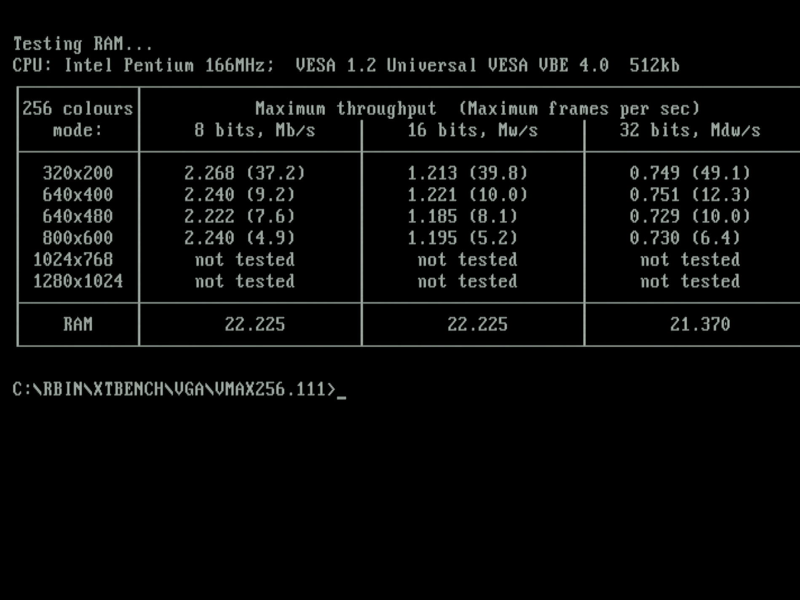
vidspeed, vspeed 0.42, vmax256.111 (pre-UNIVBE) and vmax256.111 (with UNIVBE) -
timings with ISA bus set to CLK/2 (16.5 MHz)
I found the system was occasionally hanging with the ISA bus set to CLK/2, so dropped it back to CLK/3 (11.1 MHz) and it was then super stable.
Problem
Unfortunately, this card appears to have some problems. A lot of the graphics modes simply fail to show - the monitor reports 'Unsupported' through my Gefen VGA capture device. Testing it on another modern flat screen that I've used successfully for a long time on other ISA cards produced a similar message 'Out of range'.
I moved to using Compushow to try and identify what modes work and what don't.
Note: Please ignore the dimensions of the screenshots below. They are all at 800x600 because of my capture setup (Gefen and OBS). The PC and video card is still outputting at the specified resolution.
| Mode | Res. | Colours | Result | Images |
|---|---|---|---|---|
| MCGA /VGA (11h) | 640 x 480 | 2 | Pass |  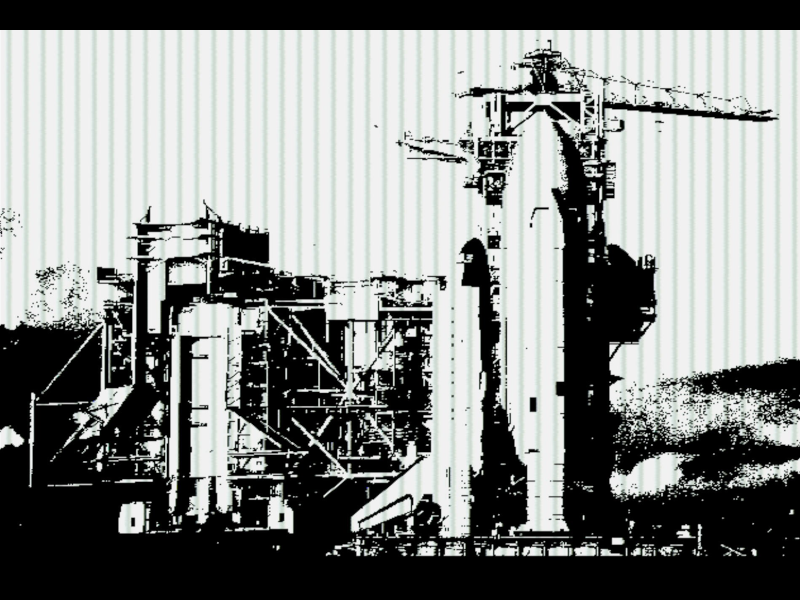 |
| VGA (12h) | 640 x 480 | 16 | Pass | 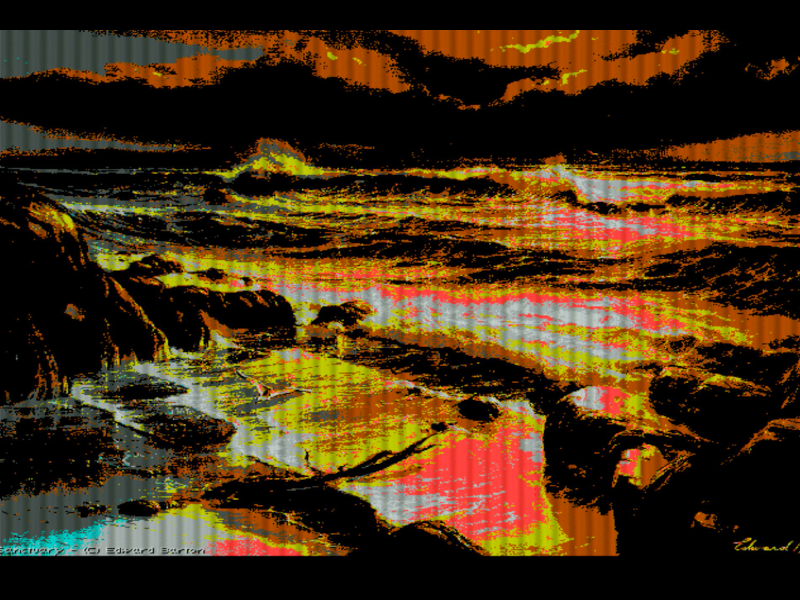  |
| VGA (?) | 360 x 480 | 256 | Pass | 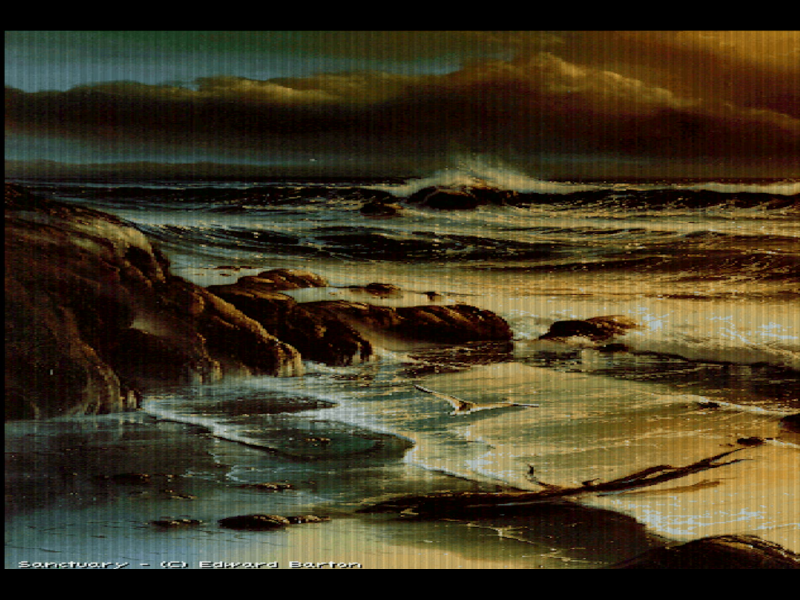 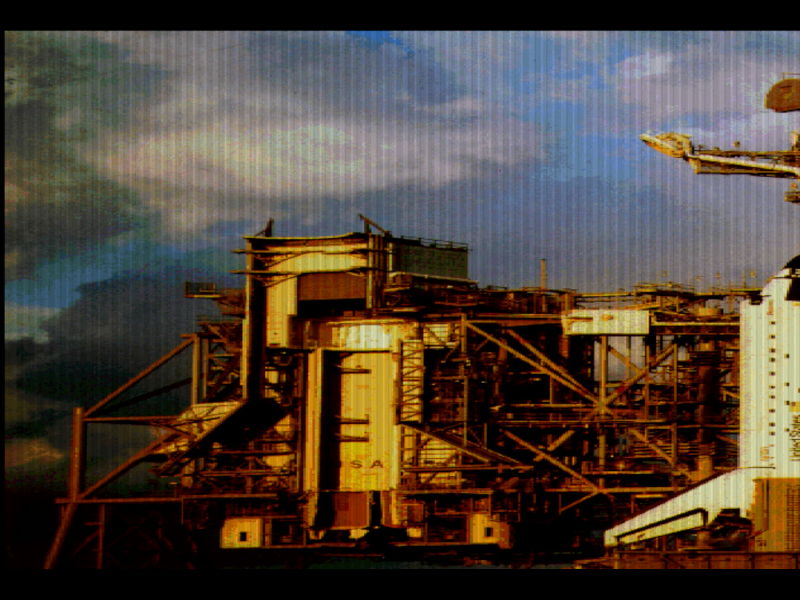 |
| VGA (?) | 720 x 480 | 256 | Pass |  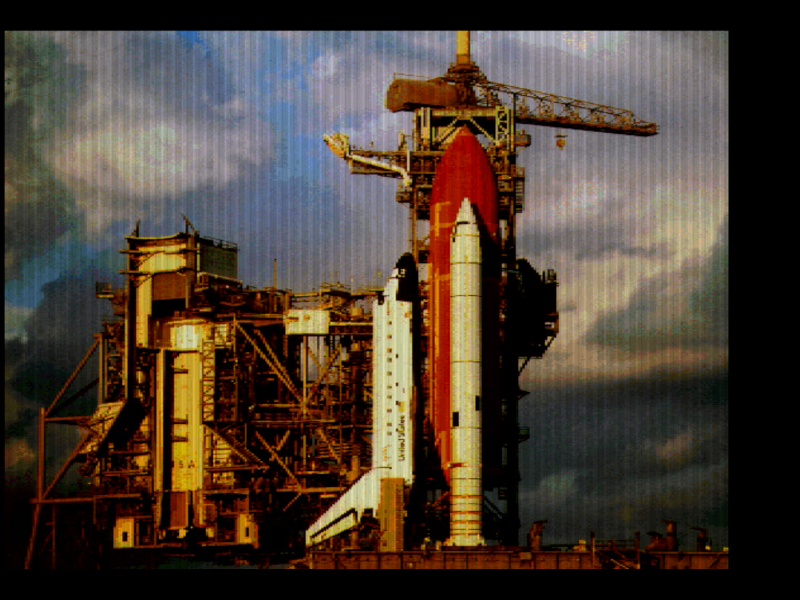 |
| CGA (04h or 05h) |
320 x 200 | 4 | FAIL | |
| EGA (0Dh) | 320 x 200 | 16 | FAIL | |
| EGA (0Eh) | 640 x 200 | 16 | FAIL | |
| EGA (0Fh) | 640 x 350 | 4 | FAIL | |
| EGA (10h) | 640 x 350 | 16 | FAIL | |
| MCGA (13h) | 320 x 200 | 256 | FAIL | |
| VGA (?) | 320 x 400 | 256 | FAIL | |
| VGA (100h) | 640 x 400 | 256 | FAIL | |
| VGA (101h) | 640 x 480 | 256 | FAIL |
I doubt these failures are down to faulty memory, which would usually result in the machine hanging when it tried to write/read to video memory. A fault with the timing circuitry perhaps?
I've narrowed it down to graphics modes that appear to use a refresh rate higher than 66 Hz. The two monitors I used to test this have no problems operating at higher refresh rates with other cards, leading me to suspect the card is somehow setting the refresh rate incorrectly.
This is done by the chipset being fed a clock signal from the onboard clock generator. I confirmed the UM9502 clock generator has the same pinouts as the much more common ICS2494, so compared the outputs on my Tseng Labs ET4000 with its ICS2494 to this card's UM9502 using an oscilloscope (Rigol DHO804):
| Pin | ET4000 (ICS2494) | UMC (UM9502) |
Pin | ET4000 (ICS2494) | UMC (UM9502) |
||
|---|---|---|---|---|---|---|---|
| 1 | XTAL1 | 14.285 MHz | 14.245 MHz | 20 | +5V | 3.9V | 4.85V |
| 2 | XTAL2 | 14.450 MHz | 14.245 MHz | 19 | VCLK (O/P Freq.) | 56.022 MHz | 50 MHz |
| 3 | EXTFREQ/GND | - | - | 18 | XTALOUT | 14.236 MHz | 14.285 MHz |
| 4 | FS0 (Freq.Select) | - | - | 17 | VSS (GND) | - | - |
| 5 | FS1 (Freq.Select) | - | - | 16 | VSS (GND) | - | - |
| 6 | STROBE | 109 Hz | 77.5 Hz | 15 | +5V | 3.9V | 4.85V |
| 7 | FS2 (Freq.Select) | - | - | 14 | VSS (GND) | - | - |
| 8 | FS3 (Freq.Select) | - | - | 13 | +5V | 3.9V | 4.85V |
| 9 | MS0 (Mem. Select) | 7.0175 MHz | 50 Hz | 12 | MCLK (O/P Freq.) | 44.843 MHz | 50 MHz |
| 10 | VSS (GND) | - | 11 | MS1 (Mem. Select) | - |
XTAL1 and XTAL2 are the input and output to the onboard crystal (14.318 MHz), and are used to generate two distinct output clocks, VCLK and MCLK.
Up to 20 output frequencies can be programmed in at the time of manufacture. These can range from 5 MHz to 130 MHz.
The frequency select pins (FS0-FS3) can be used to choose one of 16 or 8 output frequencies on the first output clock, VCLK.
The memory select pins (MS0-MS1) can be used to choose one of 4 or 8 output frequencies on the second MCLK (this second clock can be used as a memory clock to time DRAM/VRAM, as another video clock, or as a system clock for graphics coprocessors, etc.).
I swapped out the UM9502 on the UMC card with the ICS2494 from the ET4000 - it POSTed just fine but never displayed anything on-screen. Subsequent starts then produced the Long-Short-Short-Short POST beep code which means "display card issue". These clock gens are mask programmable at the time of manufacture, which basically means the UM9502 on this card is programmed to output a specific set of VCLK/MCLK frequencies (these output frequencies are the "dot clock" (or pixel clock) used by the card's chipset to set up vertical refresh rate handling). These frequencies will be different on other UM9502s unless it's been designed for this specific make/model of video card.
Testing
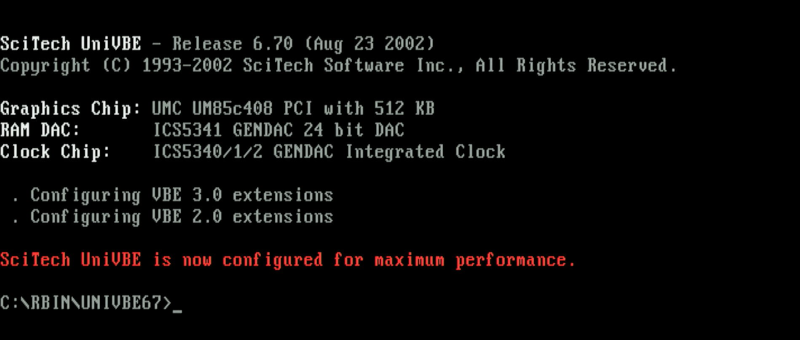
The UNIVBE.DRV that comes with v6.70 detects both the UMC and ET4000 cards correctly (you need to run UVCONFIG first - slightly odd is that with the UMC card it finished running through all the mode checks in about 3 seconds while the ET4000 took 90 seconds - perhaps the UMC isn't fully supported by UNIVBE 6.7 any more than just a few standard modes?):
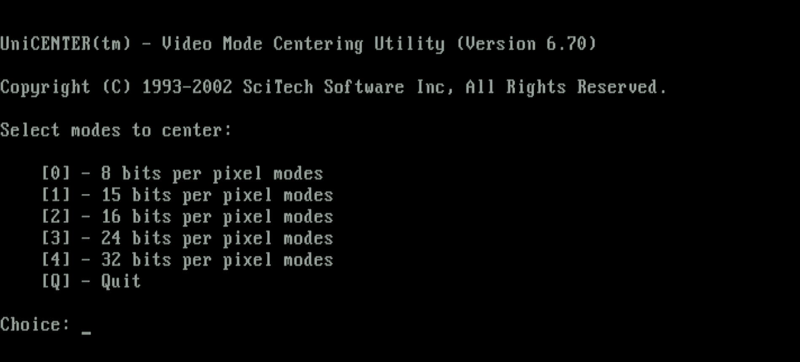
I then used the included UNICENTR utility which helps centre a graphics mode on your monitor. It provides options for some modes to also then choose from various refresh rates:
The table below shows the VCLK and MCLK frequencies while the machine was outputting graphics in different modes.
| UMC video card (UM9502 clock gen) | ET4000 video card (ICS2494 clock gen) | |||||
|---|---|---|---|---|---|---|
| Graphics Mode | VCLK (P#19) | MCLK (P#12) | Screenshot | VCLK (P#19) | MCLK (P#12) | Screenshot |
| 640 x 480 (16c) |
28.4 MHz | 50 MHz | |
45 MHz | 50 MHz | 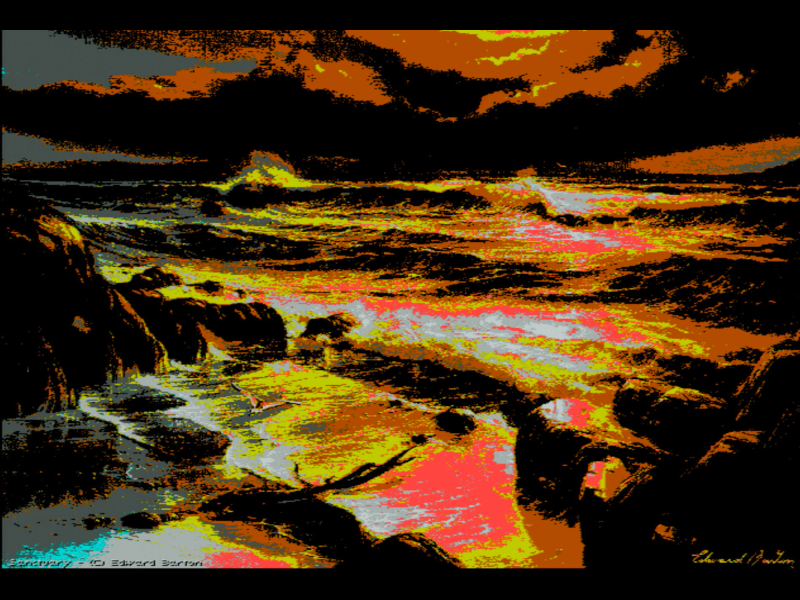 |
| 320 x 200 (8bpp) | 28.4 MHz | 50 MHz | 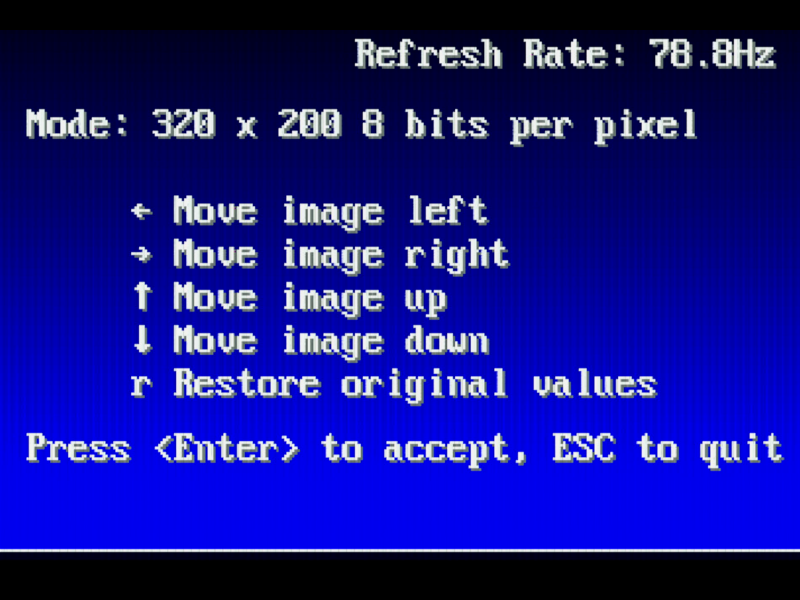 |
45 MHz | 56 MHz | 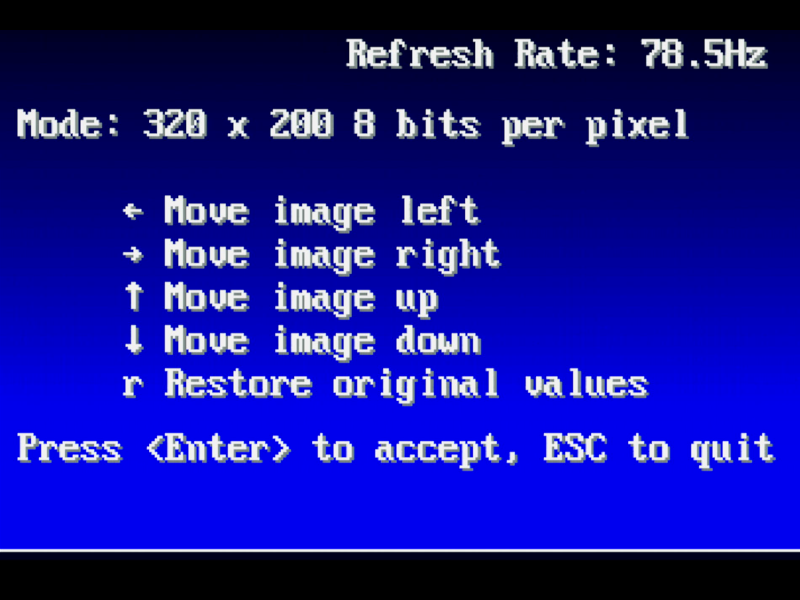 |
| 320 x 240 (8bpp) | 28.4 MHz | 50 MHz | 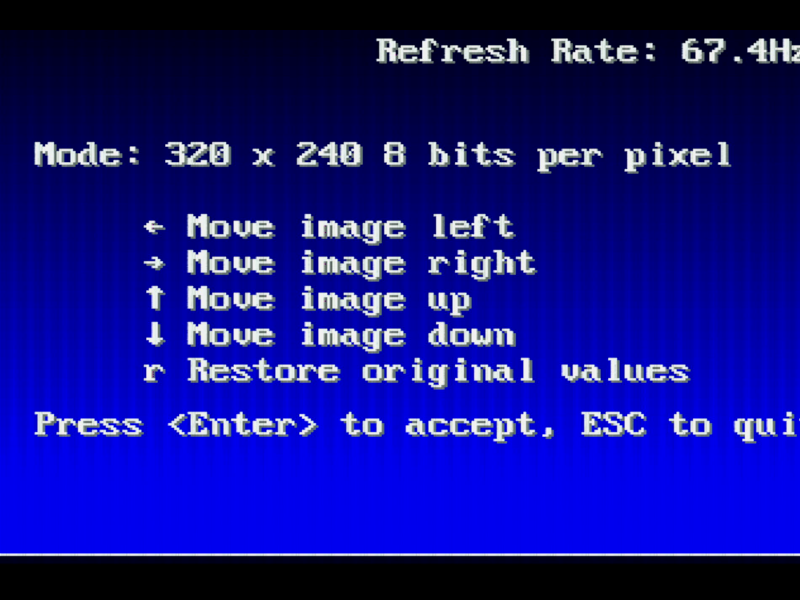 |
45 MHz | 56 MHz | 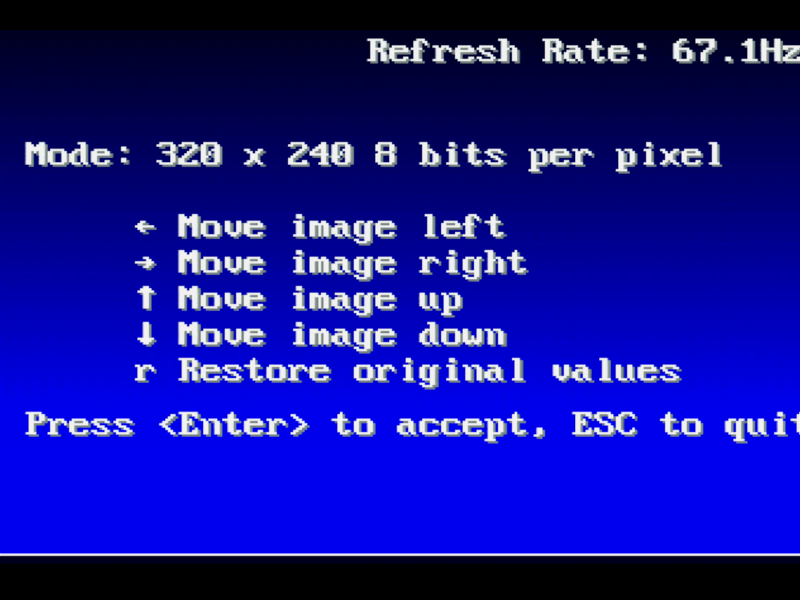 |
| 400 x 300 (8bpp) | 28.4 MHz | 50 MHz |  |
45 MHz | 89.2 MHz | 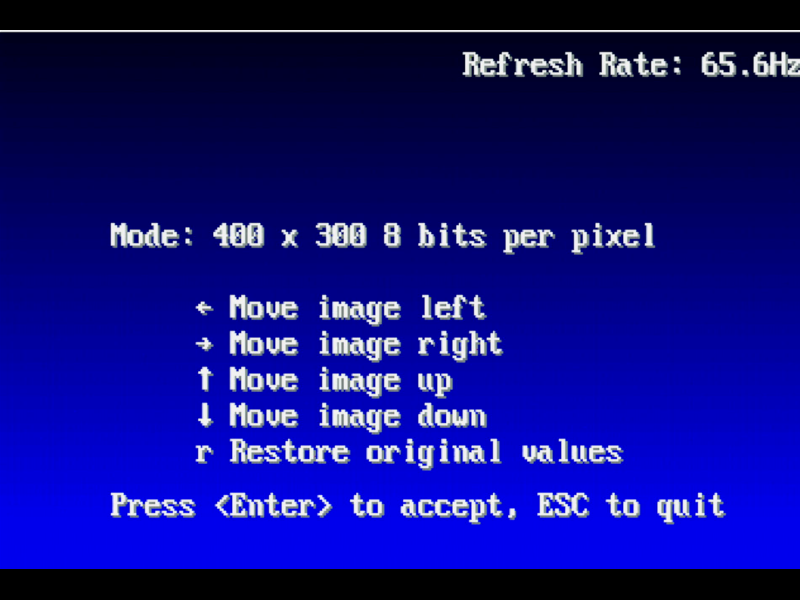 |
| 512 x 384 (8bpp) | 28.4 MHz | 50 MHz | 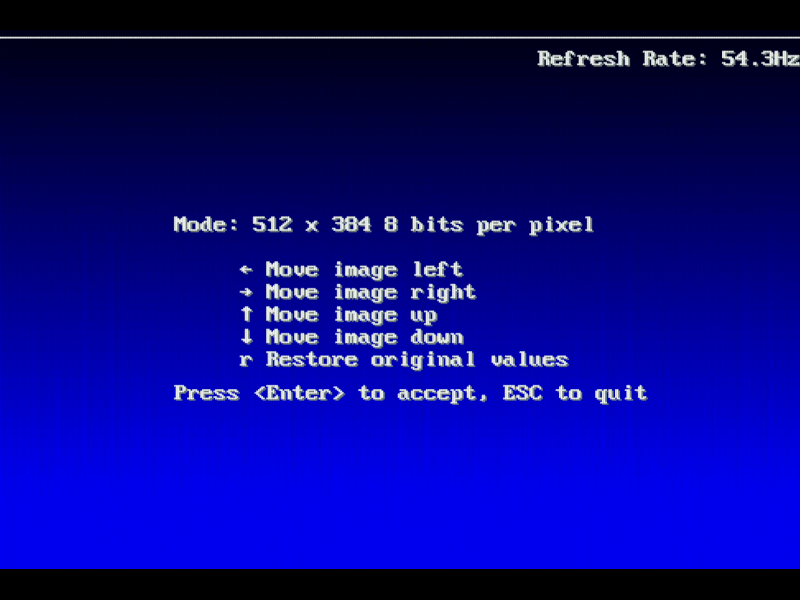 |
45 MHz | 80 MHz | |
| 640 x 400 (8bpp) | 28.4 MHz | 50 MHz | 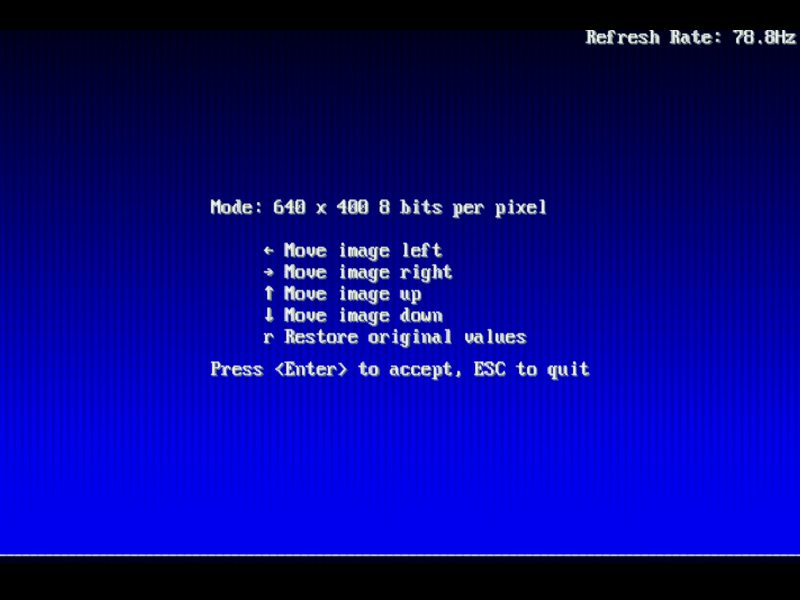 |
45 MHz | 56 MHz | 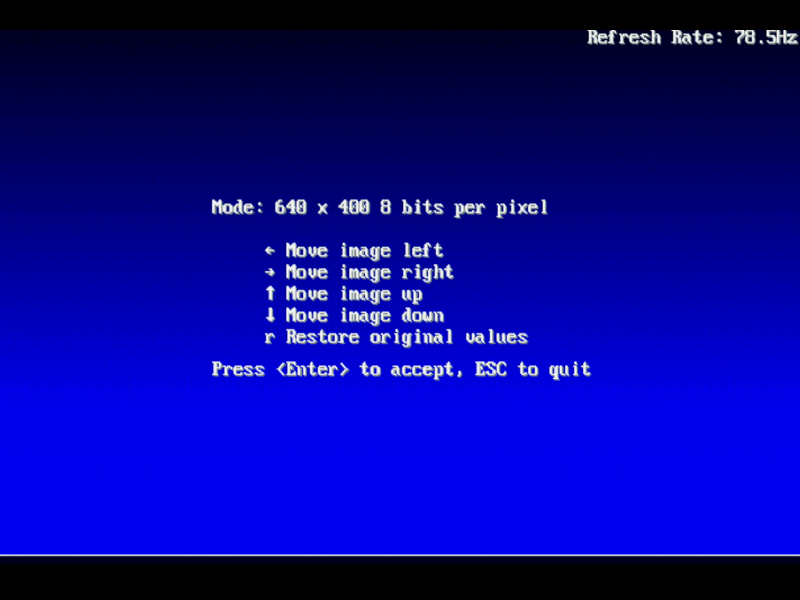 |
| 640 x 480 (8bpp) | 28.4 MHz | 50 MHz | 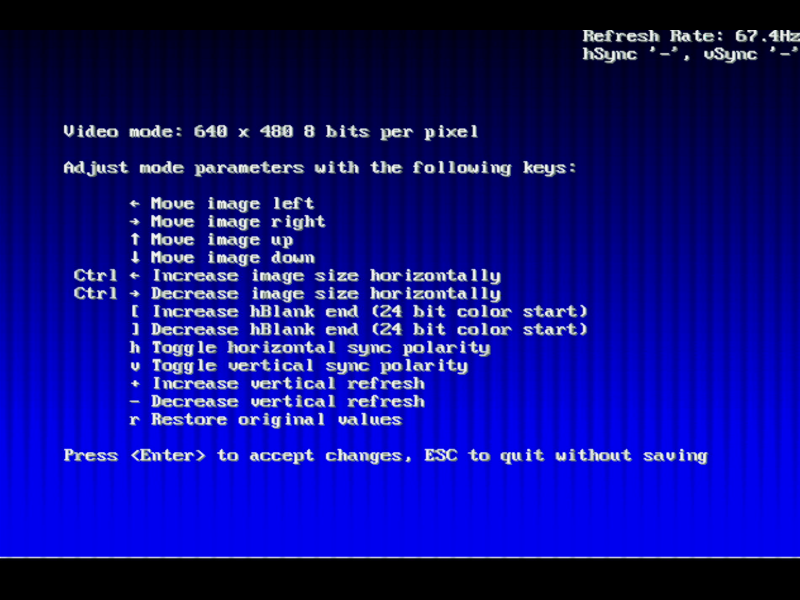 |
45 MHz | 50 MHz | |
| 320 x 200 (16bpp)* | 28.4 MHz | 50 MHz | 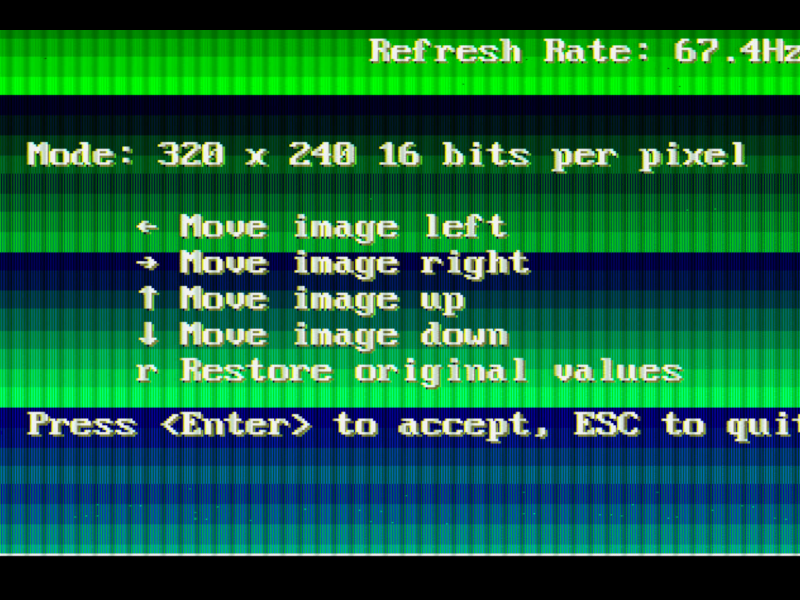 |
45 MHz | 50 MHz | 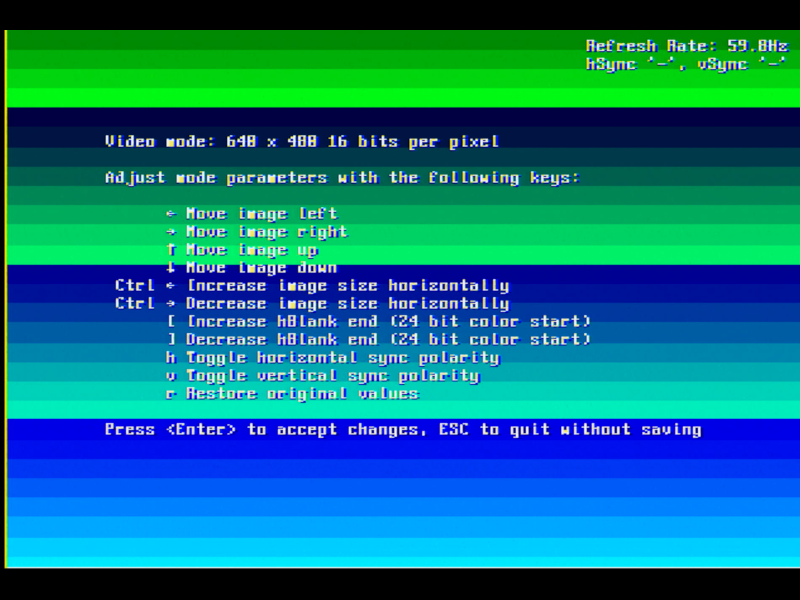 640x480x16bpp* |
| 400 x 300 (16bpp)* | 28.4 MHz | 50 MHz | |
45 MHz | 72 MHz | 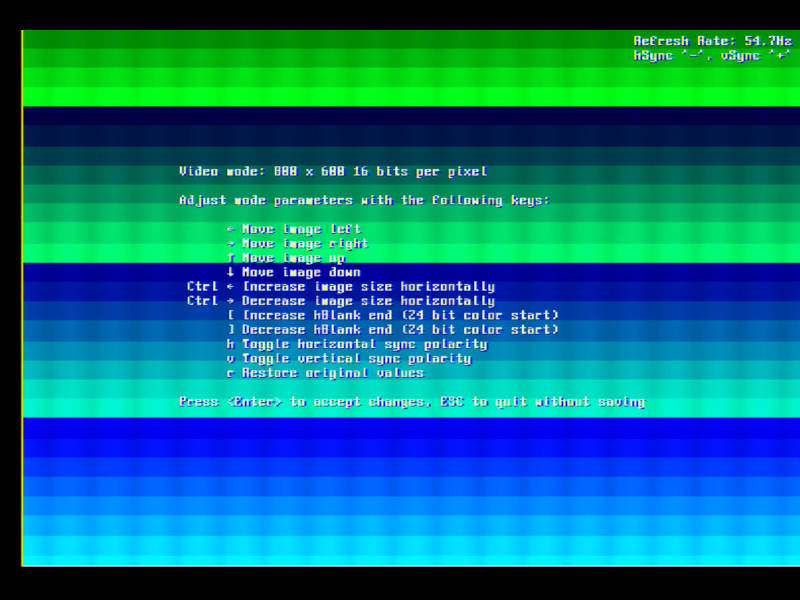 800x600x16bpp* |
*Some modes are supported on the UMC but not on the ET4000, so I chose a different mode here.
The fact that VCLK or MCLK don't change when different graphics modes are selected indicates we either have a faulty clock generator or a faulty chipset. If the clock gen isn't being sent a "Frequency Select" by the chipset it won't ever change its output clock. If the chipset is sending a "Frequency Select" and there's a fault in the clock gen, it won't change its output clock.
I found an interesting table showing the standard VCLK and MCLK frequencies programmed into another pin-compatible clock gen, the AVSEM AV9194/AV90C64:
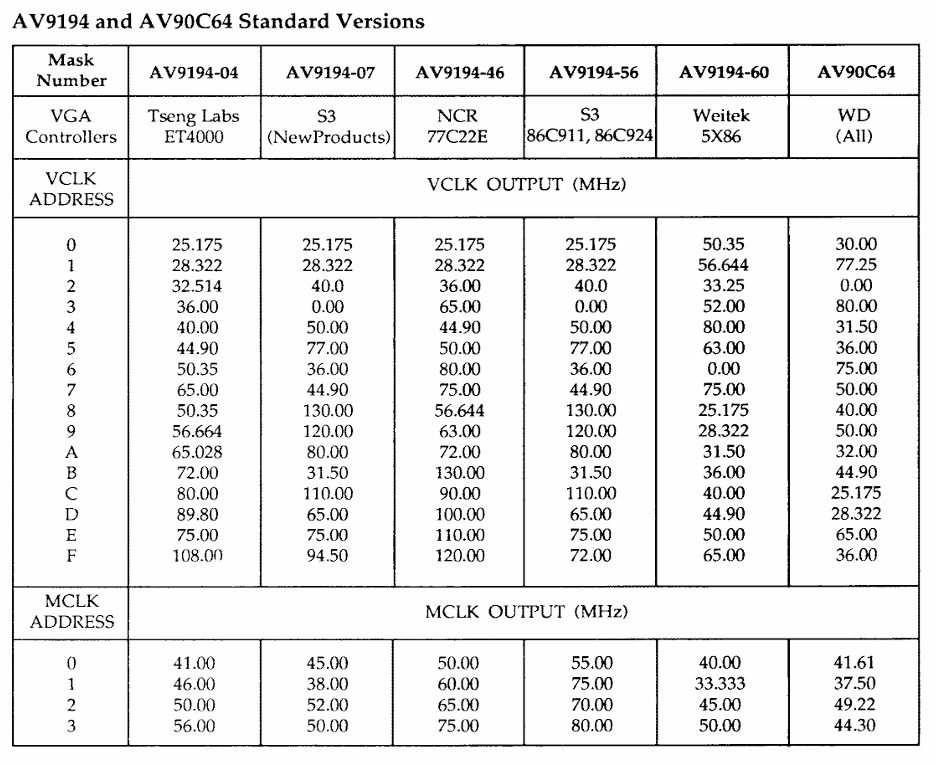
What's strange here is that my measurements appear to have these reversed, i.e. VCLK stays around 28.4 MHz (or 45 MHz on the ET4000) and MCLK is the one that fluctuates when different frequencies are selected. If you can help me understand why this might be the case, please get in touch!
There is a GitHub project by moogway82 where he's replaced the clock gen IC with a small board based on the Skyworks Si5351A and Atmel ATTiny85 microcontroller. This looks interesting, as you could then program your own frequency outputs to suit different cards. If you're struggling to find a replacement clock gen, this could be the answer.
Conclusion
So as this point, I'm not sure what I can do to get this card fully operational. The UNIVBE UNICENTR utility appears to show output at different resolutions just fine, even though the refresh rates displayed aren't accurate, but running most standard graphics modes, e.g. in games, completely fails ("Unsupported" or "Out of range" from the monitor). It's worth mentioning that they all work fine on the ET4000 card.
Despite leaving this mini project without a fix, I still hope some of this has been interesting to read and provides some insight into how these cards work.