Let's Explore: IBM OS/2 v2.11 - Part 2
4th July 2026
In this Part 2, we'll go through a brand new installation of OS/2 version 2.11. Having come from a primarily DOS and Windows background, I certainly hit more than one hurdle during this process.
OS/2 came on 22 3.5" 1.44 MB floppy disks, and it was these that I eventually used to get the operating system installed. There are CD-ROM .ISO images out there, as OS/2 v2.11 was distributed on CD a bit later.
The retro PC I used here had these specs:
| Motherboard | Gigabyte GA-5AX Super 7 Rev 4.1, 512 KB L2 cache (1998) - BIOS configured to look to boot from A: first, then C: |
| CPU | Intel Pentium MMX 166 MHz (1997) |
| Memory | 128 MB PC133 SDRAM |
| Hard Disk | 512 MB CompactFlash card via CF-to-IDE adapter. Single 4 GB partition currently boots into MS-DOS 6.22. All remaining space unallocated. |
| Floppy Drive | Gotek floppy emulator w/ FlashFloppy v3.38 |
First things first, I grabbed a copy of OS/2 v2.11. This came with these floppy disk images:
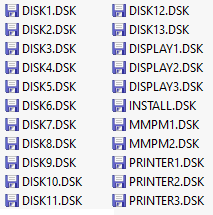
I wrote them to my Sandisk USB stick, stuck them in the Gotek and fired up the retro PC. Somewhat naively, I thought I could just put the "INSTALL" floppy disk in, reboot the machine, and it would start the install routines. It didn't - I consistently got this error message:
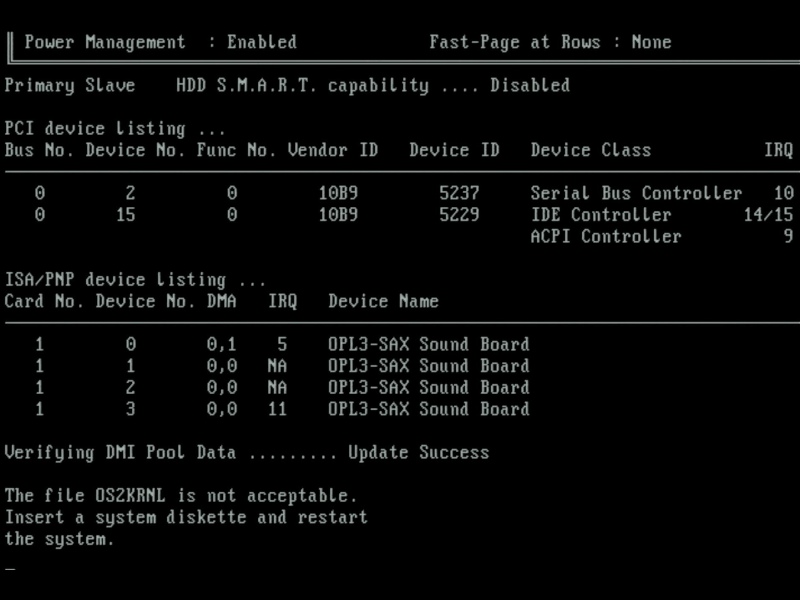
"The file OS2KNRL is not acceptable"
Not very friendly, right? Well after doing some digging, I learned a few things. Trying to install OS/2 on a very fast machine can certainly cause issues, and there was a 'FixPack' from IBM that included a revised kernel file (it's called OS2KRNLI on the first floppy disk). So I grabbed the new kernel file and put it on the INSTALL disk image, overwriting the original. The same error occurred. Reverting back to the original floppy with its original kernel file, I then took the advice I'd read somewhere else online about disabling the internal / external caches in the BIOS. With the CPU cache disabled (but L2 cache enabled) my retro PC was brought down to the performance of a 386. Upon restarting, again I got the same error.
It then dawned on me there's an option in the BIOS concerning OS/2:
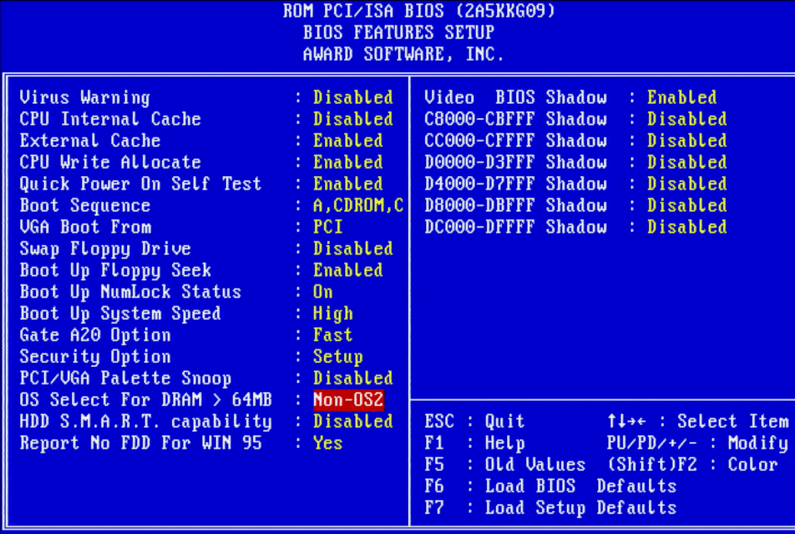
BIOS Features screen in my Award BIOS
I changed this from Non-OS2 to OS2 and restarted the machine. This time it worked! (NB: with hindsight it's kind of dumb to try to install a 1993/1994 operating system on a PC with 128 MB of RAM installed when a period-correct amount would be 4 or 8 MB, 16 at the absolute limit).
Did I actually need to slow the system down or was this the fix? I wasn't sure but was happy to proceed...
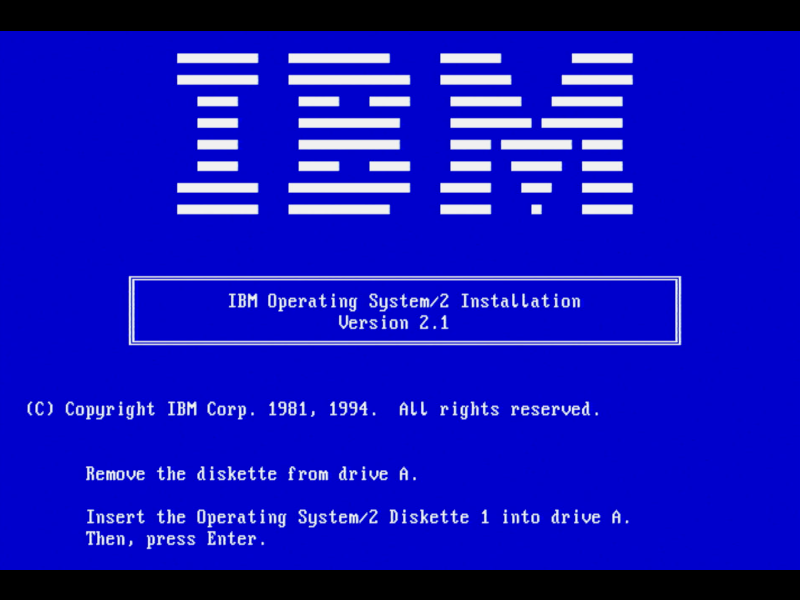
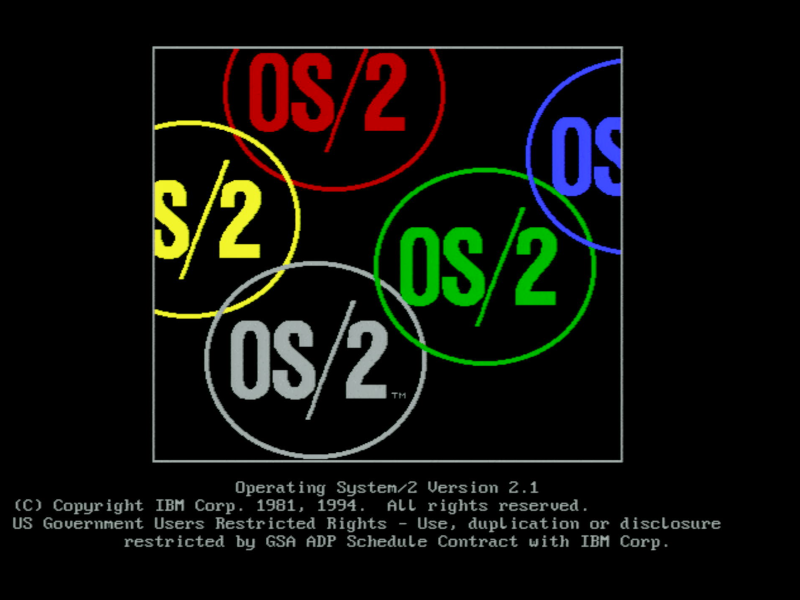
Getting as far as Diskette 1 in the installation
I then had my second issue. With Diskette 1 my Gotek was going nuts, almost like it was in a constant reboot loop - the built-in LCD screen flipping between the 'FlashFloppy' startup message and the current disk information. It just wasn't working right. At this point I was a few hours into starting this project, and knowing there was a CD image out there I decided to switch to doing a CD-ROM-based installation. Using this guide, I dug out my CD-ROM drive, connected it up, burned the ISO image to a brand new CD-ROM, downloaded the two floppy disk images [that you still need to begin a CD-ROM install], and so on. OS/2's installer doesn't detect IDE CD-ROM drives. In my blurry mind I had completely forgotten that IDE CD-ROM drives simply didn't exist until a short time after OS/2 v2.1 was released, so of course there's no driver for them. You have to download a driver that IBM provided in a later FixPack to add this support. Creating the necessary media for a CD-ROM install also means deleting files from the floppy to make room for the new driver files and editing the CONFIG.SYS file on that floppy to see the new files. I did all that and restarted the installation, only to then get this error: "System Installation failed to start the session.":
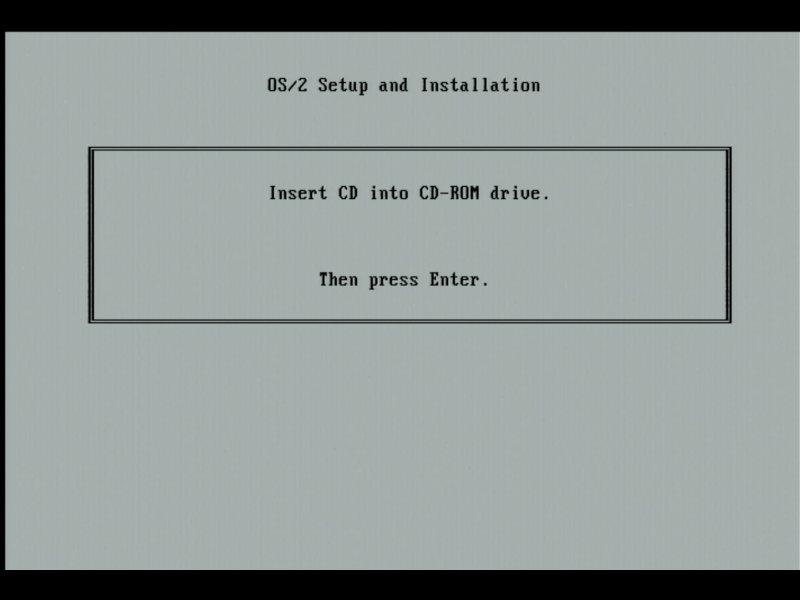
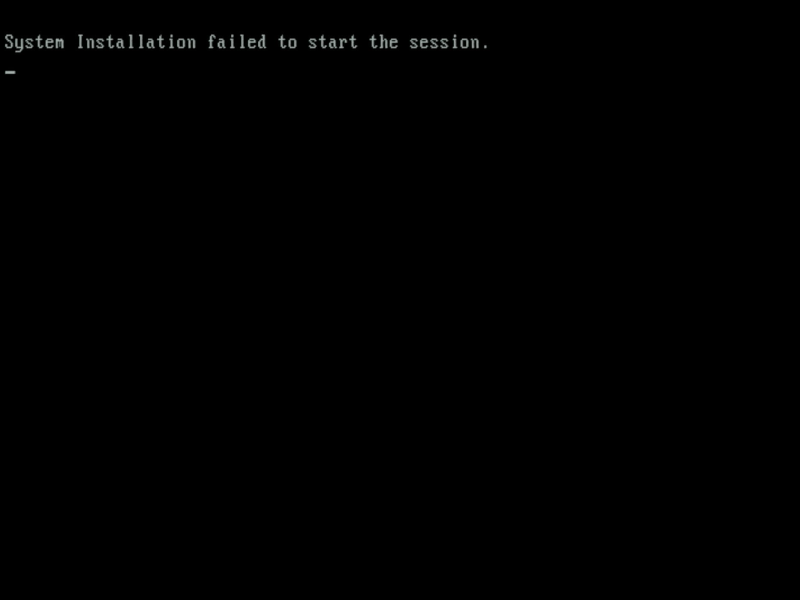
I never got to the bottom of the cause of this, and reverted back to the floppy disks once more. I needed to find out why the Gotek was unhappy with my "Diskette 1" floppy image. It didn't take long... it turns out these .DSK floppy images just aren't compatible with my version of FlashFloppy. Fortunately they are readable in WinImage, the tool I have used for years to create/edit floppy disk images. I opened every one of the .DSK image files in WinImage and resaved them in .IMA format to my USB stick. I restarted the installation, and voila, we were now off to the races!
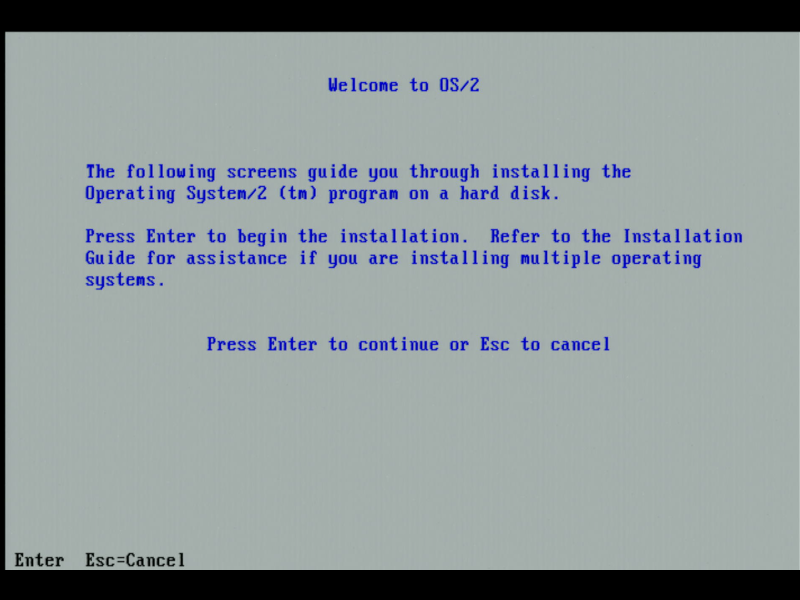
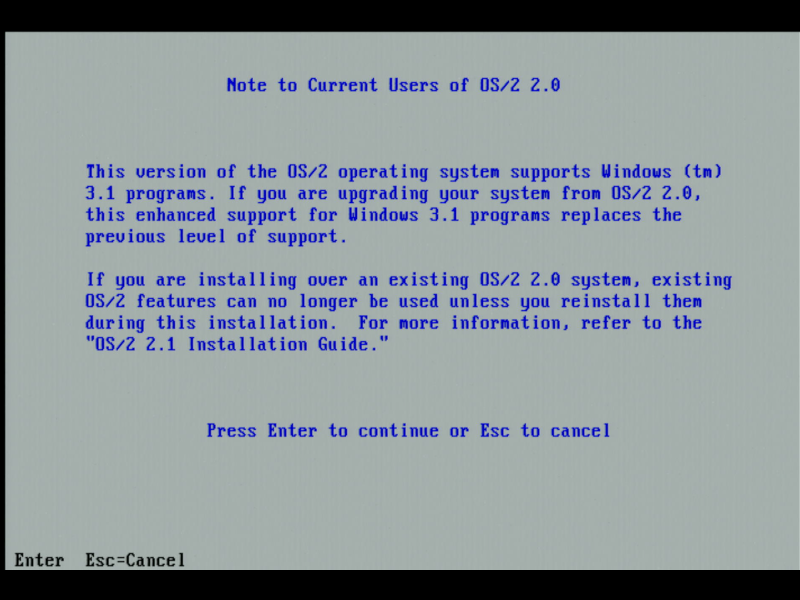
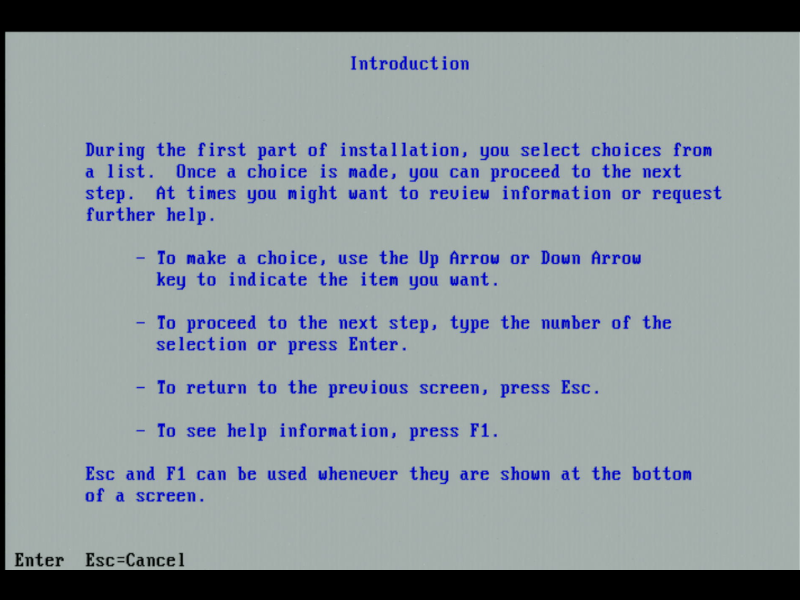
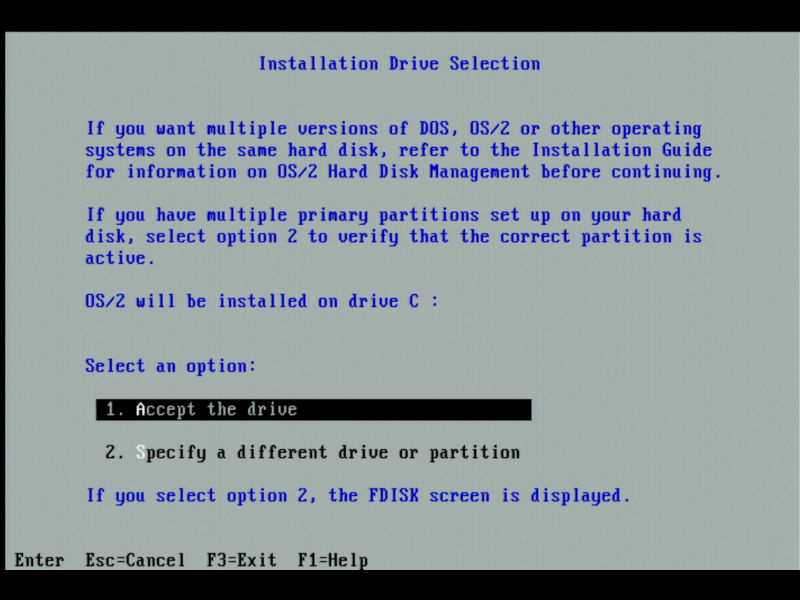
It was at this point where I really wasn't sure whether OS/2 would happily co-exist on my existing C: drive (with FAT file system of course) or trash my existing DOS partition, which I really want to keep. My goal was to have a dual boot option with DOS and OS/2 as the two choices on startup. I chose option 2 in the above screen:
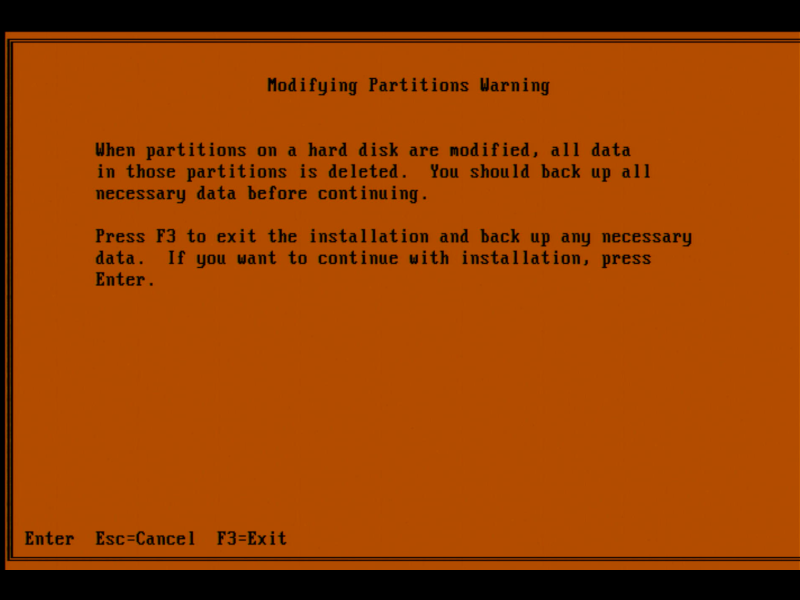
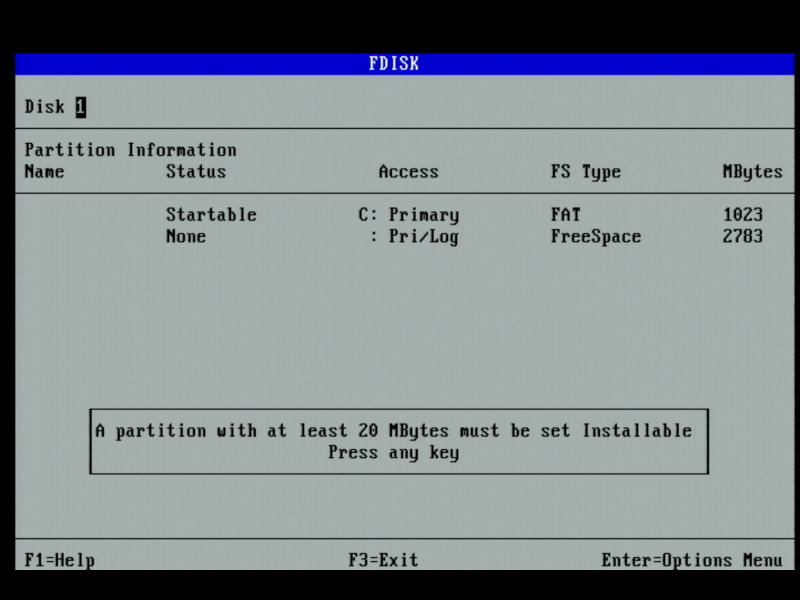
So there's my DOS partition as C: and the rest is unallocated. Even though DOS and OS/2 both use FDISK to manage partitions and logical drives, the OS/2 version is completely different in both look and feel and terminology, e.g. an 'Active' partition in DOS means it's the one it will boot from. In OS/2, these are called 'Startable'. You do have to add them to the Boot Manager menu if you want them to appear in the list on startup.
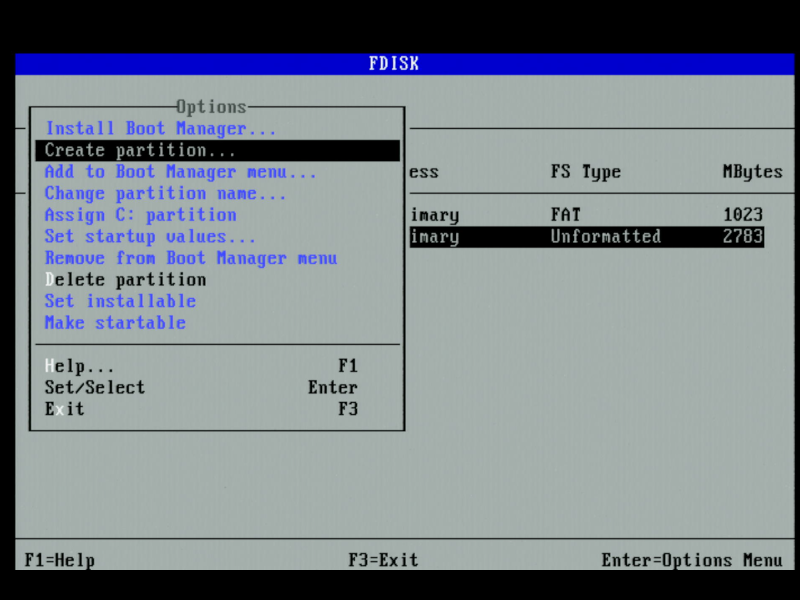
Selecting the Unformatted part of the drive and hitting Enter to show the options menu.
I created a new partition of 500 MB in size, then chose the option to 'Add to Boot Manager menu'. Boot Manager is the bootstrap that runs when the machine is first started.
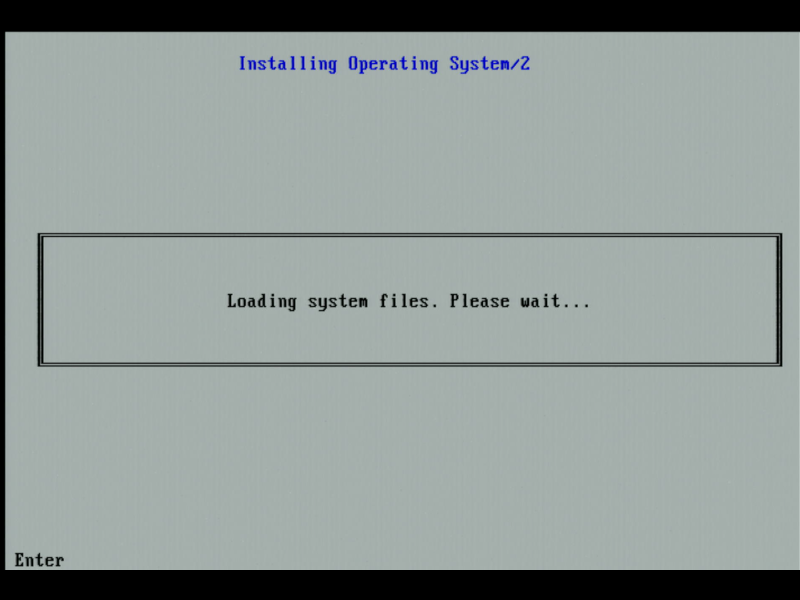
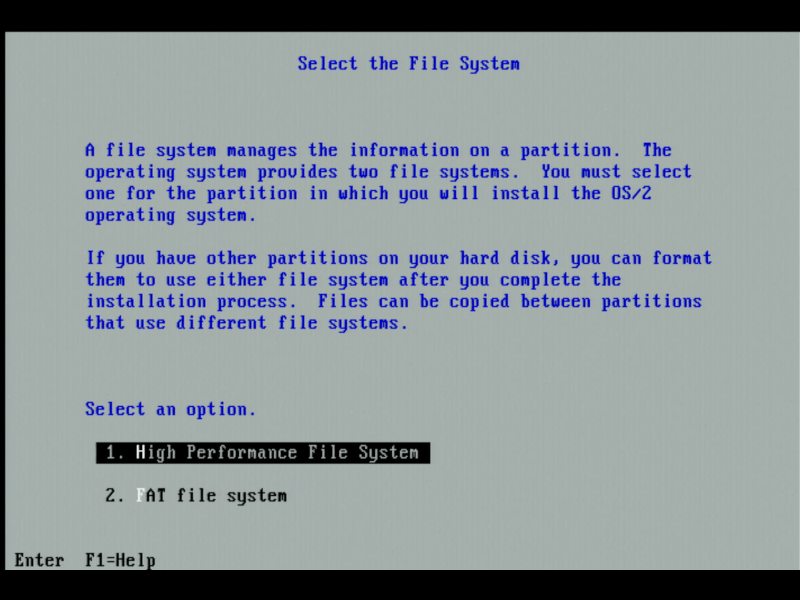
Despite HPFS being better in every way, I chose FAT for easier
copying of files between OS/2 and my existing DOS/Windows 3.1 partition.
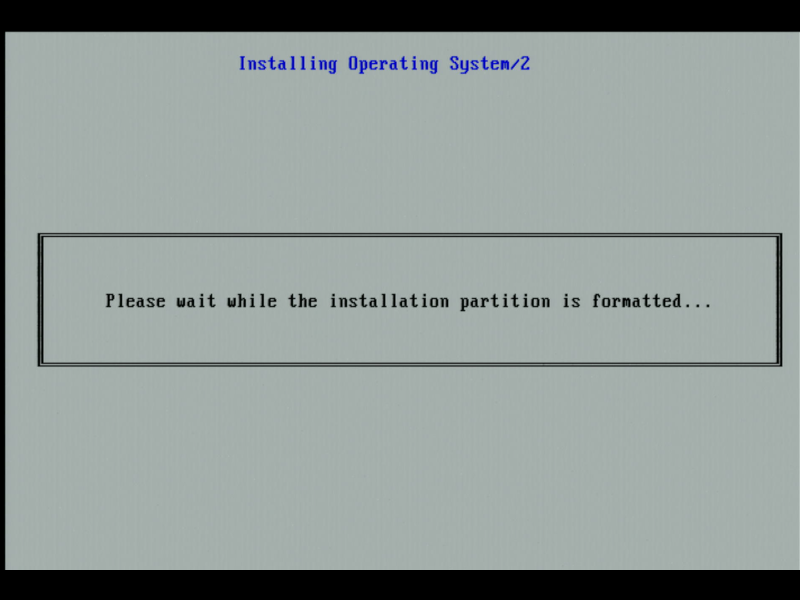
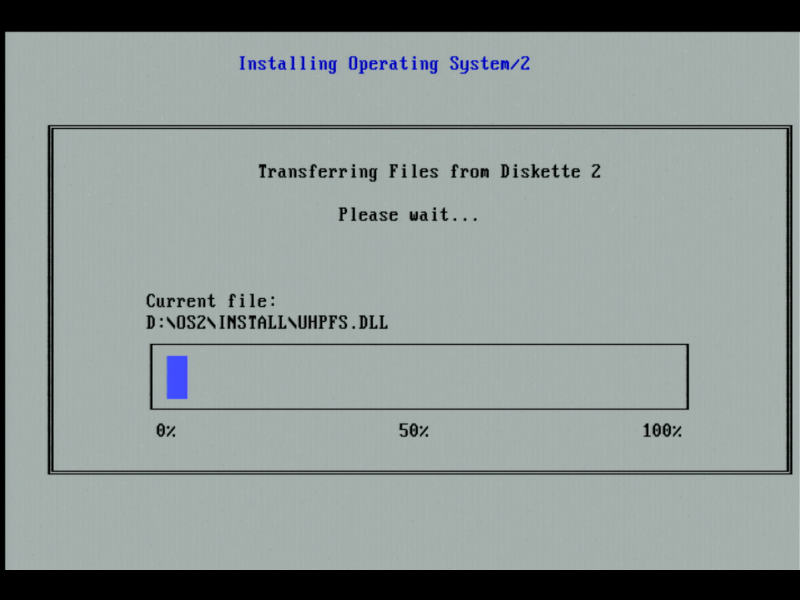
As I recall, the installer transfers files up to and including Diskette 4 in this text-based mode. It then asks you to remove the floppy disk and restart the machine. The installer then continues in a graphics mode:
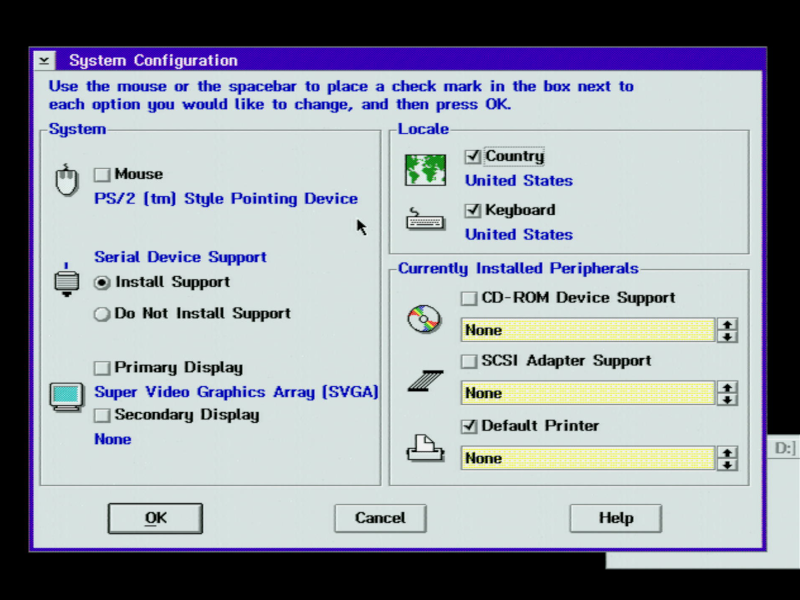
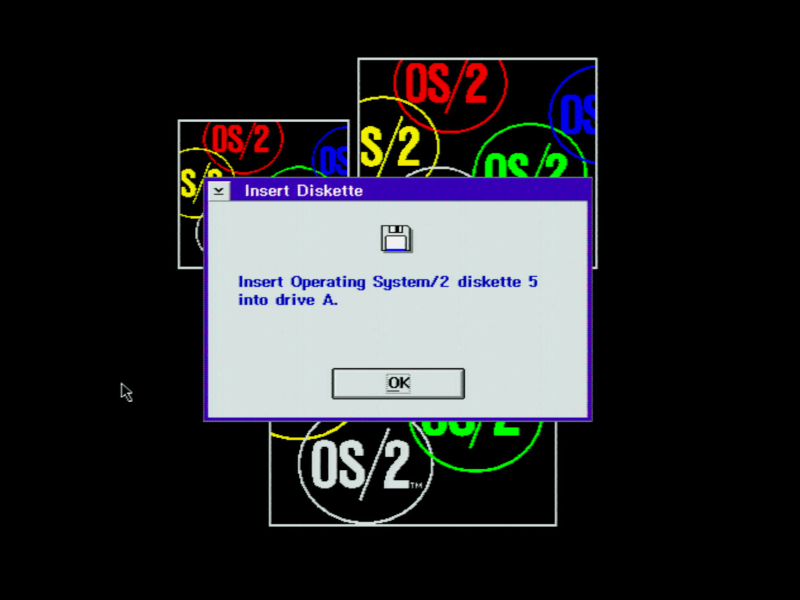
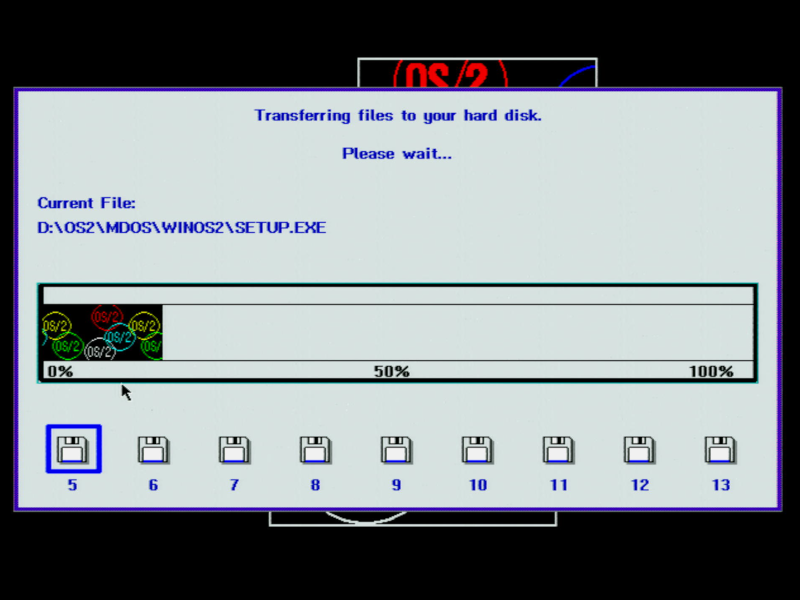
After you've gone through all the disks (and back again a few times to the INSTALL and DISKETTE 1 ones), you can install any custom device drivers or have it locate existing Windows applications that you want to use in OS/2:
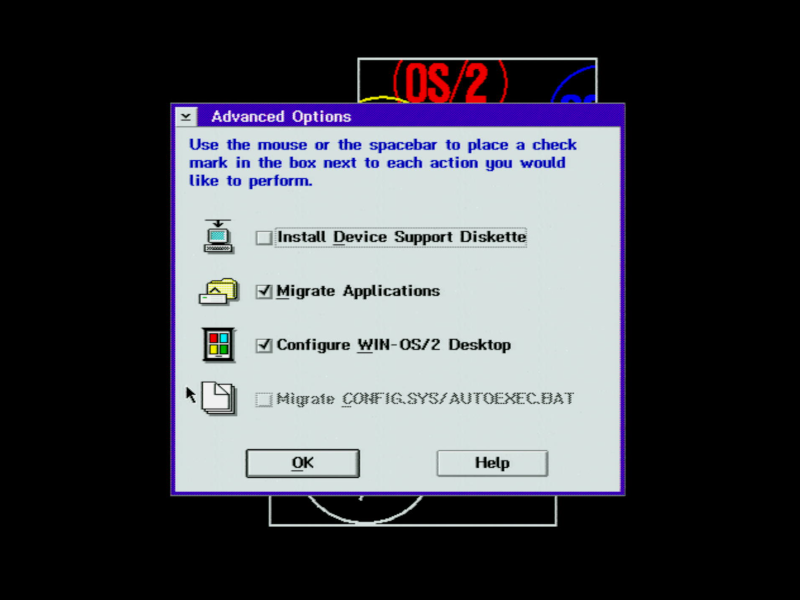
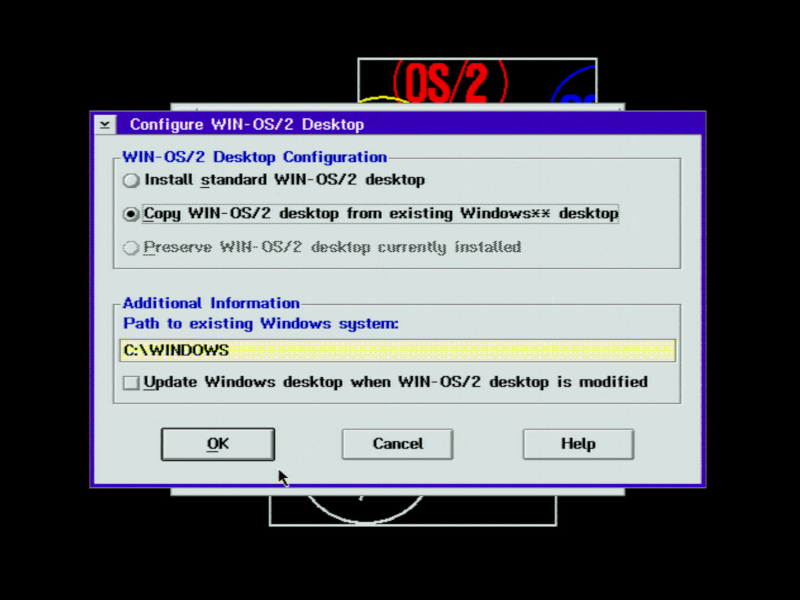
I chose 'Install standard WIN-OS/2 desktop'
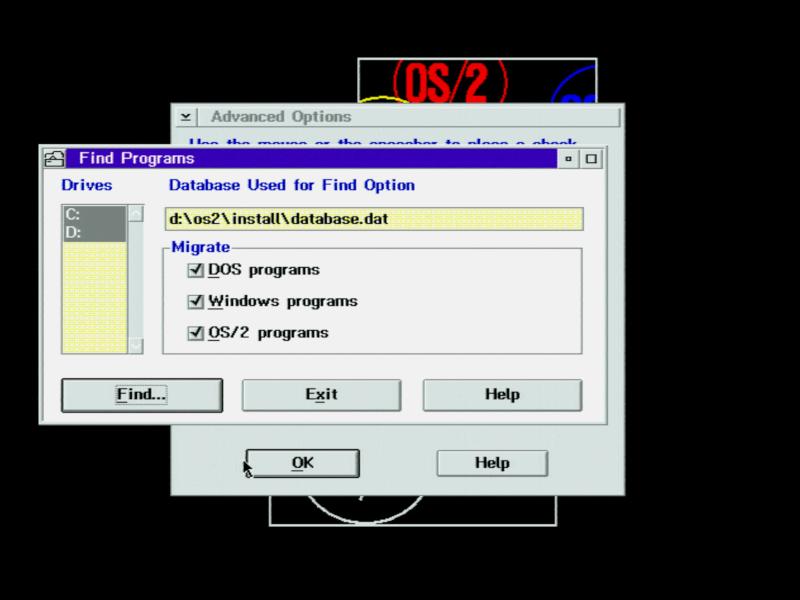
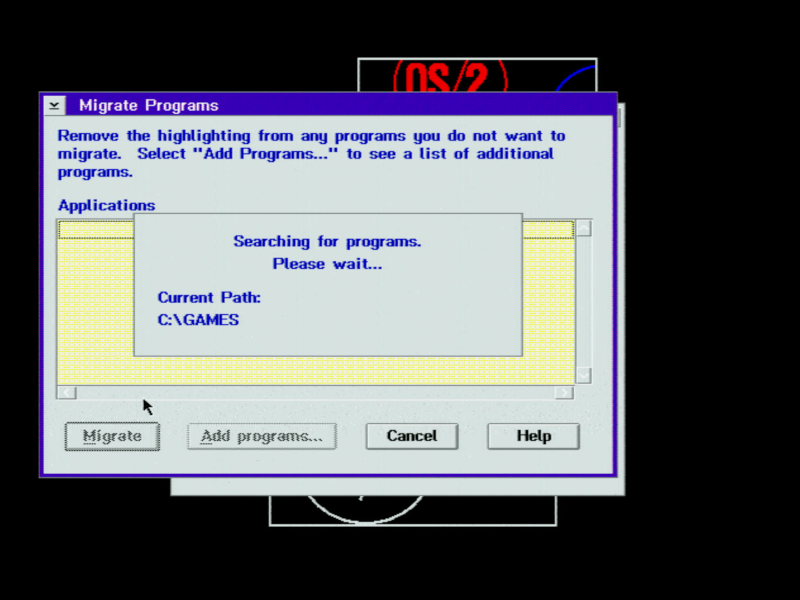
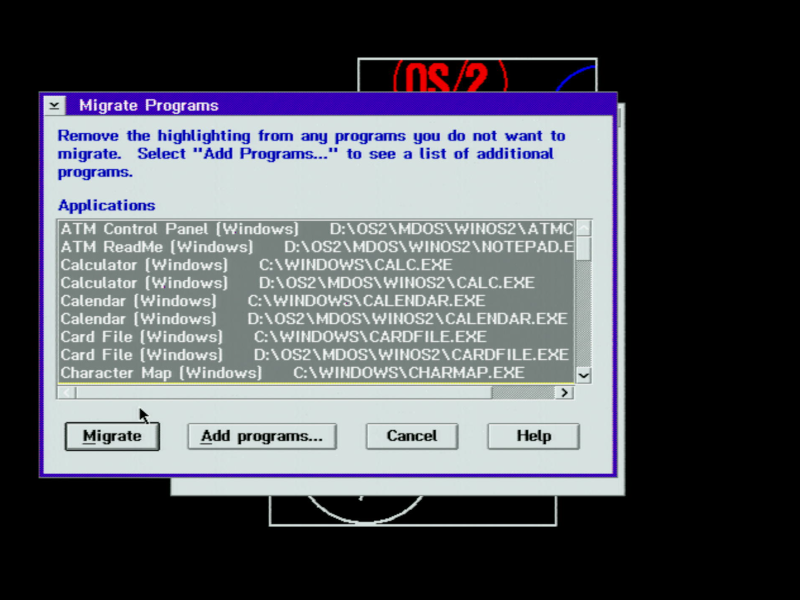
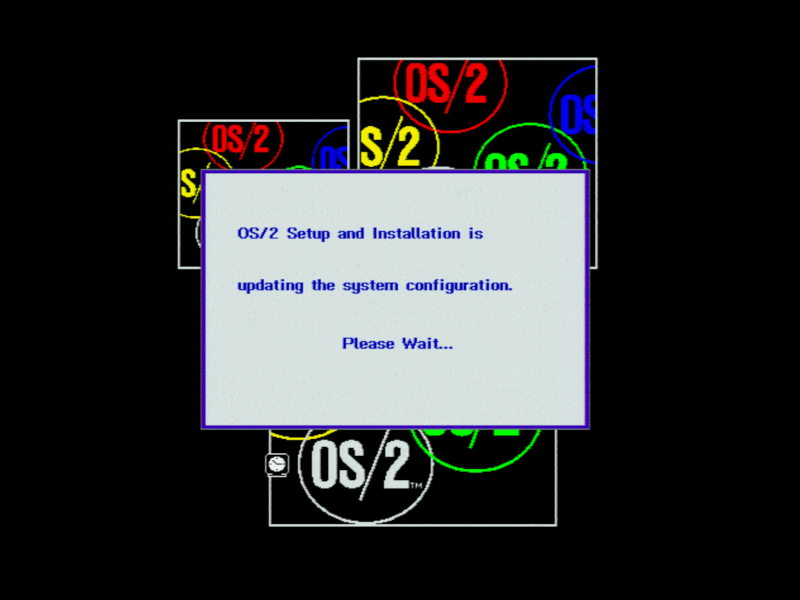
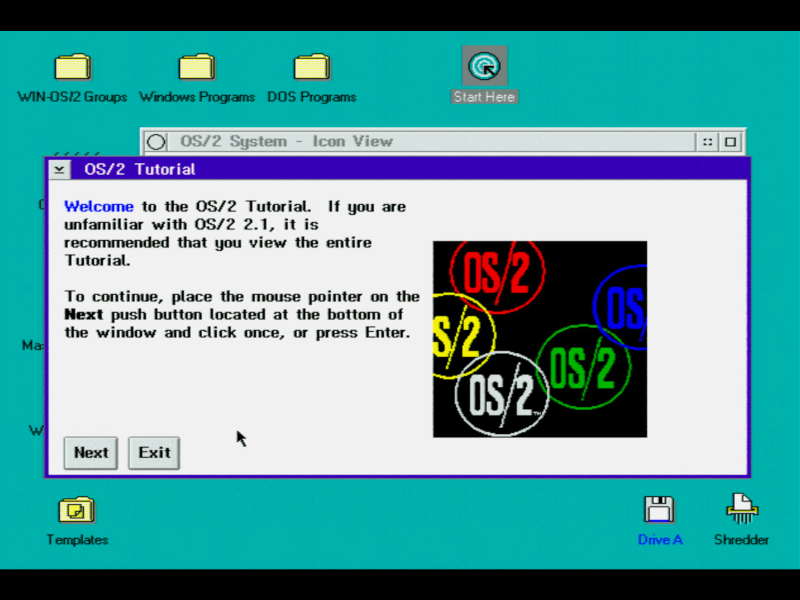
And there we have it - OS/2 v2.11 installation complete! Installing from floppy disks was a slow process, but we got there in the end. The next thing to do was re-enable the L1 cache in the BIOS to bring it back to full speed, but when I did this the same OS2KRNL error happened. The remedy for this is to install an IBM FixPack.
In Part 3, we'll see how the new operating system runs applications (both native OS/2 and Windows ones), as well as DOS games.